Corbett MBOX Converter: Know How it Works!
-
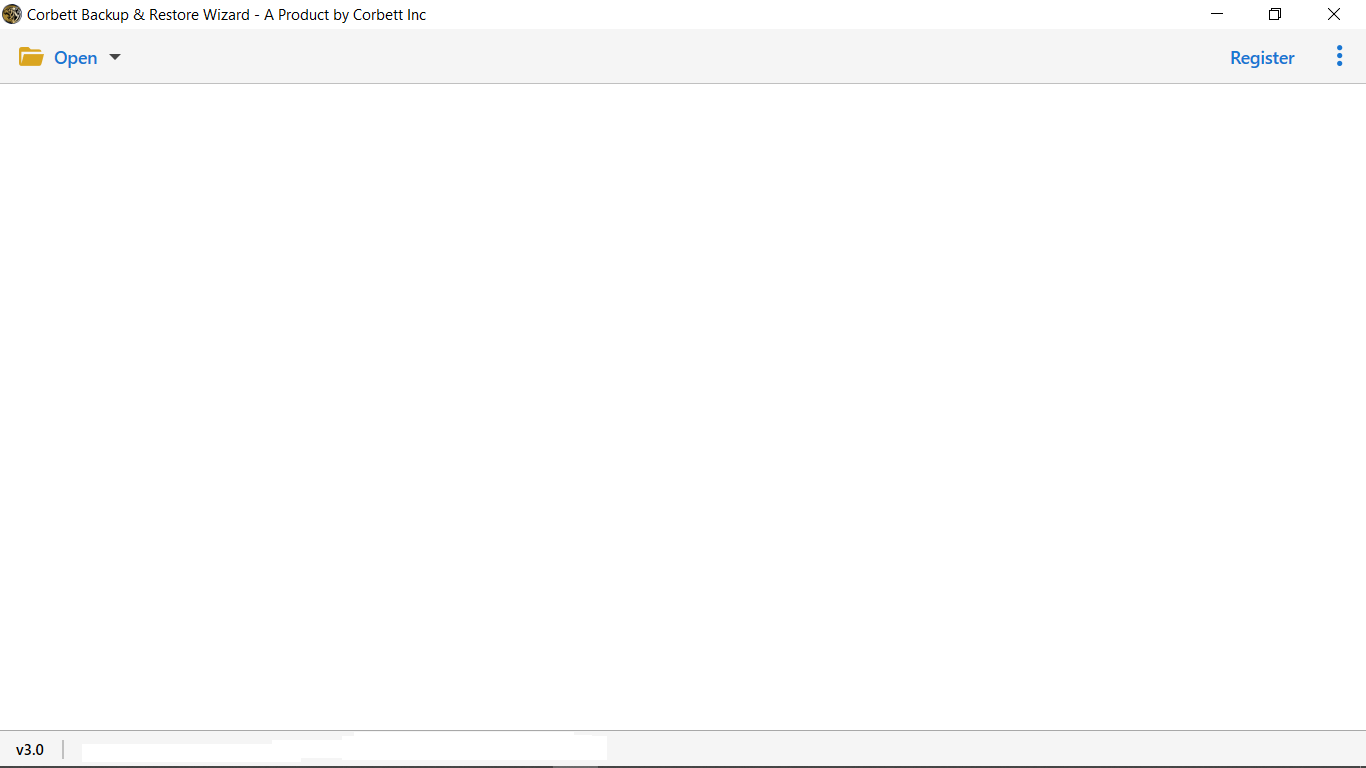
Download Corbett MBOX Email Address Extractor Software and Install on Your Windows Operating System
-
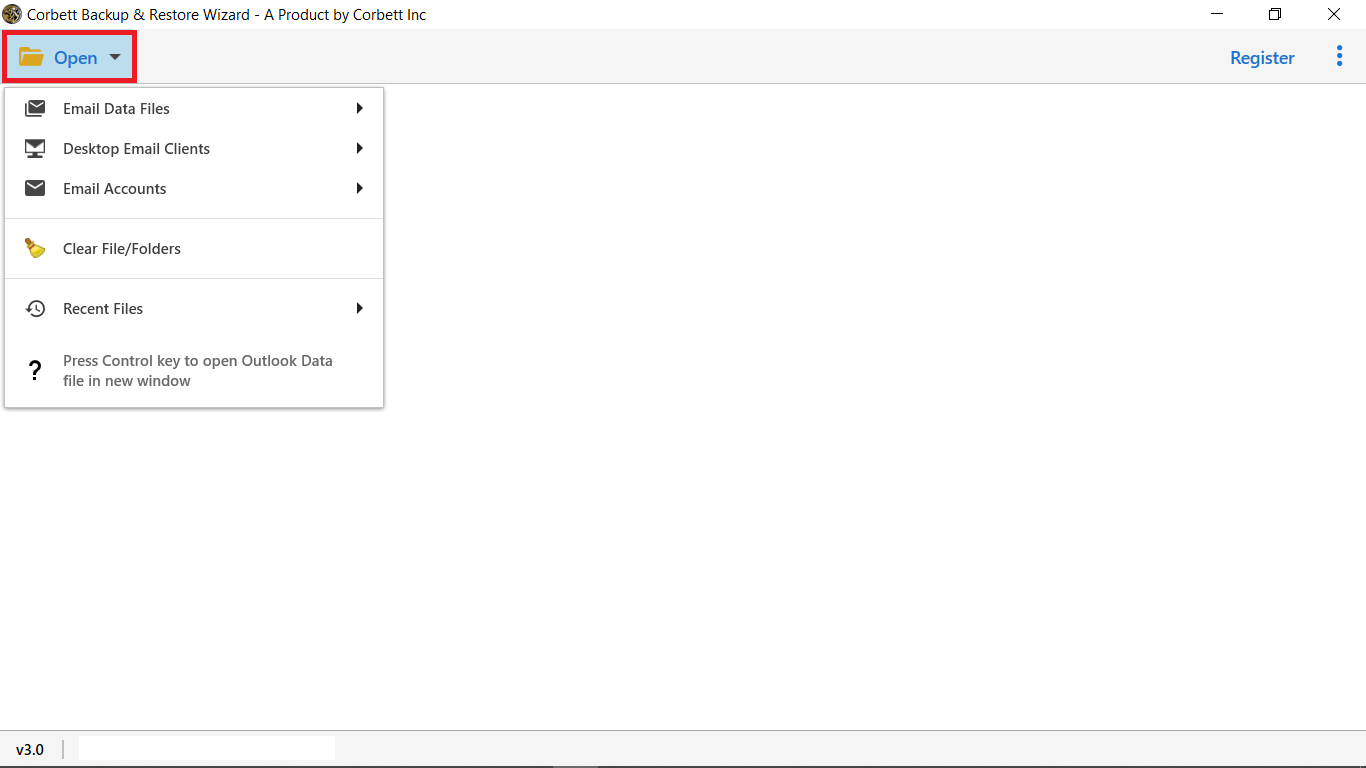
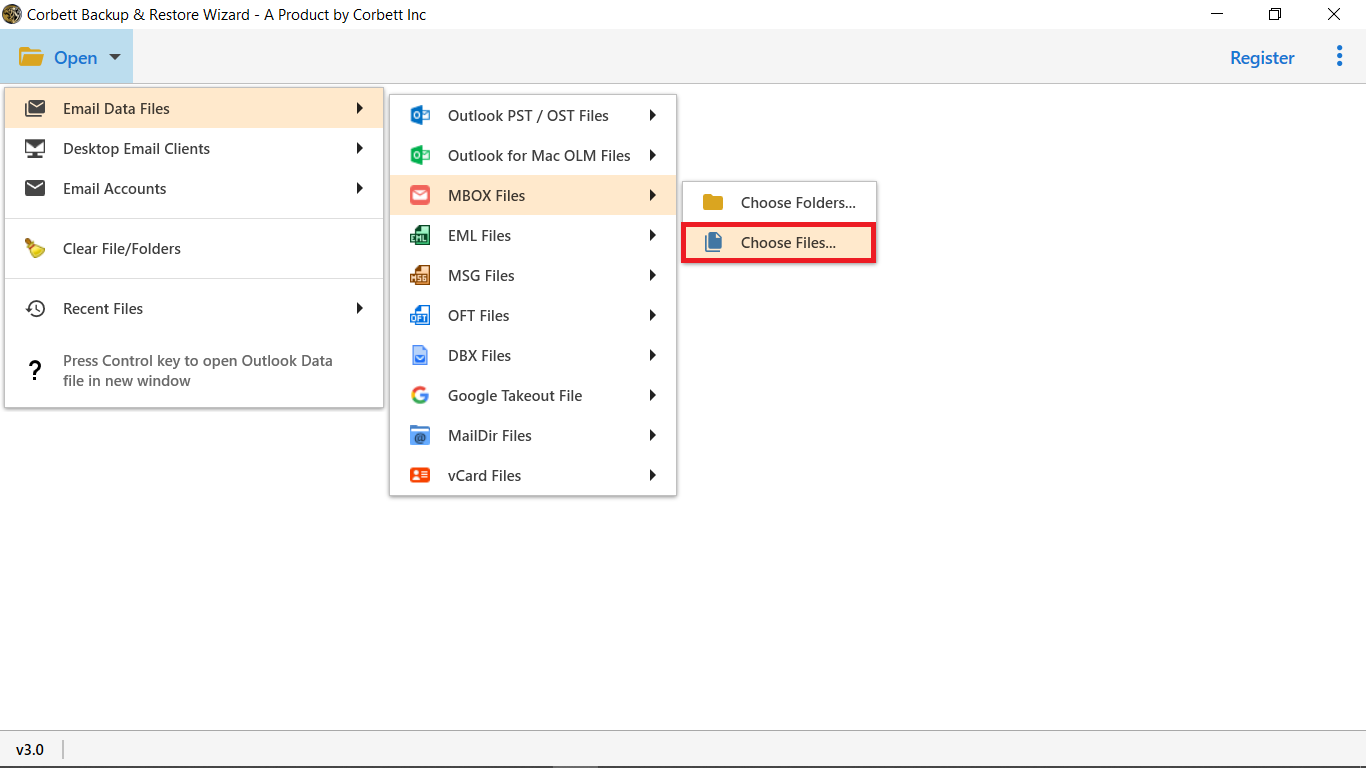
Select Open, In the top left menu bar
-
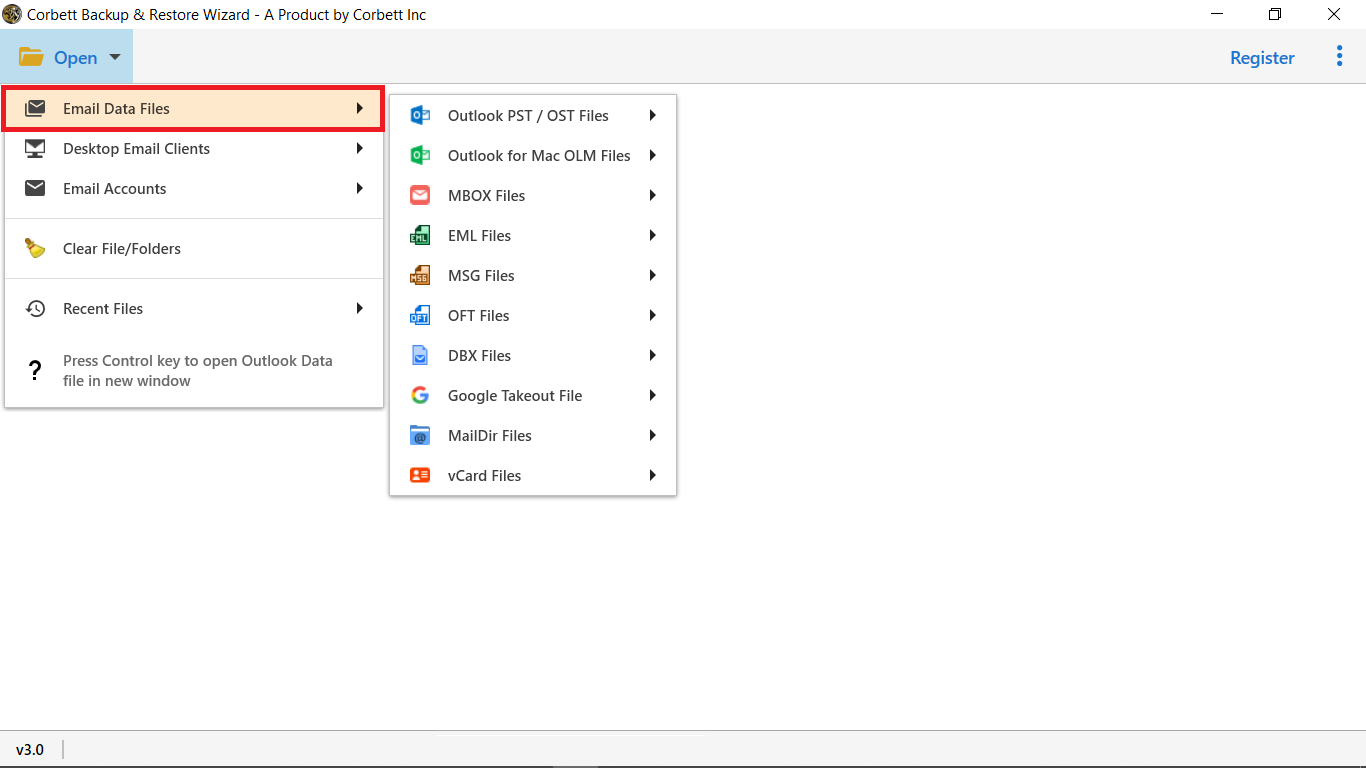
Select Email Data Files from the pop-up box
-
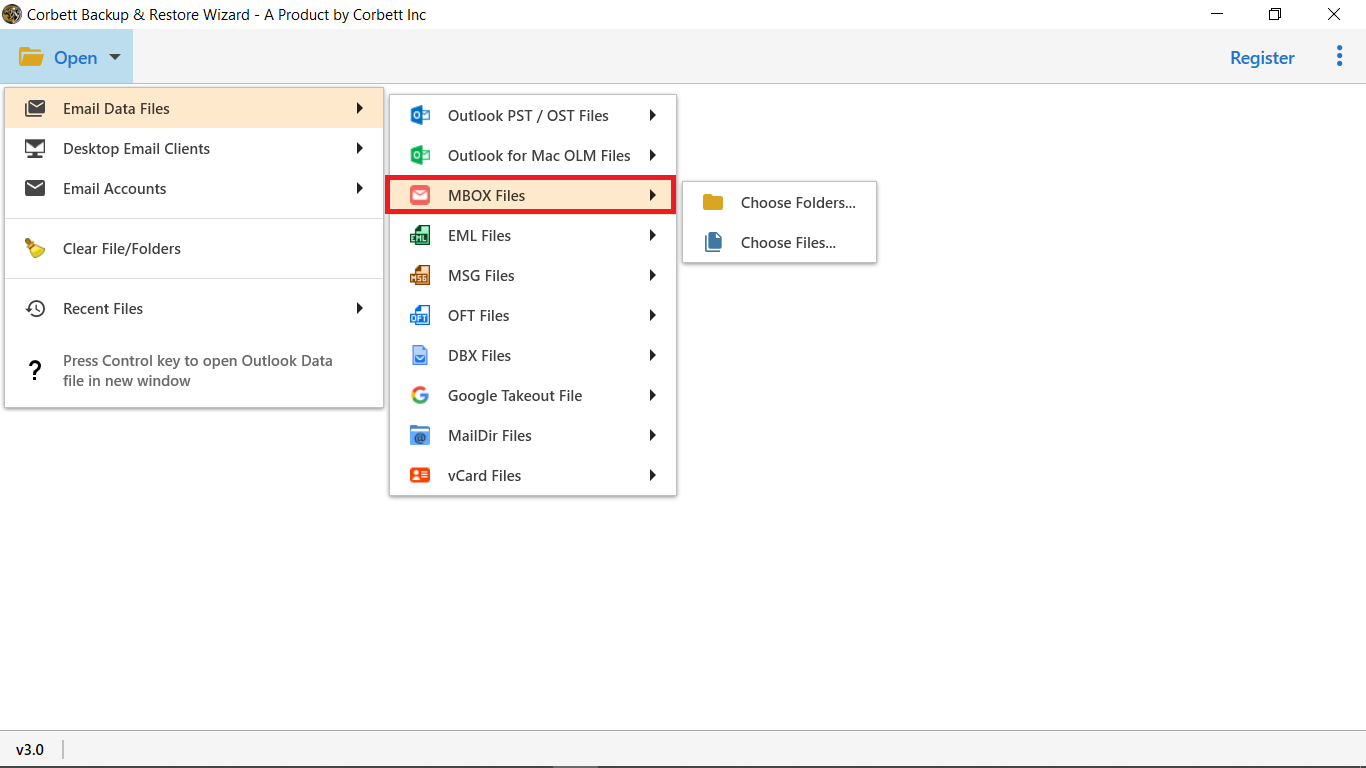
Select MBOX Files from the Multiple options
-
The utility provides two options, select either Choose Folder OR Choose Files.
-
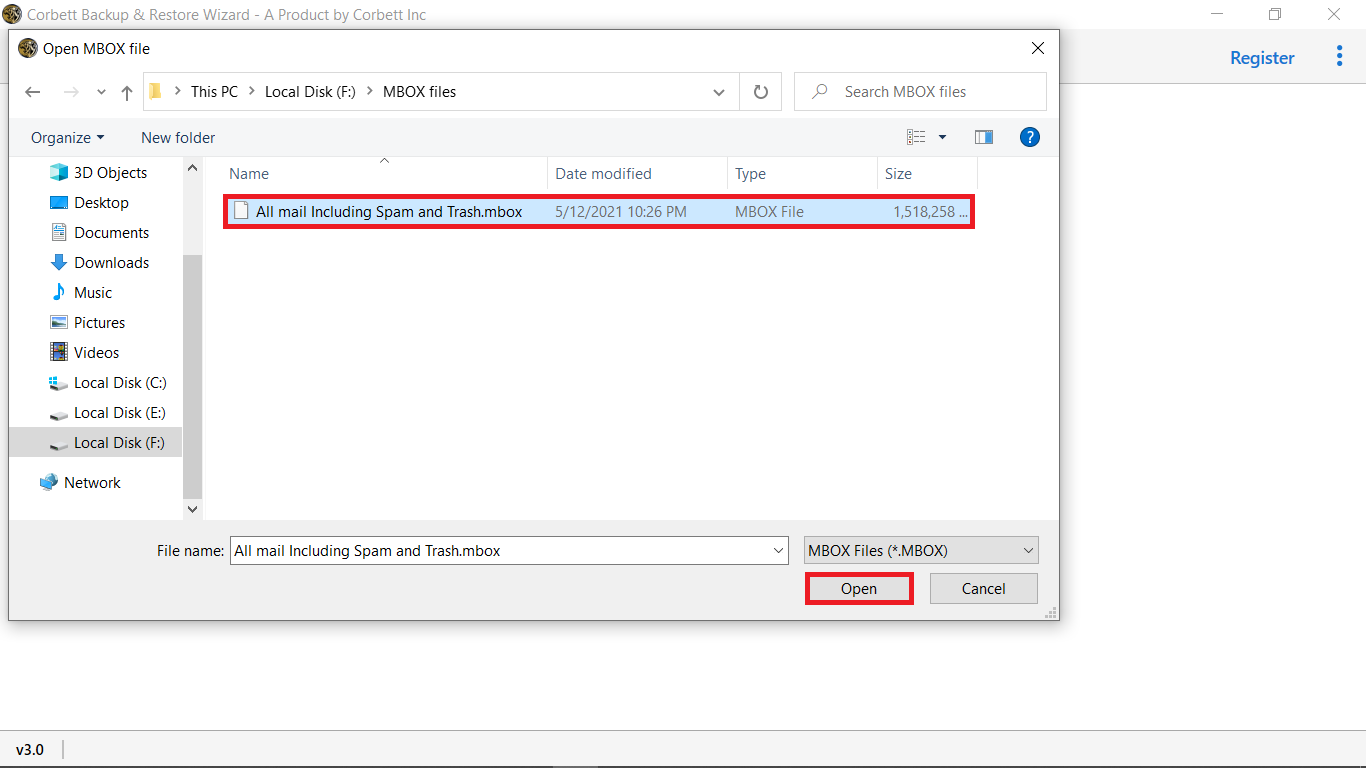
Select MBOX Files/Folders from your Windows Operating System and click Open
-
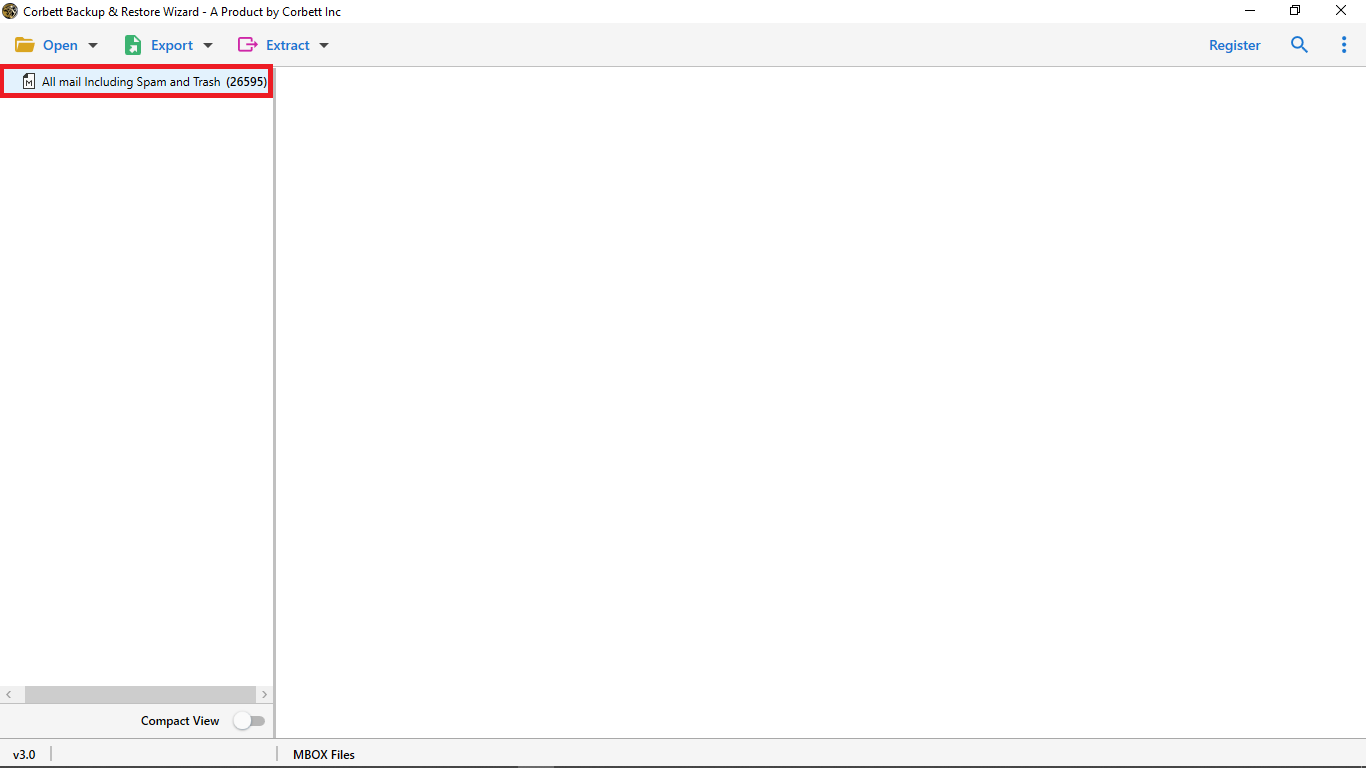
Select your MBOX files to load your email files
-
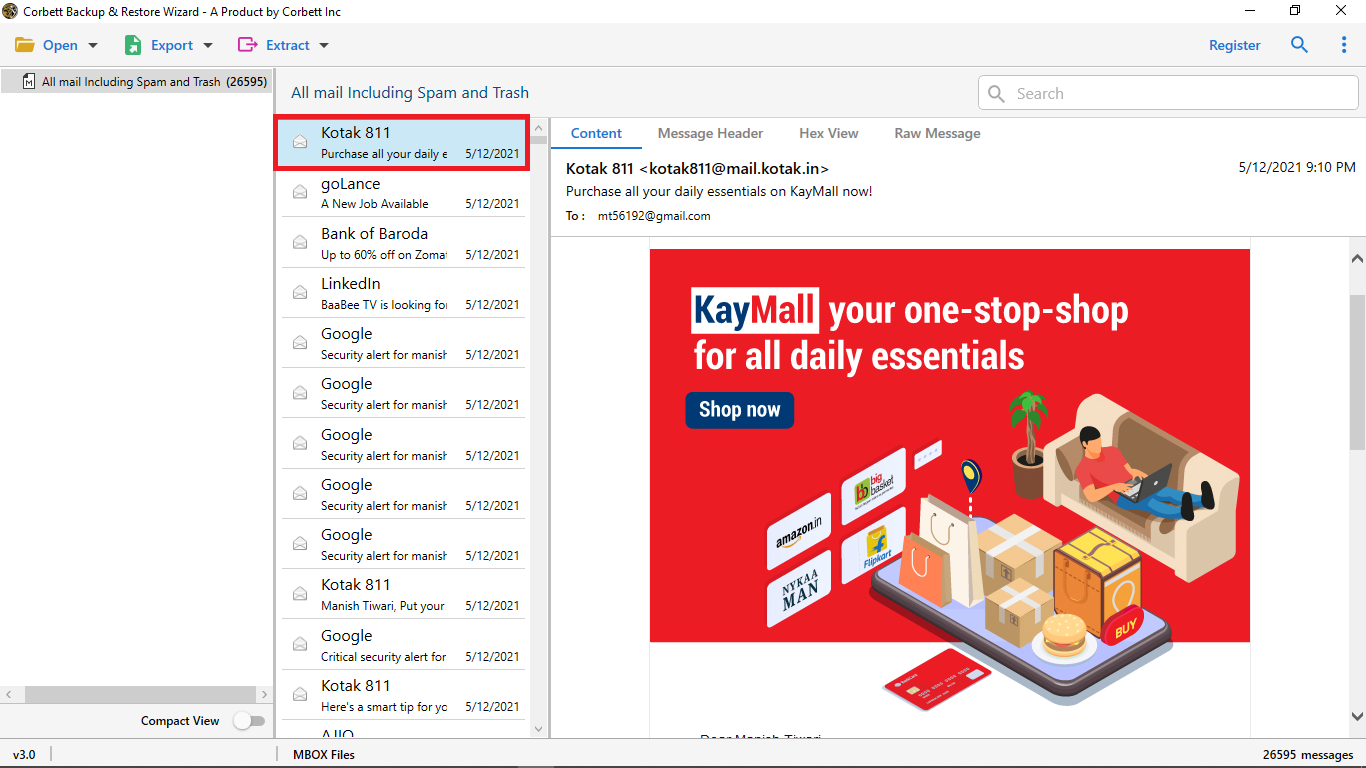
Select any of the MBOX File to preview the full email
-
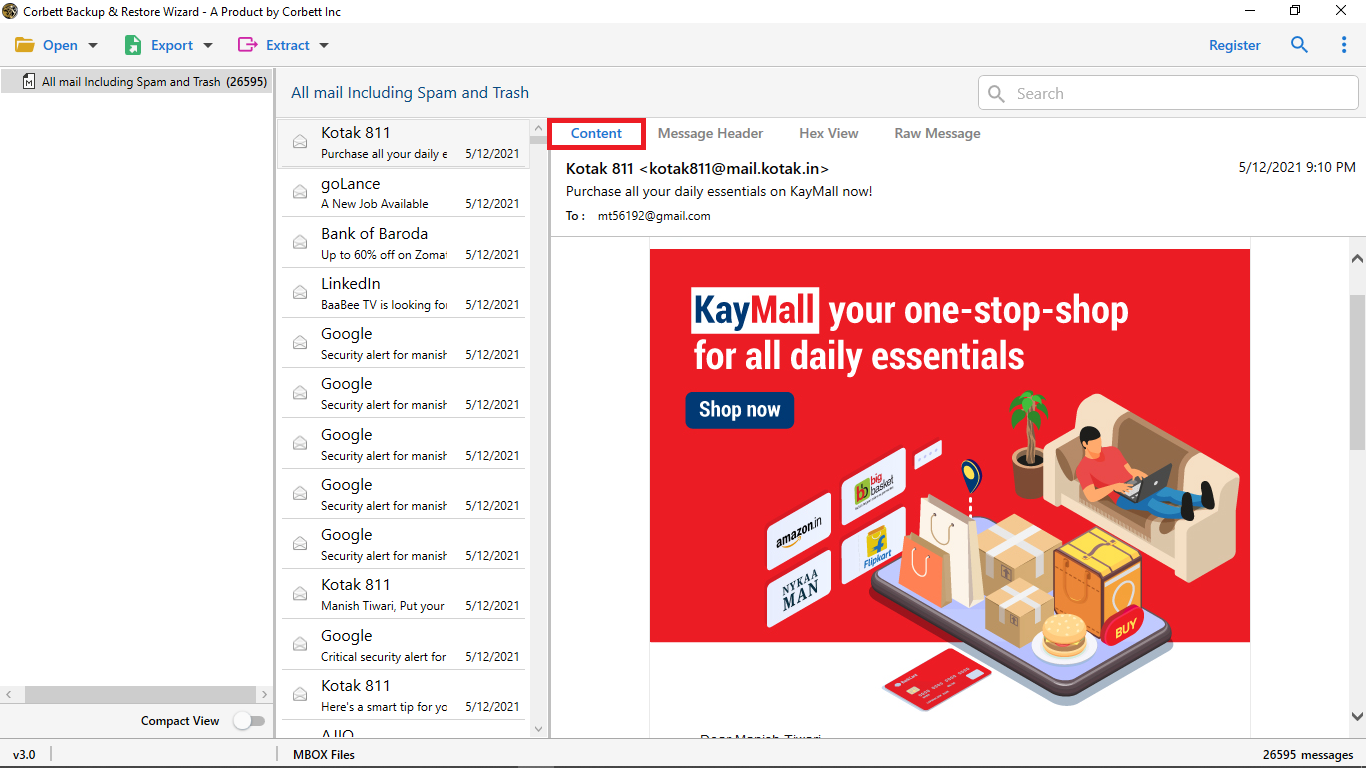
Click on the Content option to view the full email body with images, links, etc.
-
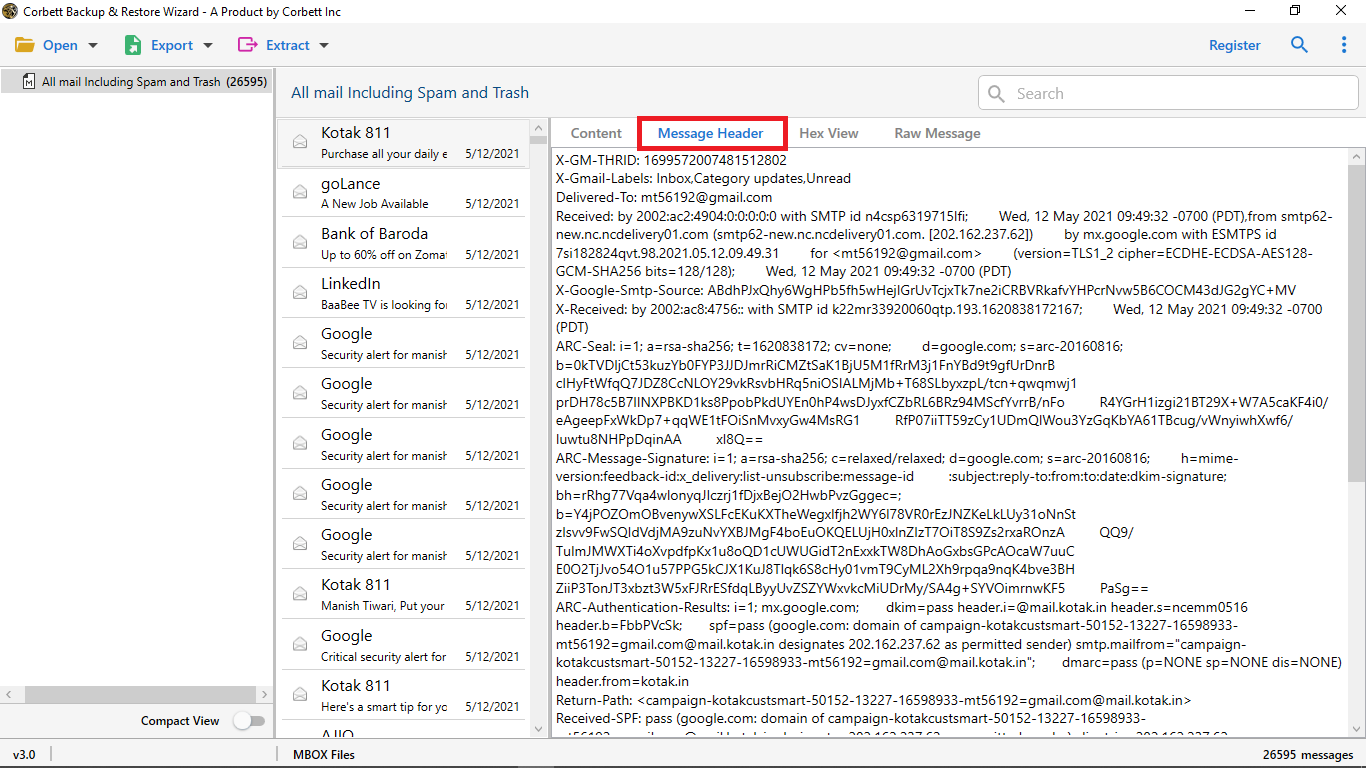
Select the Message Header option to view the email routing information such as date, Recipient, and many more
-
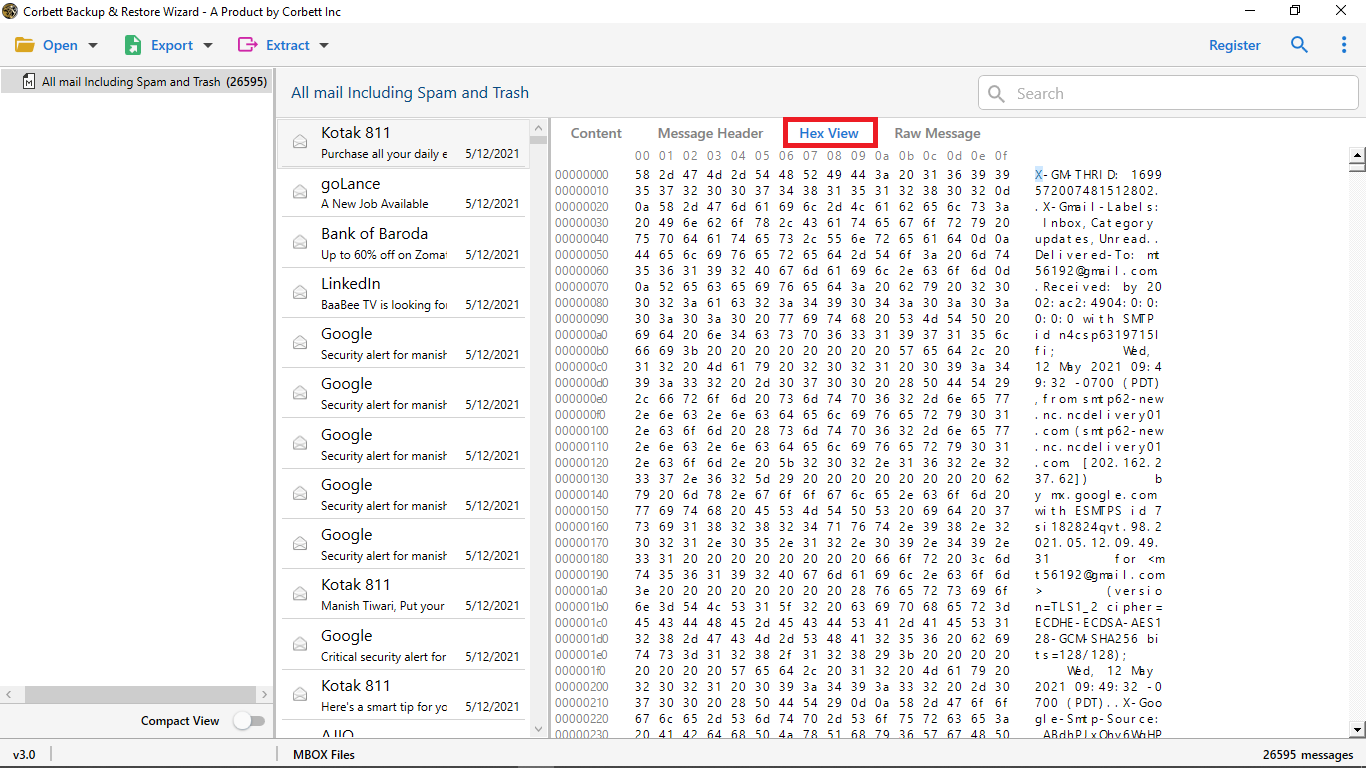
Choose Hex option to view hex numbers of an email
-
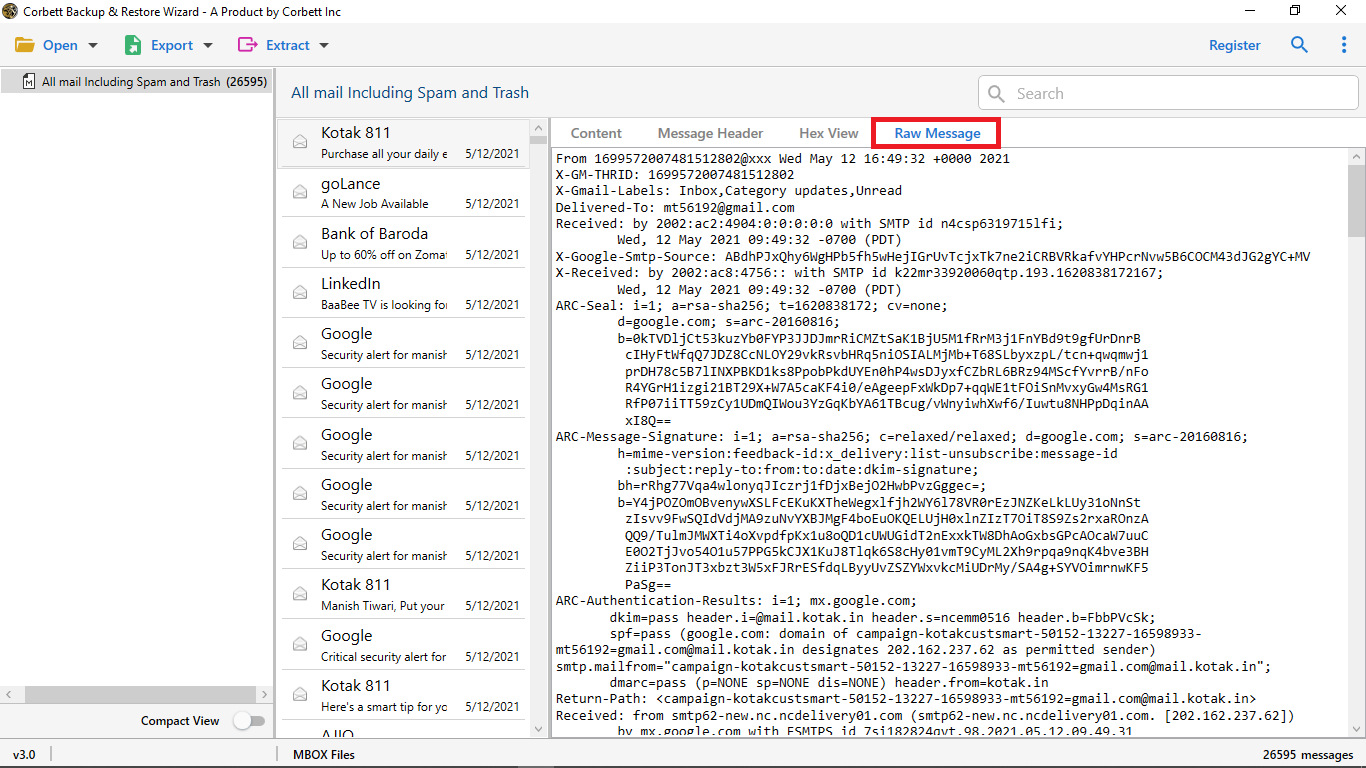
In Raw Message, you will see the raw data of an email
-
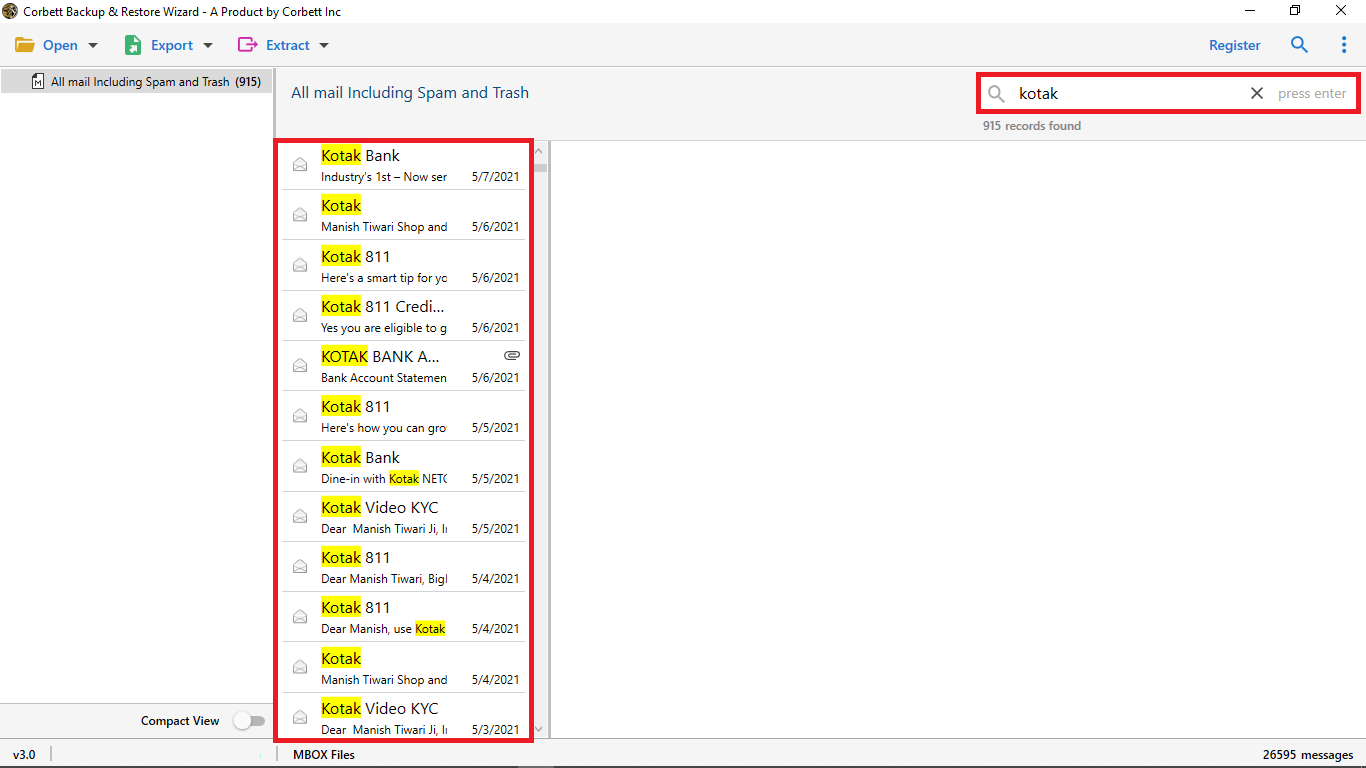
The tool provides you with a Quick Search option to search an email. Just insert any keyword related to your mail and it will show you in yellow color
-
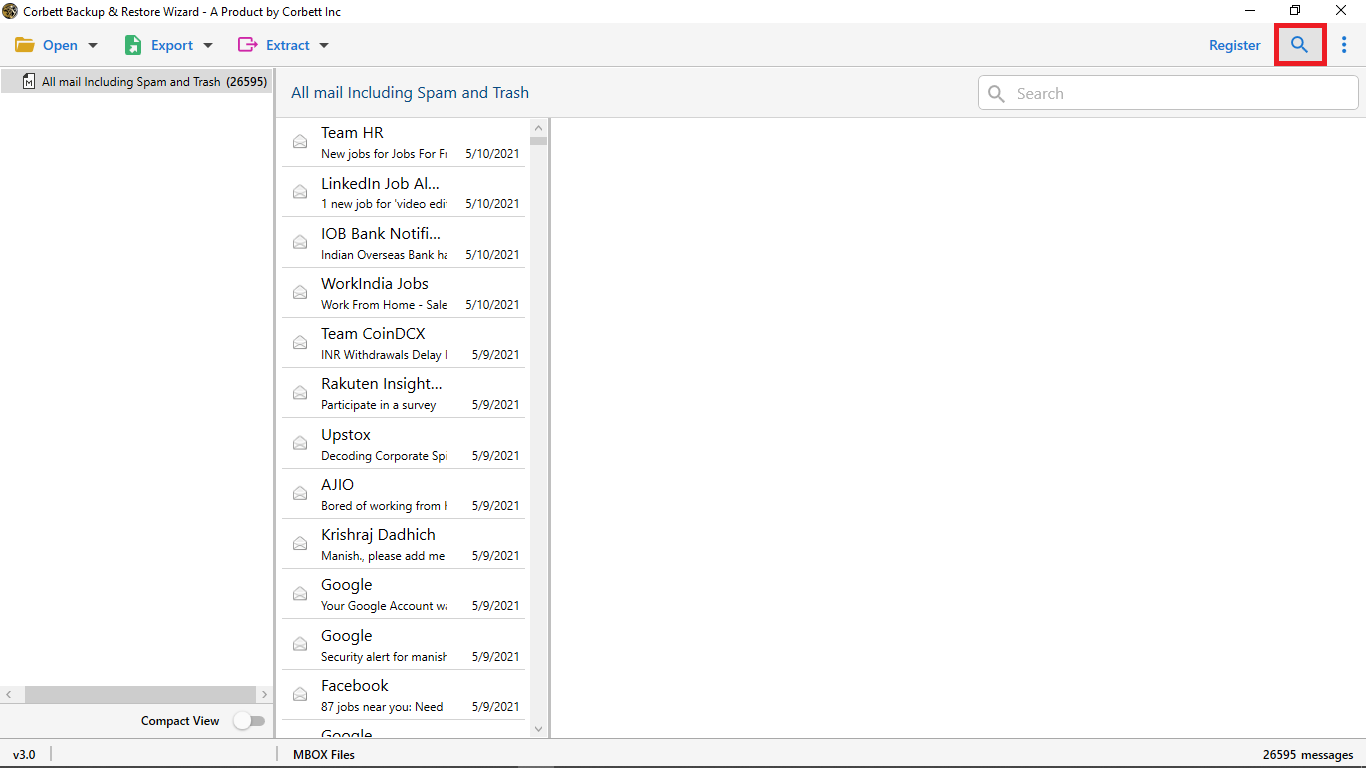
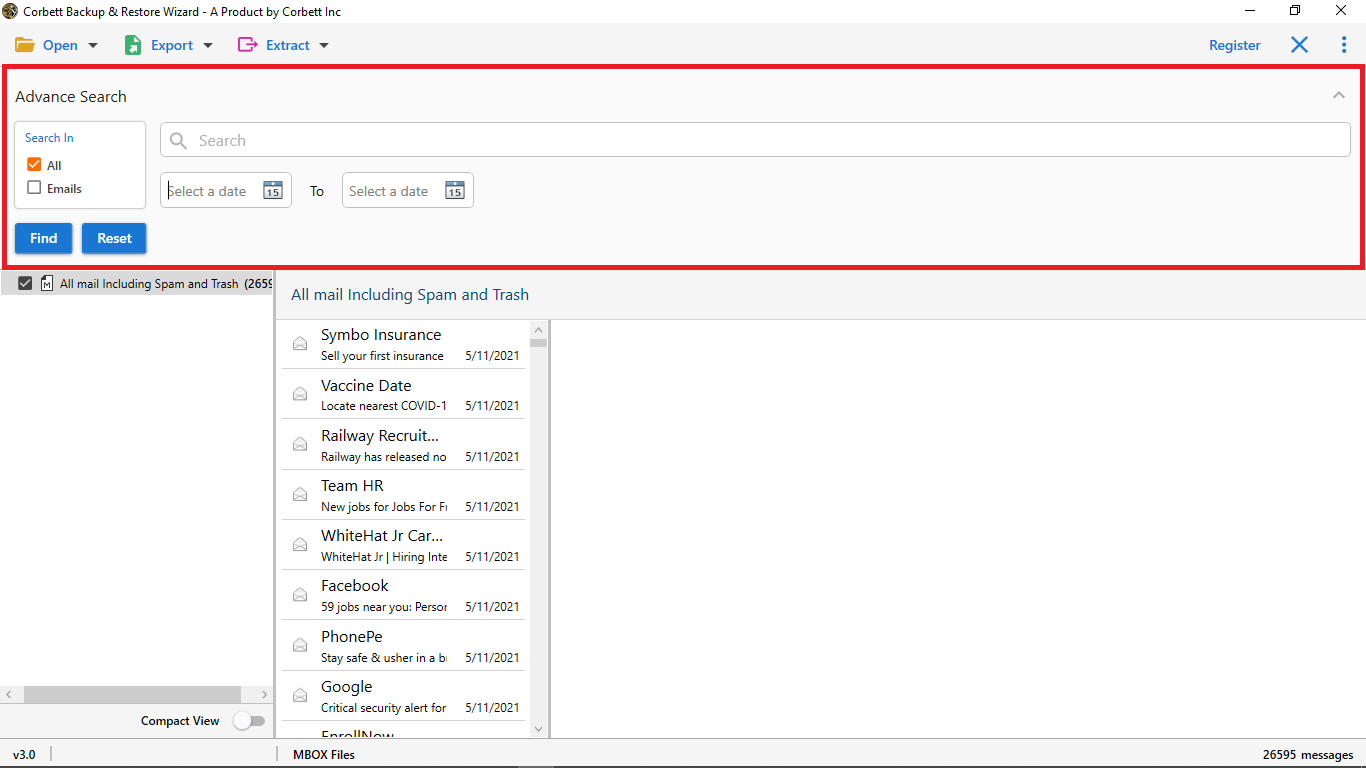
The Advanced Email Search option is the main feature of this tool. With this search option, you can search an individual email through specific details.
-
In the advance option, you can select the All and Email option. In all, you can specify the date and calendar within the email
-
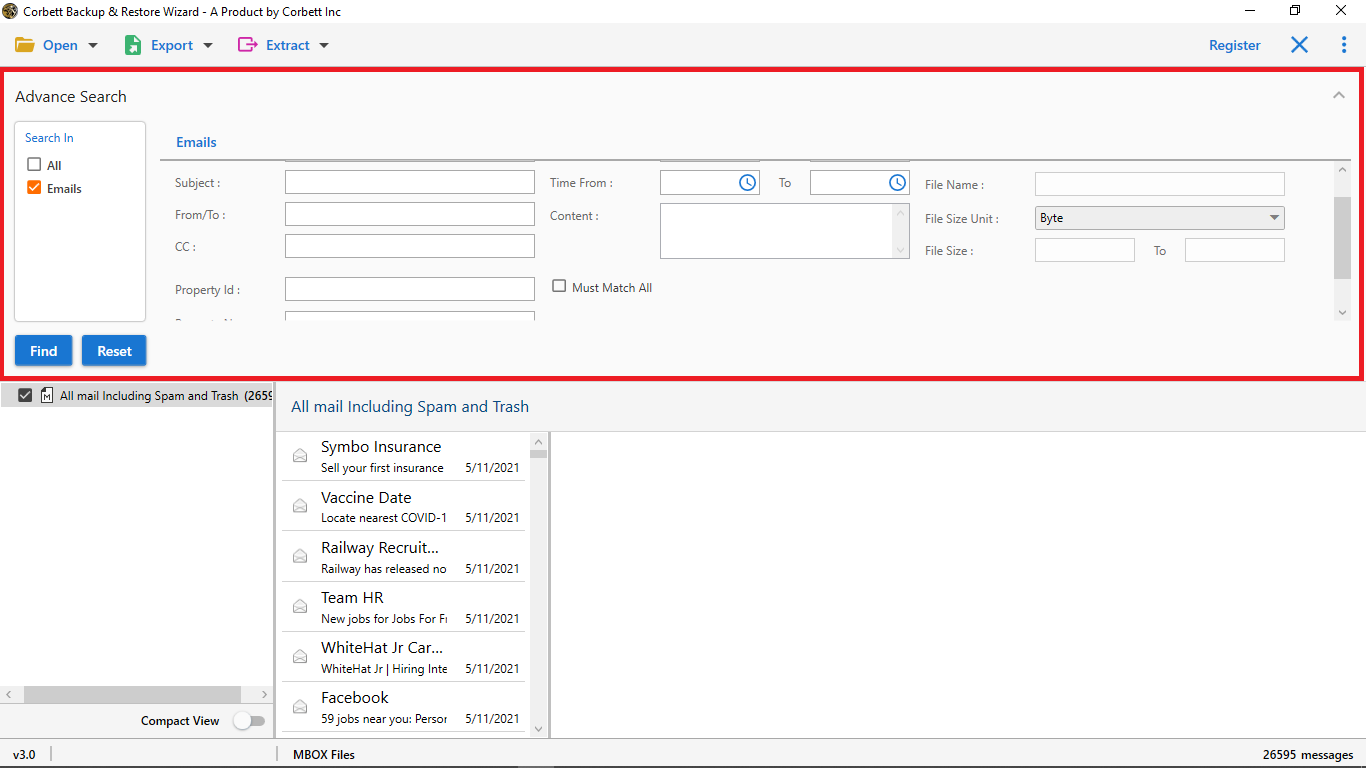
In the Email Search option, You can insert specific data such as Subject, From/To, Cc, and so on.
-
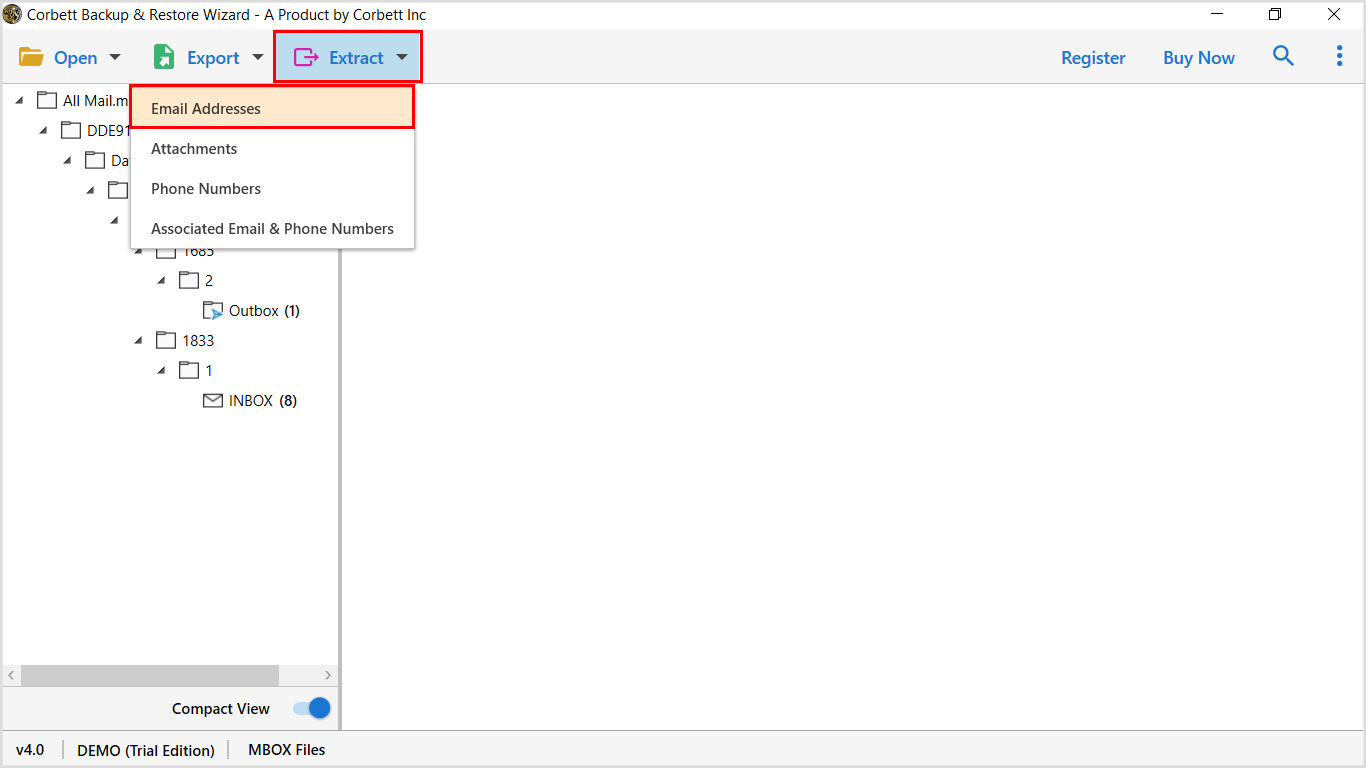
Now click Extract and select Email Addresses from the drop-down options
-
After that, you will see the Extract Email Addresses option

-
Browse the location in the system to save the email addresses

-
Enable the multiple options as per your requirement

-
You can select fields to extract email addresses from To, From, Cc, and many more

-
The tool shows you how many email addresses are found in the Email Addresses Found

-
Then, select the Extract option to start the process

-
After that press Save to download the email addresses in your system

-
The Final step, you can view the saved data of your MBOX Files. The data will be saved in a notepad.

