Corbett Email Recovery Tool: Know How it Works!
-
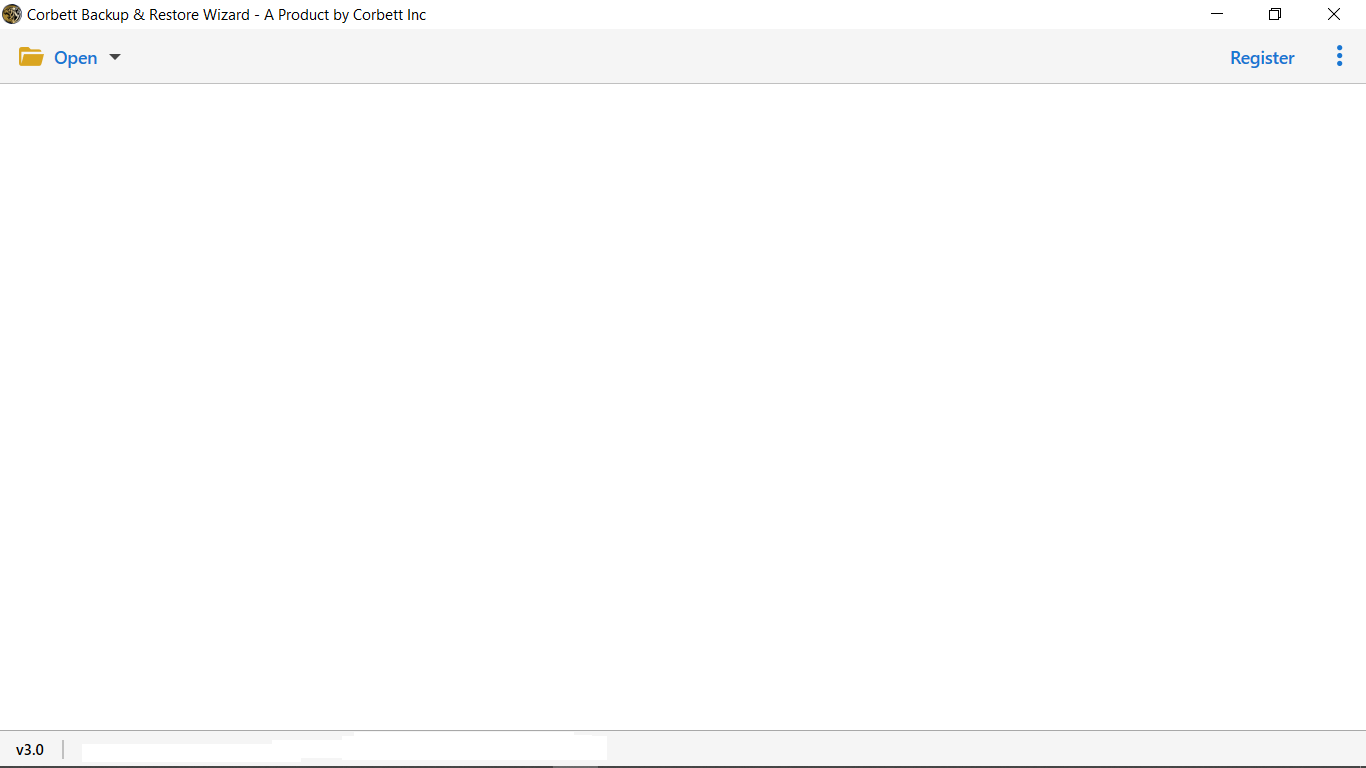
Download and install Corbett Email Recovery Software on your Windows system.
-
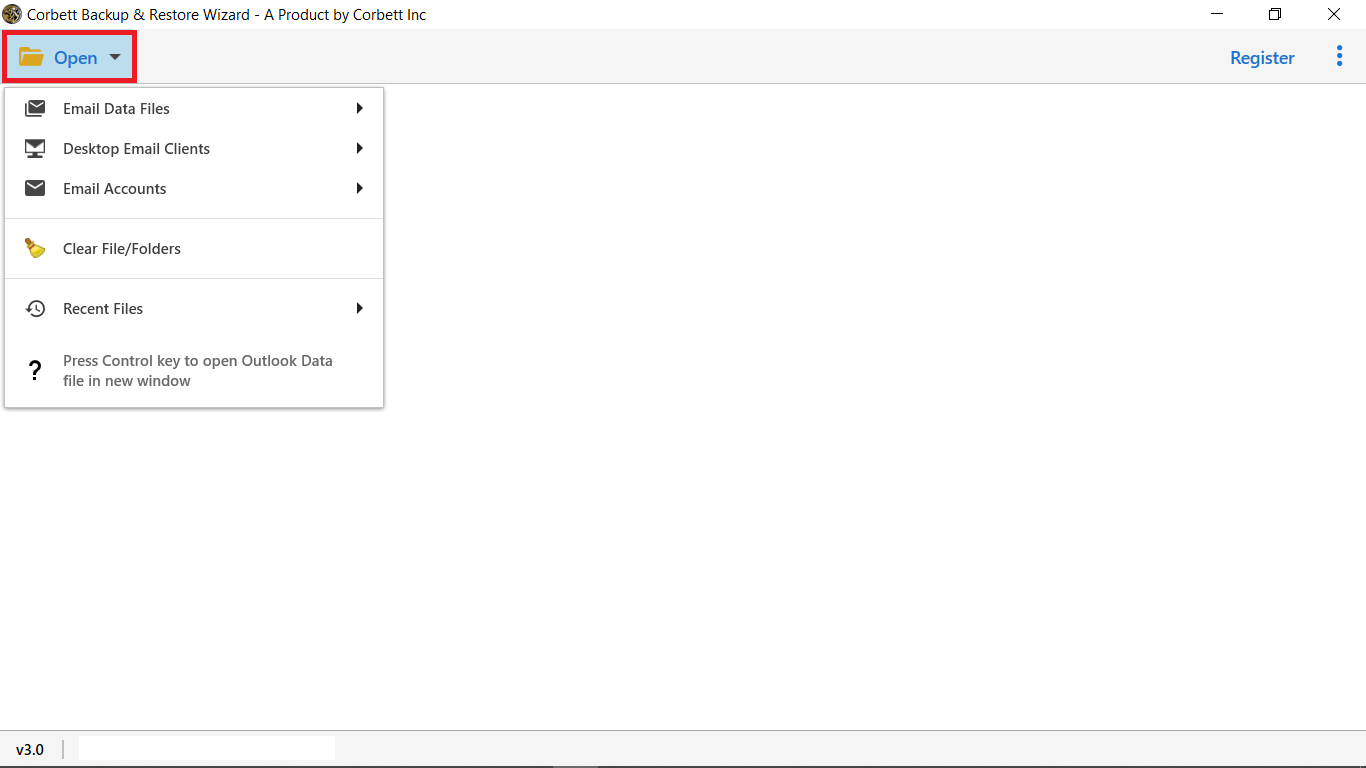
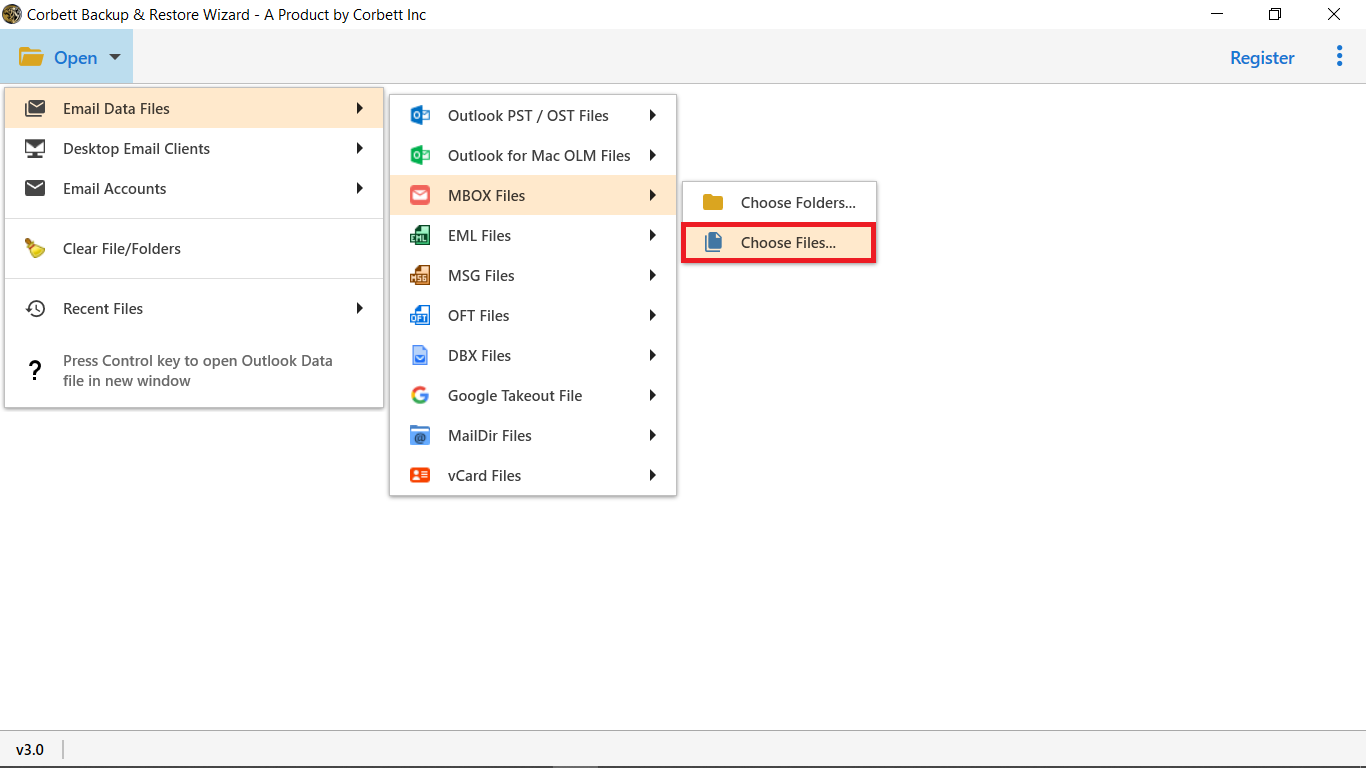
Click the Open button from the top menu bar.
-
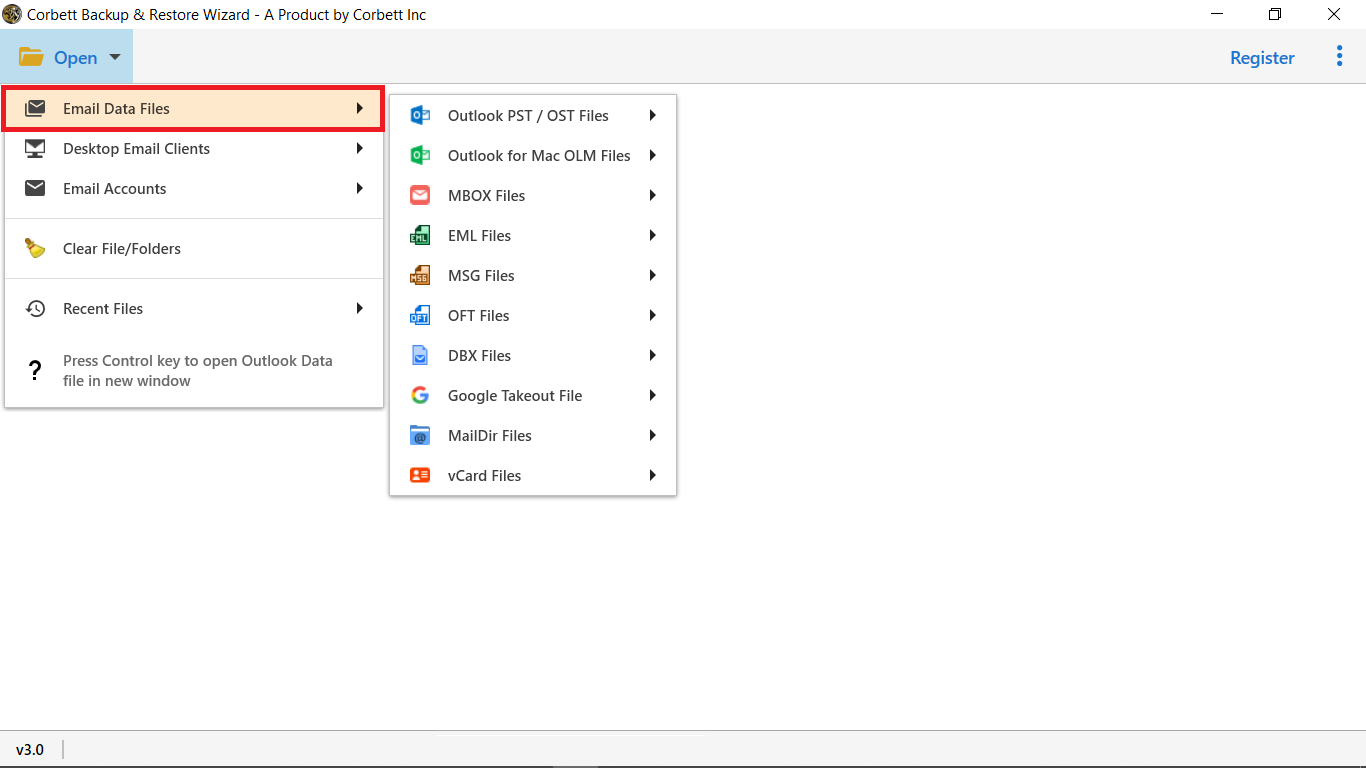
Select Email Data Files and choose your backup file type.
-
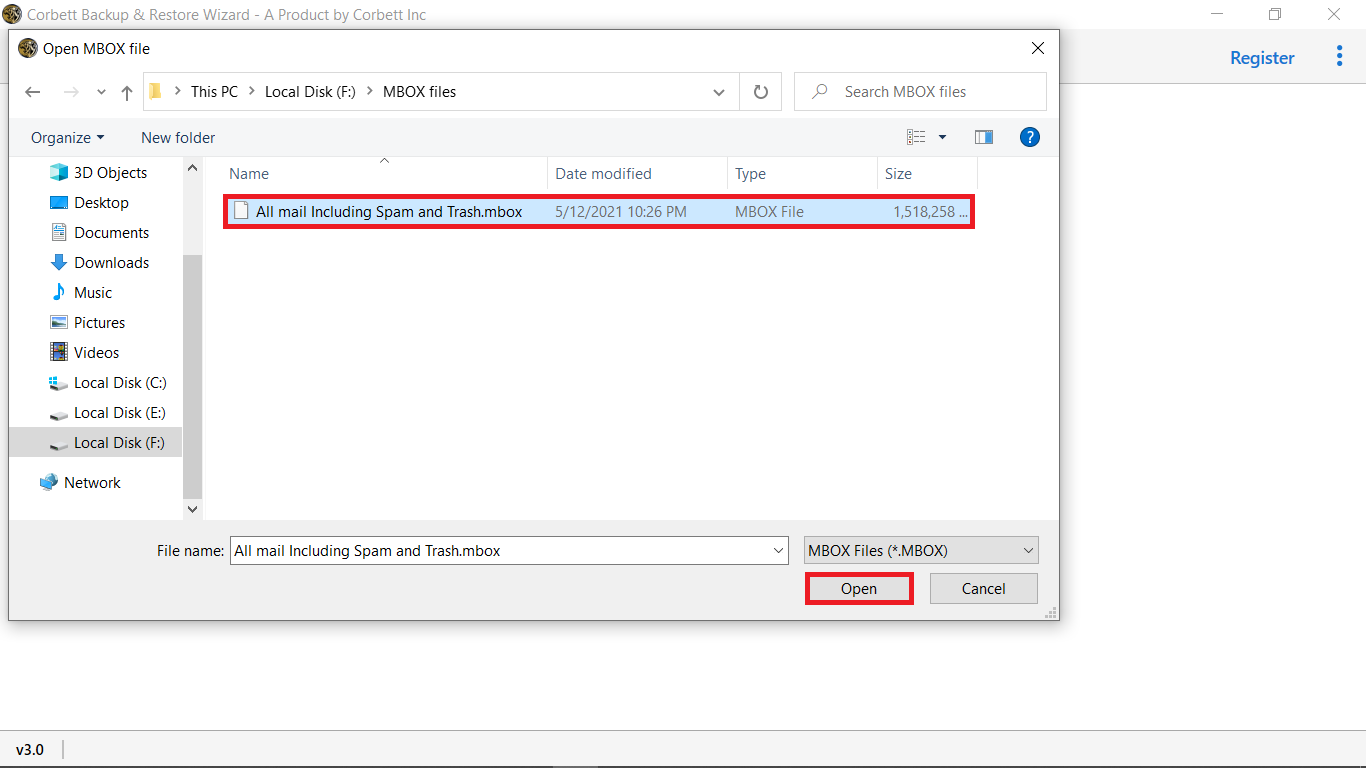
Use Choose Files or Choose Folder to add backup files..
-
Load selected backup files to preview mailbox data.
-
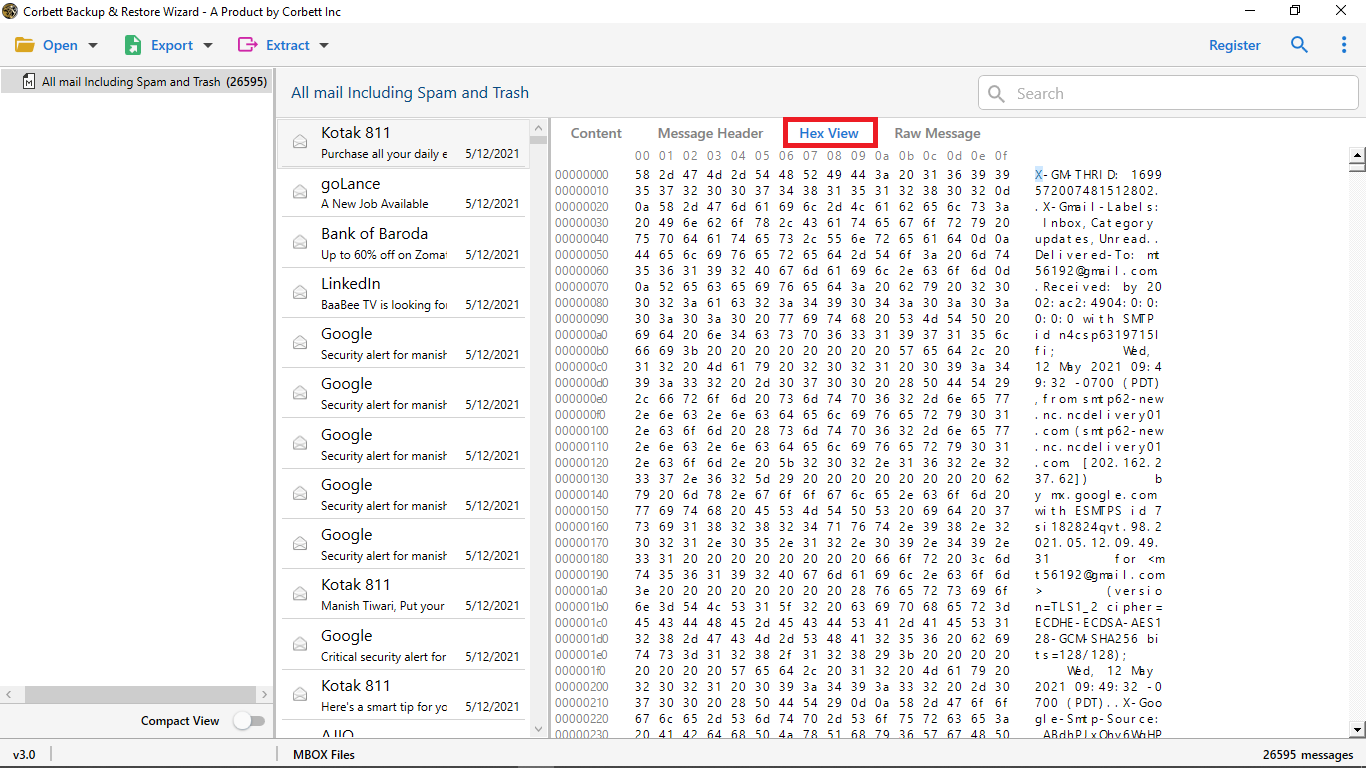
View emails in detail before conversion.
-
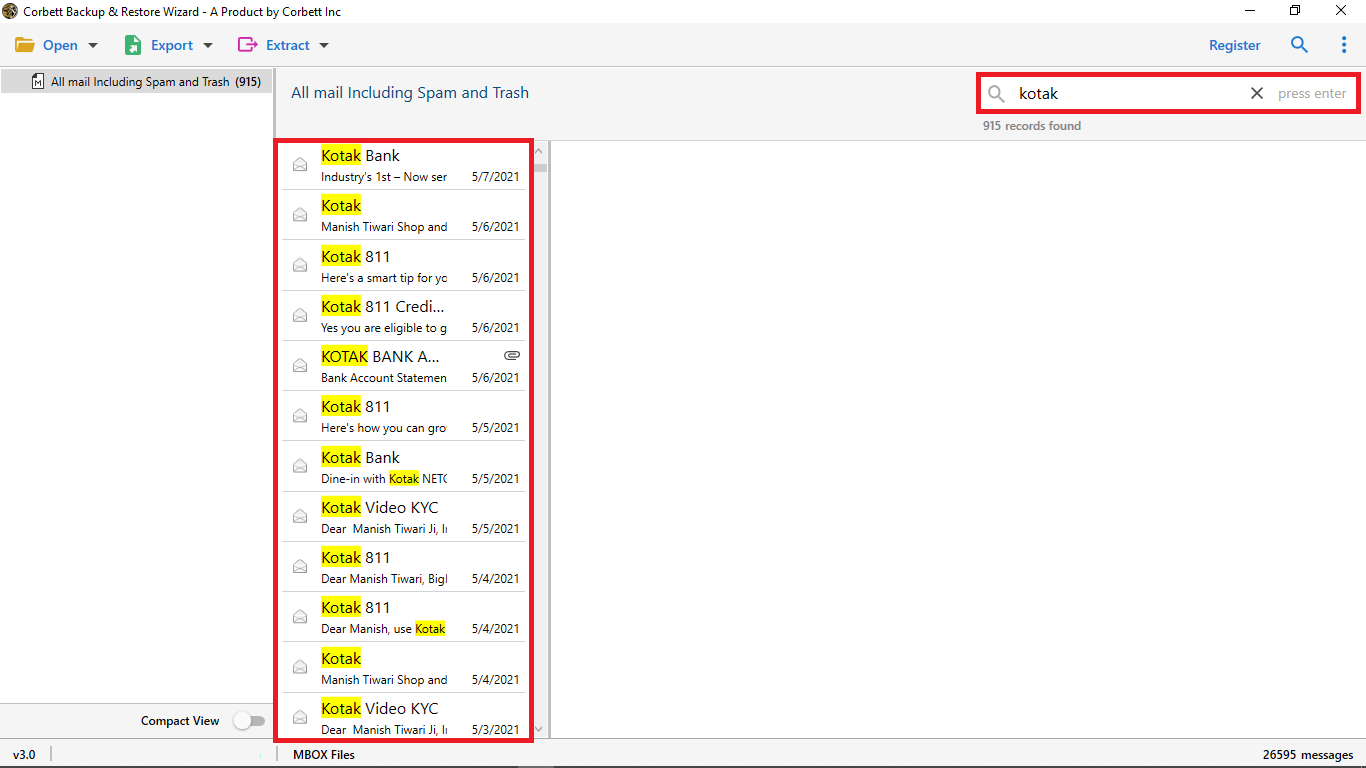
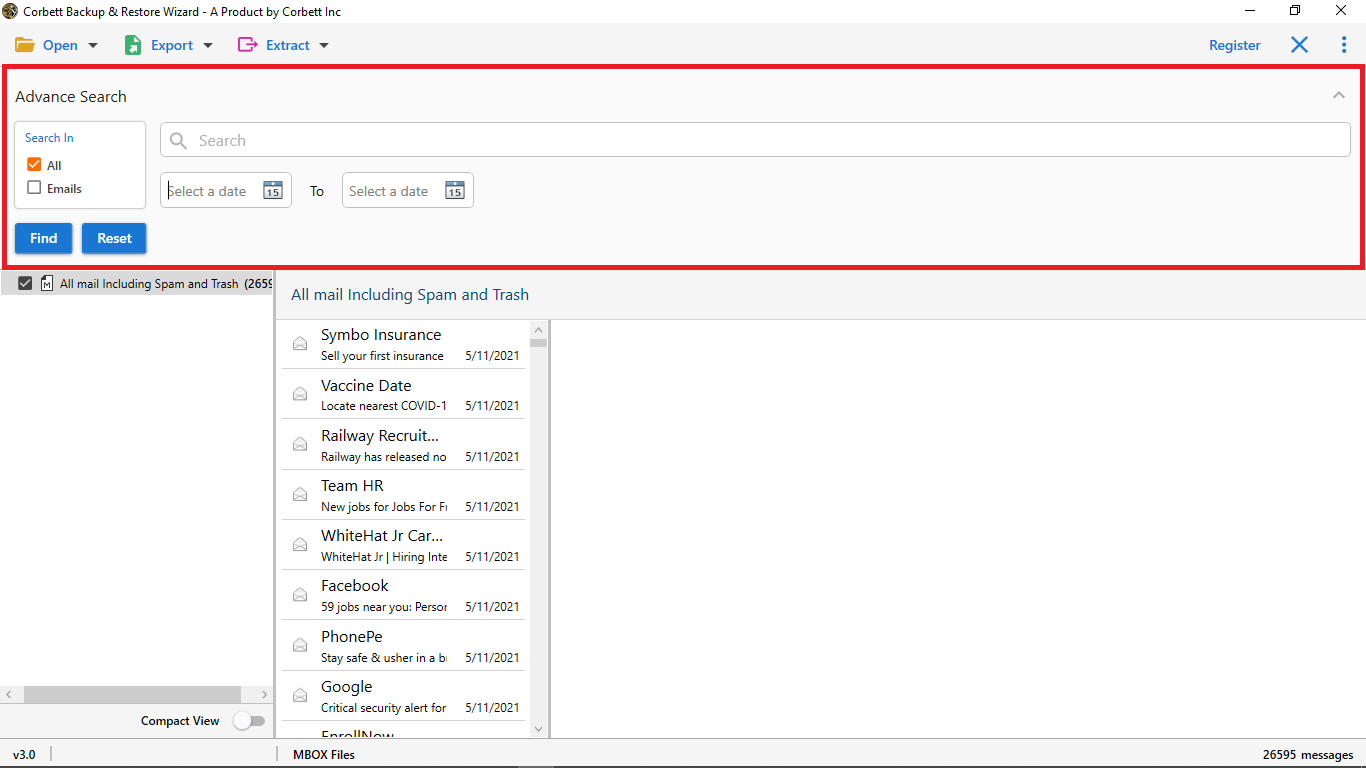
Use Advanced Search to filter emails.
-
Select required emails for recovery or export.
-
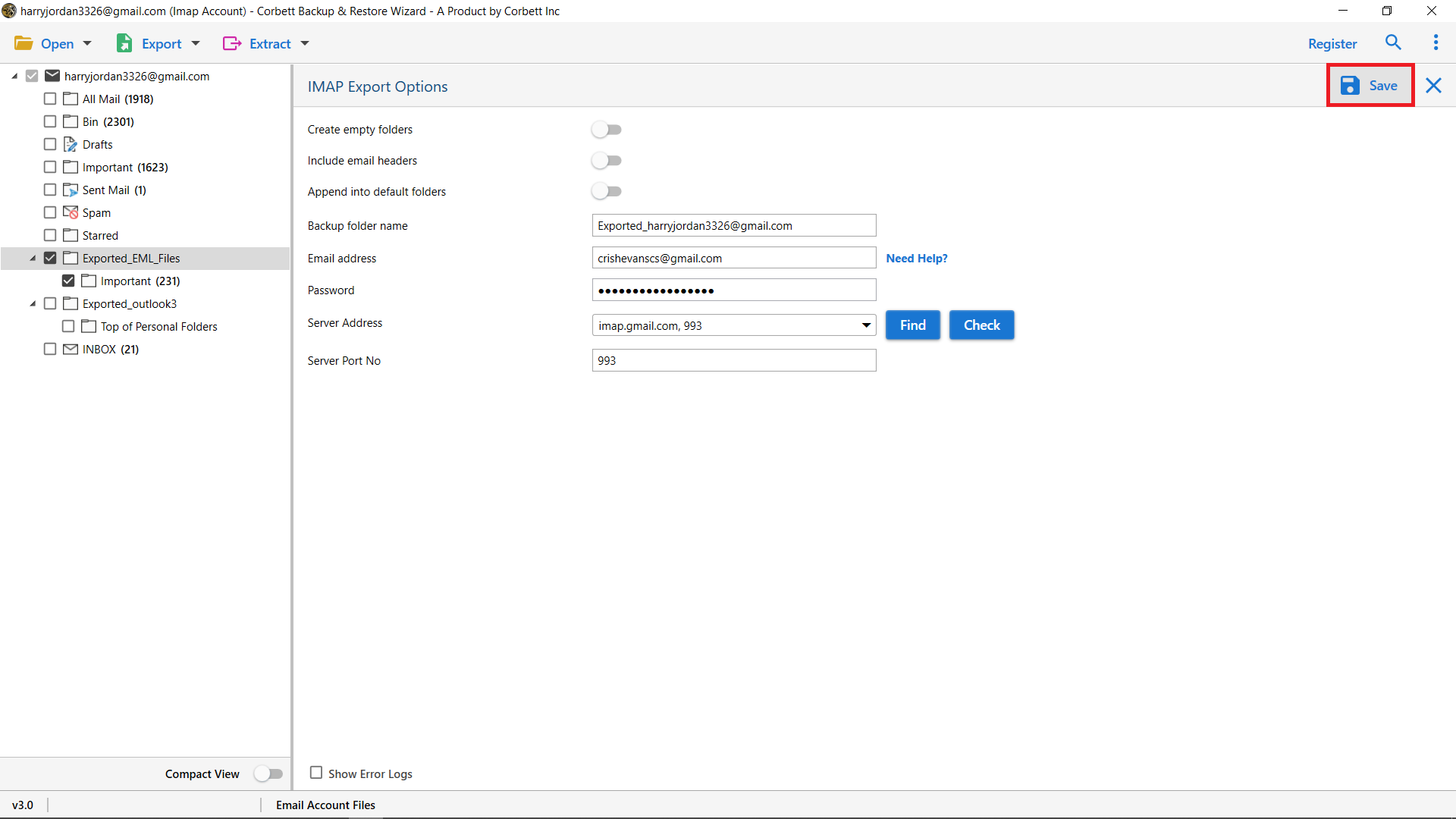
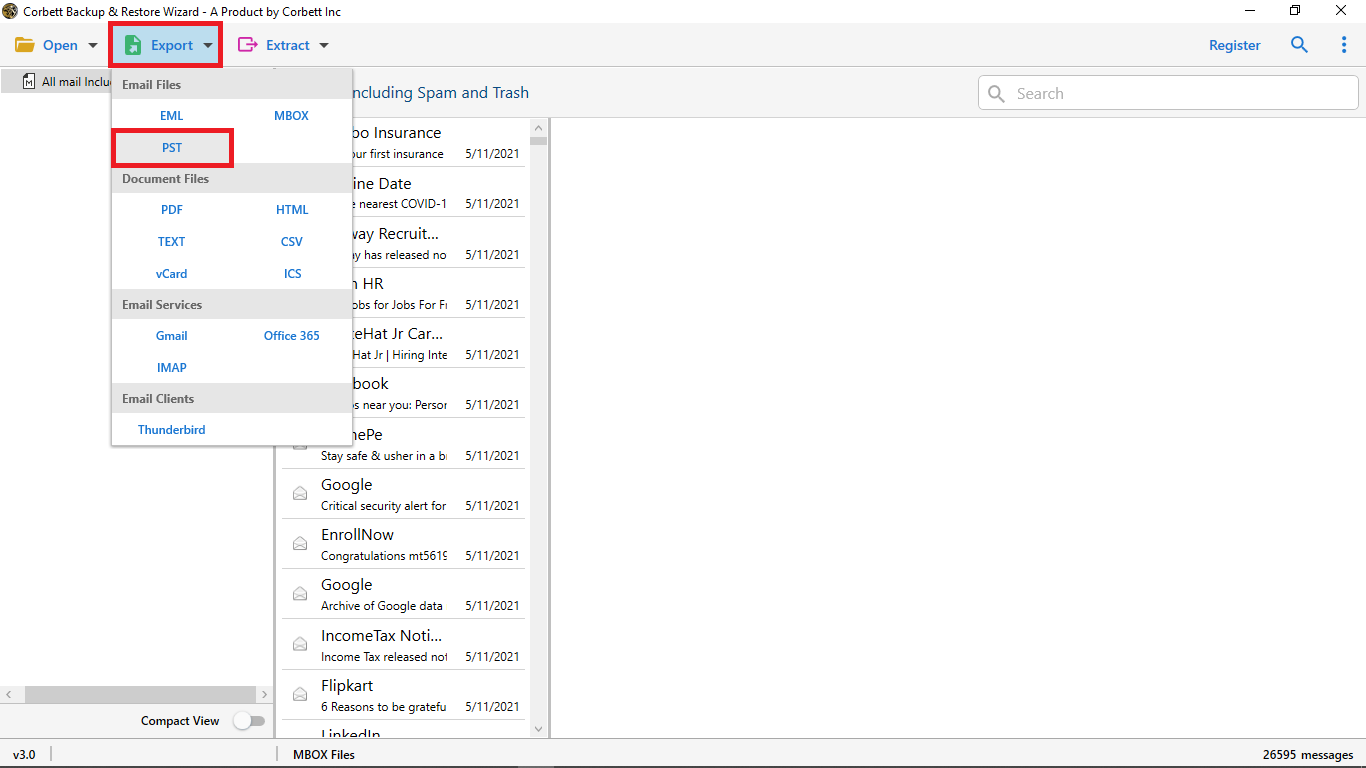
Hit Export button and choose desired email platform or format.
-
Select a destination path and click Save to start the recovery process.