Step-by-Step Guide to Import MSG Files into IMAP Account
IMAP (Internet Message Access Protocol) is a standard email protocol that allows users to access and view emails on remote servers. It lets you open email on different email applications like Gmail, Outlook, Thunderbird or Yahoo Mail. You can also check emails on mobiles, tablets, computers and other devices from anywhere.
Why Do Users Need to Import MSG to IMAP Server?
- Data is stored on the server so users can access messages from multiple devices like mobile, web browser or desktop.
- Importing MSG files to IMAP server enables users to manage all emails in one place and protects data loss from local hard drive failure.
- There is no requirement of Outlook to access or view MSG/PST files after MSG to IMAP migration.
- Converting to IMAP allows migration of Outlook to cloud services like Gmail, Office 365, or G Suite.
- It also lets you organize files into folders directly on the server.
- Emails are synced so every action like reading, moving, or deleting updates across all devices.
Manual Method to Import MSG Files to IMAP Account
- First, download and open Outlook, then go to File.
- Hit Add Account and enter IMAP account details.
- Set incoming server to IMAP and Port to 993 for manual setup.
- Click Add to configure and sync IMAP the account.
- Wait until Outlook displays the synced IMAP mailbox folder.
- Open the folder where your MSG files store and select files to upload.
- Drag and drop selected MSG files into the new IMAP folder.
Now, login your IMAP account and verify that MSG files are accessible. If yes then the MSG to IMAP migration process is complete.
Problems When You Upload MSG Files to IMAP Server Manually
- Risk of losing attachments or email metadata during the process.
- Requires good internet connectivity for syncing.
- To import Outlook MSG files to IMAP server, you need email application like Outlook or Thunderbird.
- It is not suitable for bulk migration as it also consumes lots of time.
- Selective conversion is not possible because there is no advanced filter option.
- This process may cause file corruption and does not preserve folder structure.
Best Way to Import Outlook Message Files to IMAP Server
For reliable and accurate bulk MSG import, Corbett MSG Converter Tool is the best option. It allows you to import MSG files directly to IMAP accounts without data loss. The software keeps all email properties, attachments, metadata and folder structure unchanged. This software is designed with a simple GUI, even a non-technical person can easily migrate MSG messages to IMAP account without technical assistance.
Users can test MSG to IMAP import process with the free trial version of software. The demo version has the same interface and features only except the limit on the number of MSG files that can be imported to IMAP server.
Steps to Import MSG to IMAP Server
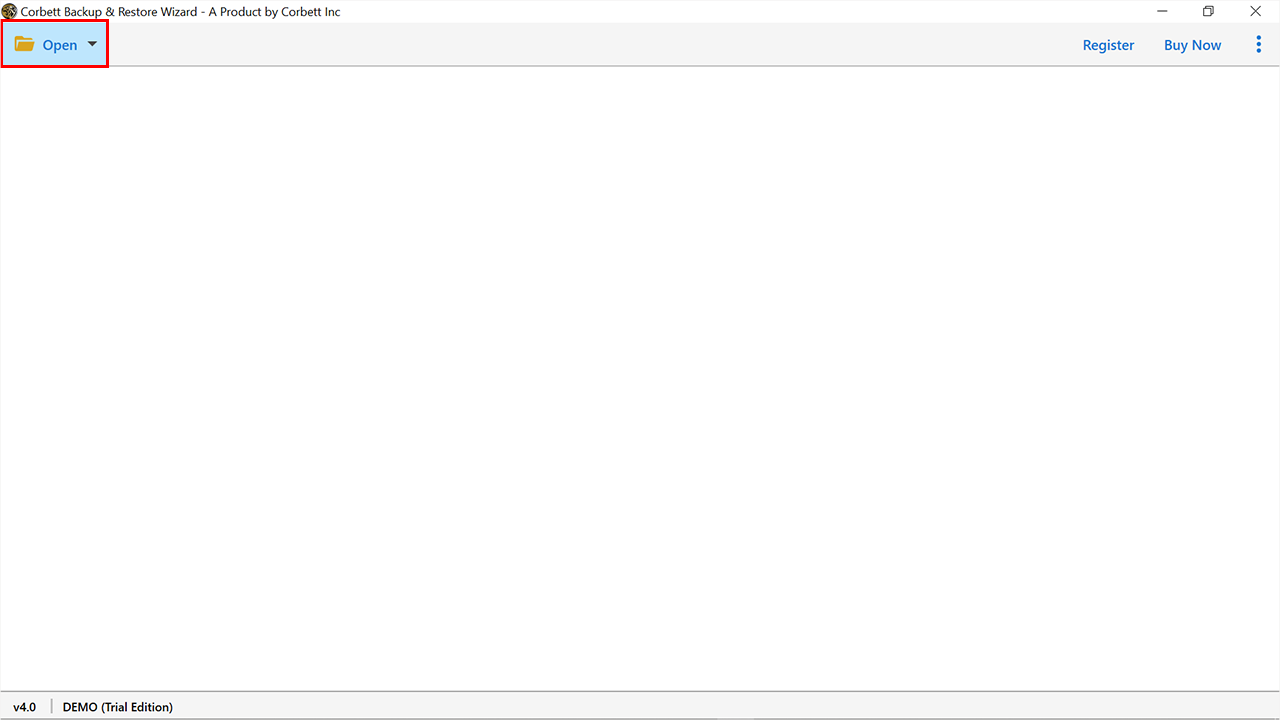
- Download and launch MSG to IMAP Converter on your computer to open MSG files in IMAP server.

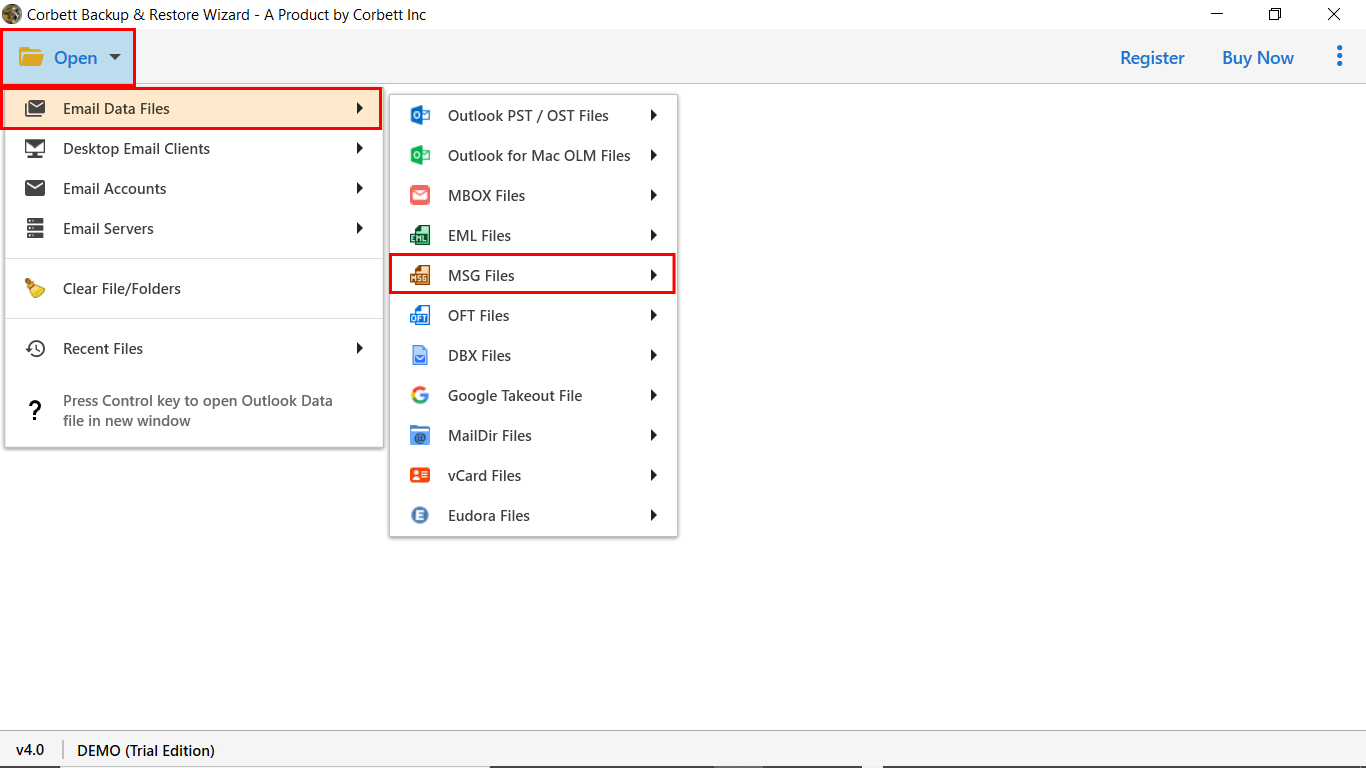
- Now, click Open then hit Email Data Files and MSG files to upload.

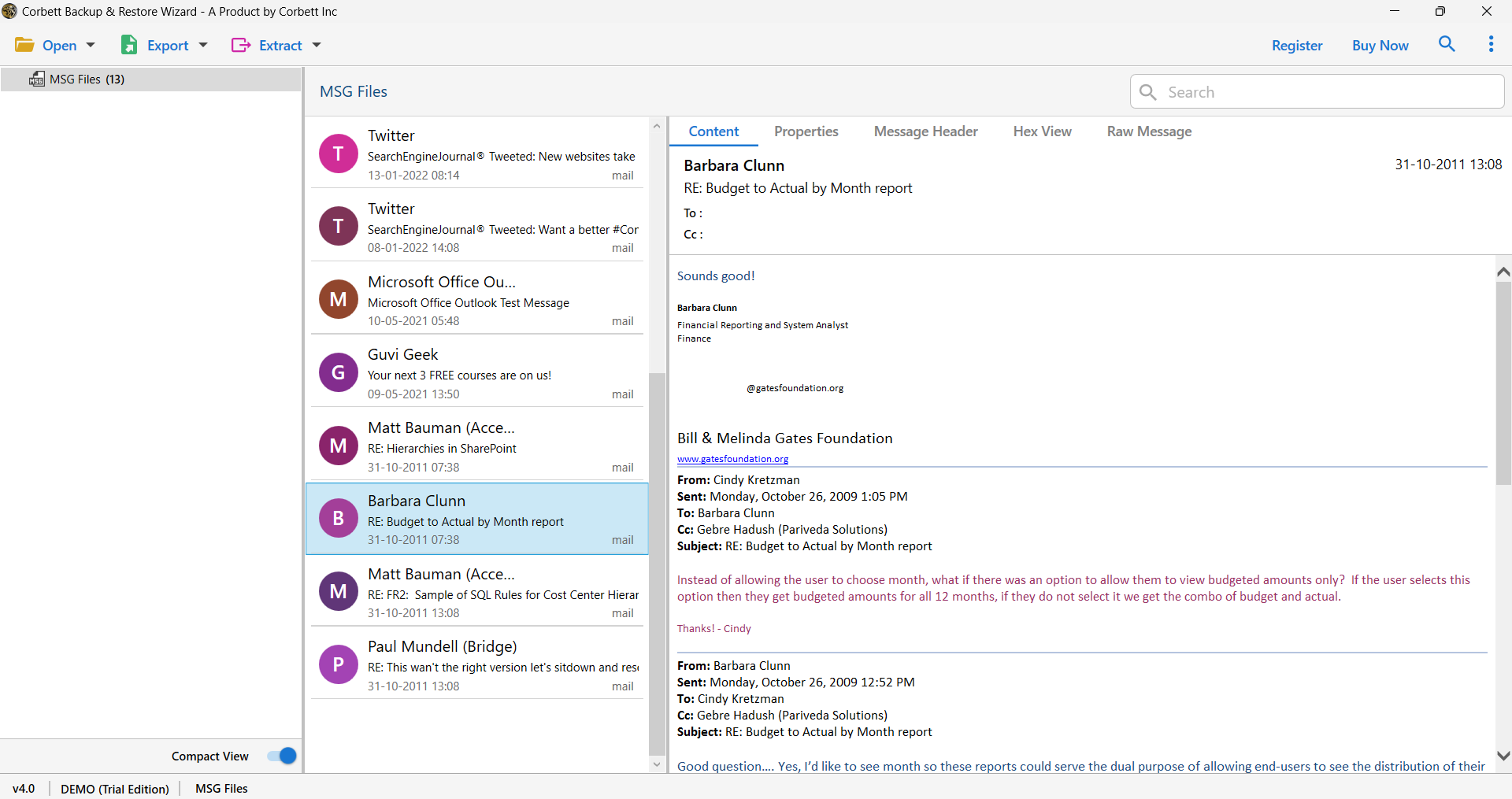
- After that, you can check and preview email in different modes like content, properties. Message header, hex and more.

- Hit Export button and select IMAP option from the list then enter email account details.

- Finally, Browse preferred file location and click Save to import MSG files to IMAP server.



Advanced Features and Benefits of Professional Tool to
- It allows you to filter desired data for migration. You can use options like Date Range, To, From, CC, BCC, and folder selection.
- The software also works with all versions of Windows like 11, 10, 8, 8.1, 7, Vista, XP and more.
- It also supports migration to all IMAP-based email clients such as Gmail, iCloud, Yahoo, Zoho, and more.
- You can also contact the customer support team for software modification and technical help. A technical support team is available 24/7 to help users.
- The tool allows batch conversion and saves users time when they have a large collection of data.
- Its offline functionality keeps your data 100% safe and secure.
- There is no file size restriction to add single or multiple file without any problem.
Time to Wrap Up
In conclusion, we cover how to import MSG to IMAP server in two different ways. While a manual method comes with few limitations like risk of data loss, time-consuming process and failure to provide accurate results. A professional software is lab-tested and provides virus free conversion to users. The free demo version lets you import 10 MSG files and maintains complete data integrity to users.