How to Convert DBX to MSG File Format Step by Step
DBX and MSG File Formats Explained
DBX is the mail store of Outlook Express on Windows XP and older. It holds every folder of that mail client. MSG is the per mail format of modern Outlook. One MSG file equals one email with header, body, and attachment in place. A direct DBX to MSG move bridges the gap between the old and the new.
Reasons to Convert DBX to MSG
Many users still hold old DBX archives. Here are the common reasons to move them to MSG.
- Outlook Express is no longer supported
- Modern Outlook does not open DBX files
- MSG files open with a double click in Outlook
- One MSG per mail is easy to forward or archive
- MSG keeps the full header and the date
- You can store MSG files on any cloud drive
Manual Way to Open DBX Mail in Outlook
The manual path is long. It moves DBX to Windows Mail, then to Windows Live Mail, then to Outlook. Each step needs an old Windows version, and it often fails on large DBX files. Most users skip the manual route and use a direct converter.
Convert DBX to MSG With a Direct Converter
A direct DBX to MSG converter is the safe path. Corbett DBX Converter reads every Outlook Express folder and writes one MSG file per mail. It keeps every header, attachment, and date intact. It also supports a batch mode for thousands of mails in one job.
Steps to Convert DBX File to MSG Format
Follow these steps to get the job done in minutes.
- Install and launch the converter on a Windows PC.
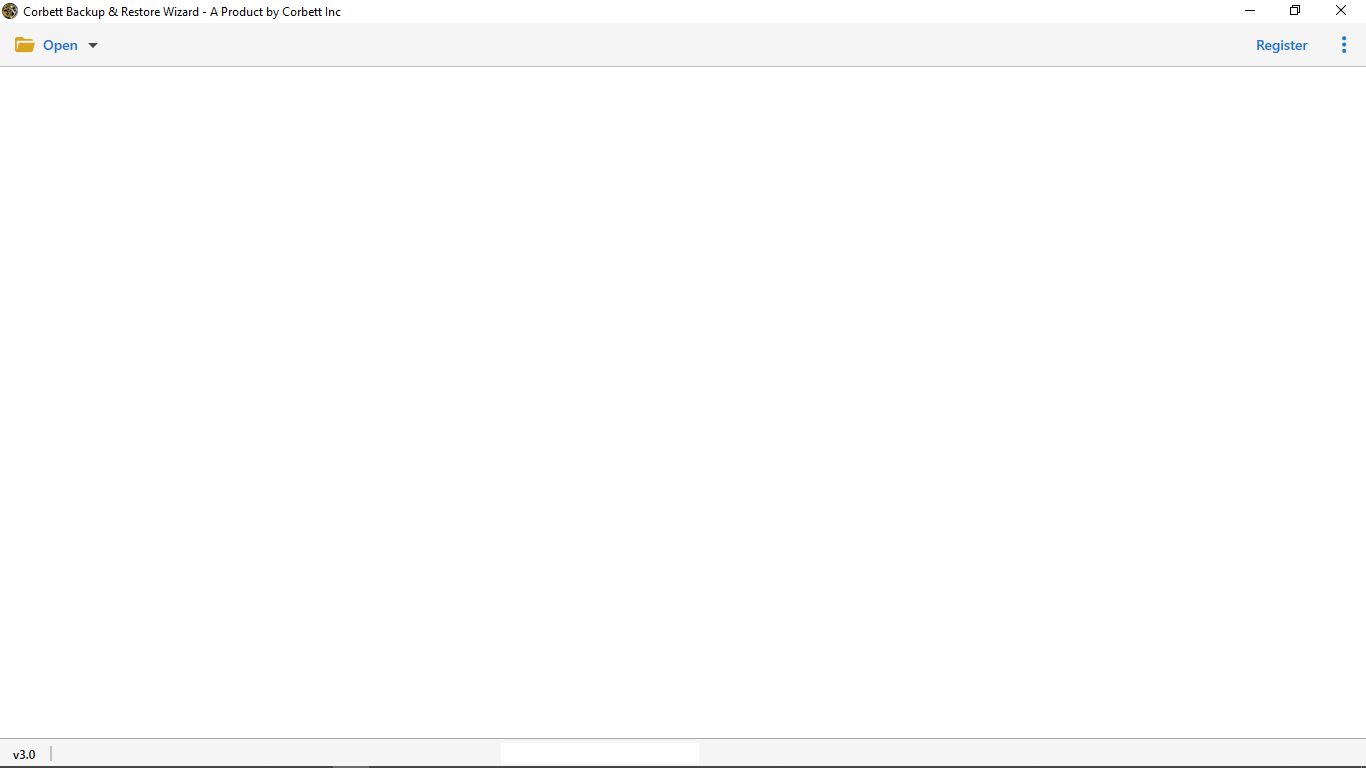
- Click Add File and pick the DBX file from its saved path.
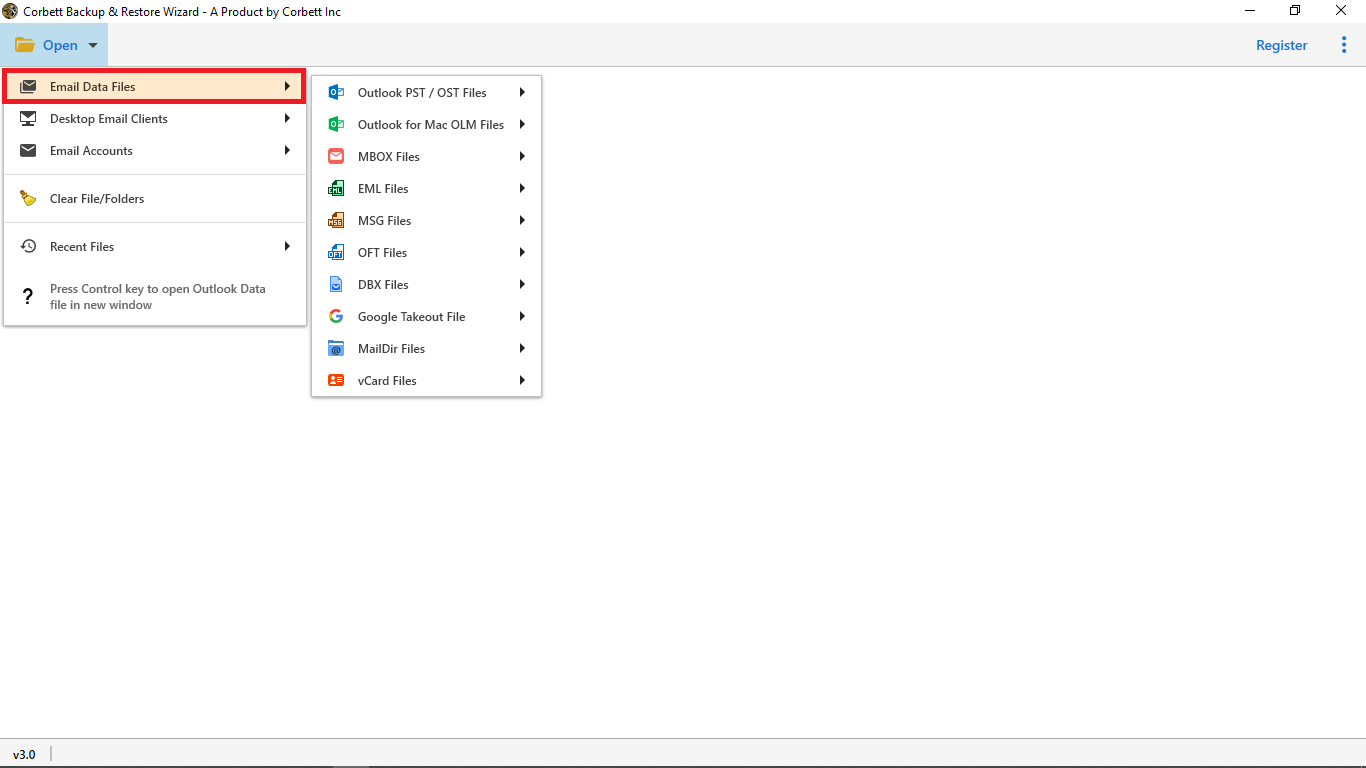
- Wait a few seconds for the scan to finish.
- Preview every folder and every mail in the side pane.
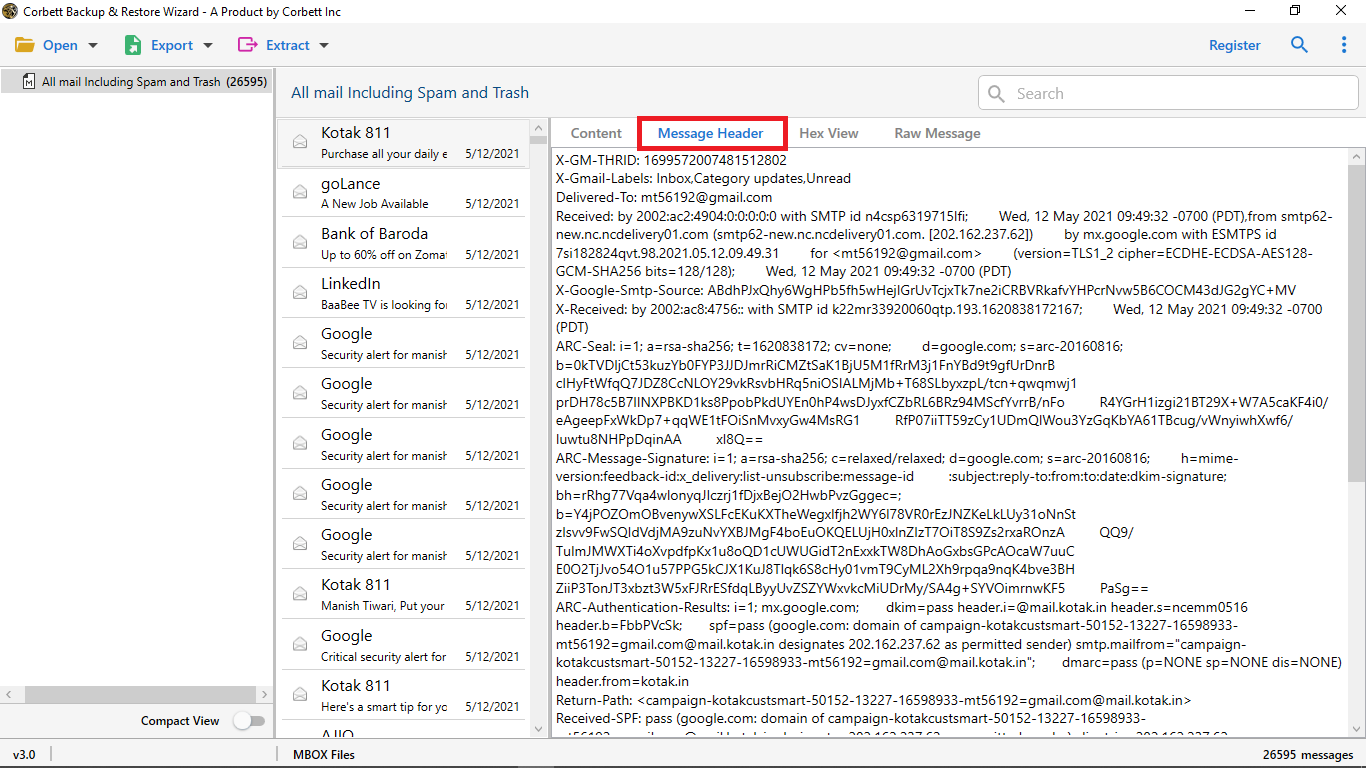
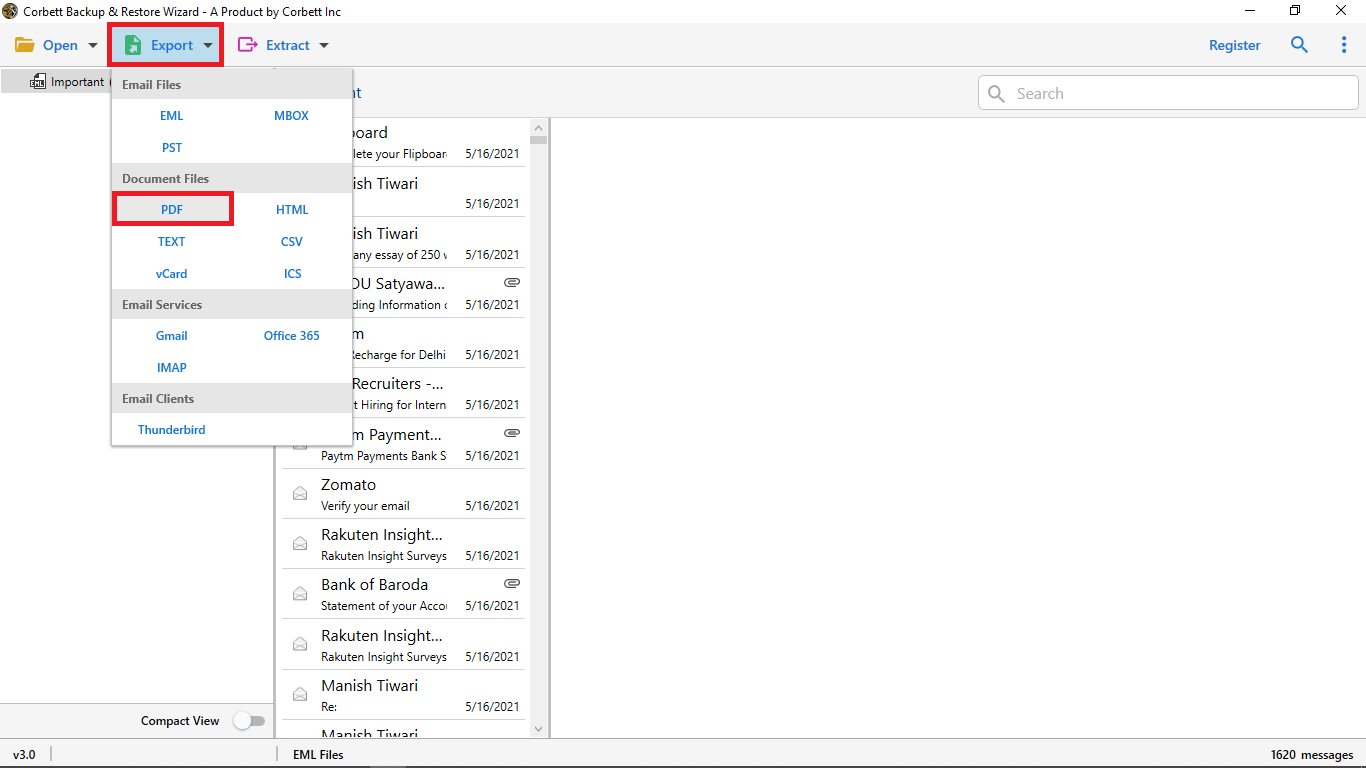
- Click Export and pick MSG as the output.
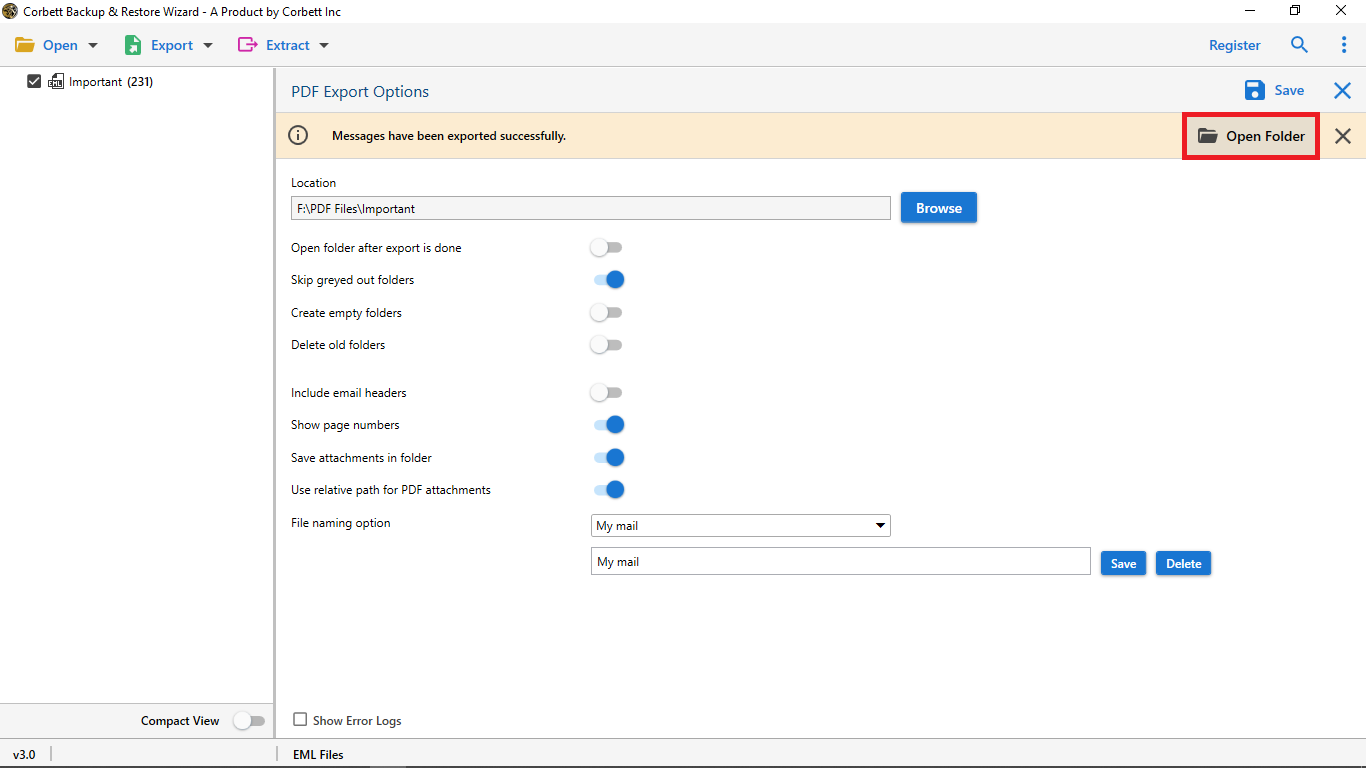
- Browse a save location and click Save.
- Open any MSG file with a double click in Outlook.
You may also like the guide on how to import MBOX mail into Hotmail for a cross platform copy. If your DBX data needs to land in Office 365 later, the MSG to Office 365 import guide covers every step.
Frequently Asked Questions
Q1. Can I convert DBX to MSG without Outlook Express?
Yes. The Corbett converter reads DBX files in offline mode with no Outlook Express on the PC.
Q2. Will the folder layout stay the same?
Yes. Each Outlook Express folder becomes a Windows folder with the same name. Every MSG sits inside its right folder.
Q3. Do attachments stay inside the MSG file?
Yes. Every attachment stays inside the MSG. A double click opens it just like a normal Outlook mail.
Q4. Is there a size limit for the DBX file?
No. The tool reads DBX files of any size and converts every mail with no loss.
Conclusion
You can convert DBX to MSG with a safe direct converter in a few clicks. Outlook will then open every old mail with full body and attachments. Your old Outlook Express archive will keep working for years.