
Quick answer
- Setup first: turn on IMAP in Yandex Mail and create app password. Every way to move Yandex Mail to Gmail needs both.
- Free ways: add Yandex and Gmail to an IMAP email client and drag folders across, or let a Google Workspace admin run Data import. Gmail no longer imports mail from other accounts over POP.
- Bulk: Corbett Email Migration Tool copies Yandex mail into Gmail, keeps folders, dates and read status, and skips duplicates.
You want your Yandex mail inside Gmail, and old guides send you to Gmail's POP import. Google ended that feature in January 2026, so those steps fail. Yandex also asks for app passwords before outside programs can read your mailbox. Below are three ways to move Yandex Mail to Gmail that work today.
How to prepare Yandex Mail before you move Yandex Mail to Gmail?
Turn on IMAP in Yandex Mail settings and create an app password. Yandex requires that password for mail clients, so your normal login fails in Thunderbird, admin tools or software.
- Sign in to Yandex Mail and open Email clients in settings.
- Turn on mail client access and select IMAP for
imap.yandex.comserver. - Turn on App passwords and OAuth tokens. Save changes.
- In your Yandex ID account, open App passwords and select Create an app password.
- Choose type Mail, enter a name and select Next. Copy your password right away, because Yandex shows it only once.
| Setting | Yandex value |
|---|---|
| Incoming IMAP server | imap.yandex.com (imap.ya.ru outside Russia), port 993, SSL |
| Outgoing SMTP server | smtp.yandex.com, port 465, SSL (port 587 without encryption) |
| Username | Part of your address before @ |
| Password | App password, not your login password |
Yandex lists these values in its guide for other mail clients. That page gives no POP3 settings and says developers no longer update POP3 support, so use IMAP.
How to move Yandex Mail to Gmail with an IMAP email client?
Log in to both accounts inside Thunderbird or another IMAP client, then copy Yandex folders into matching Gmail labels. You pay nothing and need no admin rights.
- Gmail first: go to Settings, See all settings and Forwarding and POP/IMAP tab, then select Enable IMAP and save.
- Install Thunderbird and add Gmail. Google handles sign-in in its own window.
- Add Yandex with your address and app password, then open manual setup.
- Type
imap.yandex.com, port 993, SSL/TLS, andsmtp.yandex.com, port 465, SSL/TLS. Authenticate with normal password and paste your app password. - Create Gmail folders that mirror your Yandex folders.
- Select all messages in a Yandex folder with Ctrl+A, then drop them on a matching Gmail folder. Dropping them on an account name does nothing useful.
- Work through batches, then check Gmail in a browser.
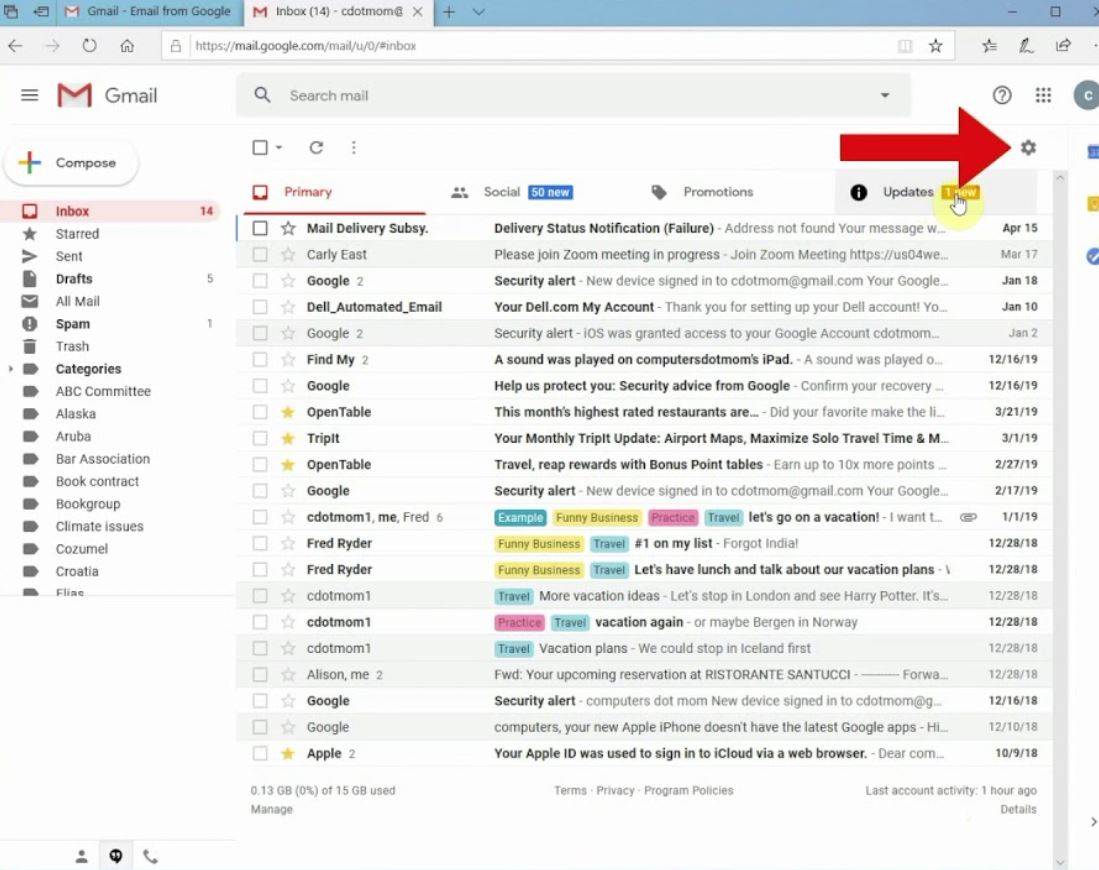
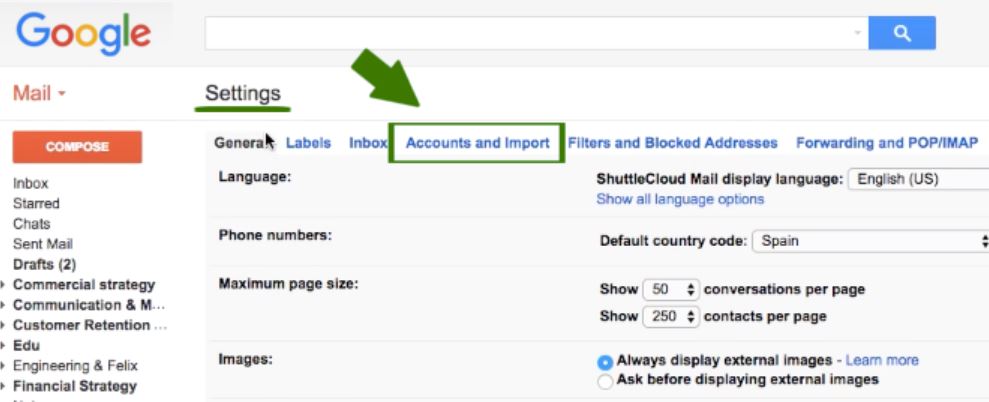
Yandex documents Thunderbird setup for Yandex with these same values. Gmail's own IMAP server is imap.gmail.com on port 993 with SSL. If large folders crawl, our guide on how to download IMAP emails from server explains sync settings.
Catch: you move folders by hand, a large mailbox takes hours and contacts stay behind.
How to move Yandex Mail to Google Workspace with Data import?
Google Workspace super admins can copy Yandex mail into user accounts over IMAP. Personal Gmail is outside that tool.
- Enable IMAP and app passwords in Yandex, and IMAP for your Workspace users.
- In Admin console, go to Data import, choose IMAP, enter
imap.yandex.comand run Test connection. - Map users. Up to 20 can go in by hand: Yandex address, its app password and your Workspace address. Past 20, upload a CSV file under 128 MB.
- Choose a start date, decide whether deleted and spam mail come along, and list folders to skip.
- Press Start import. A delta import later catches mail that arrived since.
Steps and limits come from Google's guide to migrating email from an IMAP account. An import handles up to 100 IMAP users, and every Yandex address maps to a single Workspace user.
Catch: you need super admin access, and Google's page never says personal Gmail works here.
How to move Yandex Mail to Gmail in bulk?
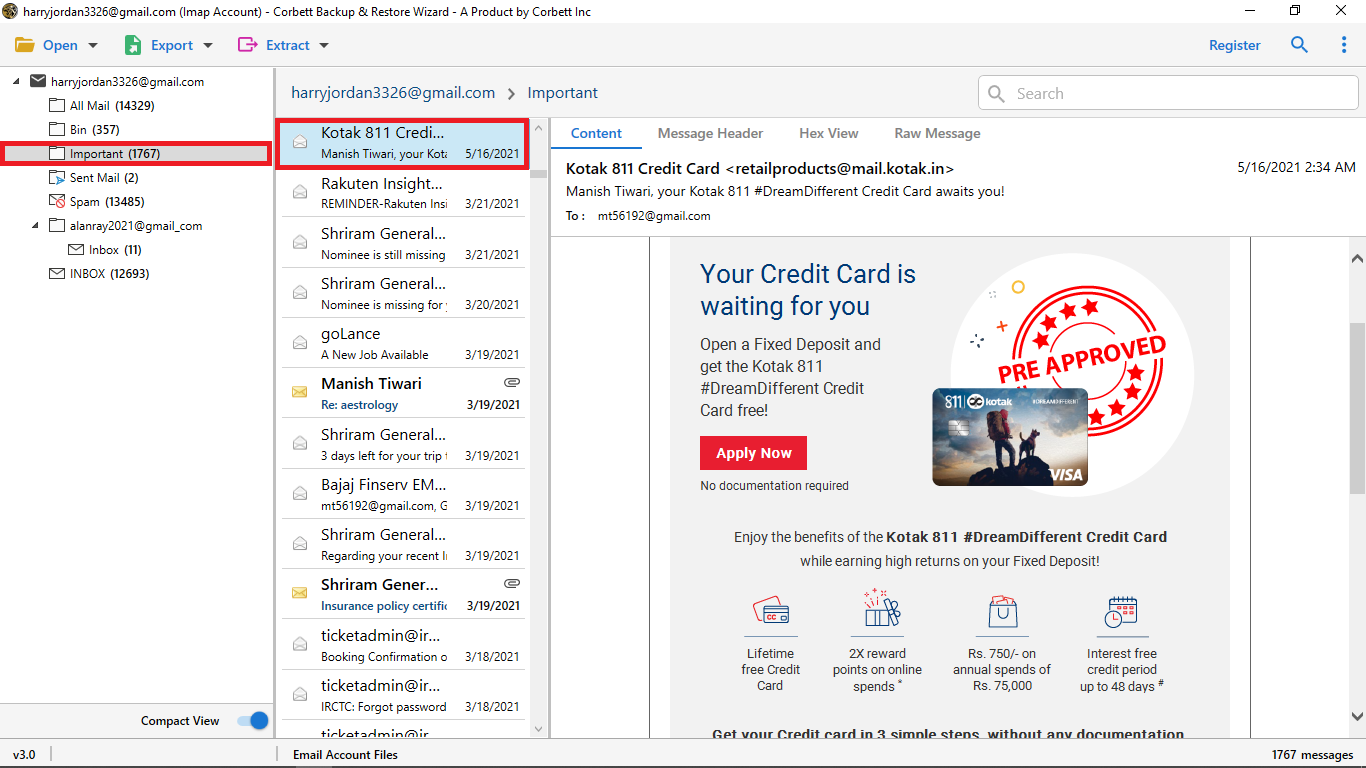
Use Corbett Email Migration Tool to move Yandex Mail to Gmail. It logs in to Yandex over IMAP and writes mail into Gmail, keeping folder structure, dates and read status. Duplicates are skipped and a CSV log lists results. Yandex stays read only, so mail is copied and never removed. Windows 7 through 11 and Windows Server 2008 to 2025 work. A free demo lets you test first.
Steps to move Yandex Mail to Gmail with software
- Install it on a Windows PC and start it as administrator.
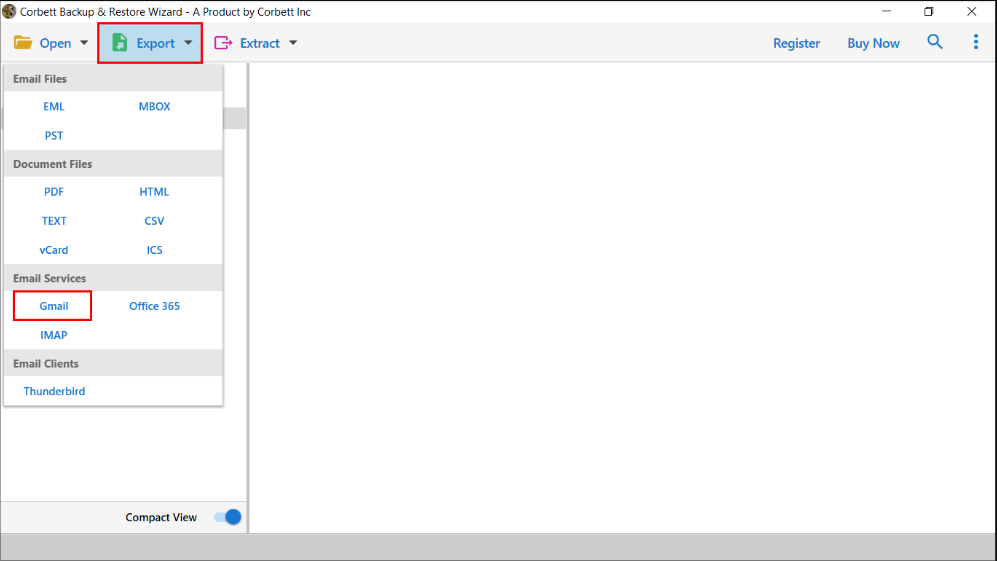
- Choose source and destination services. For Yandex, choose IMAP host and enter
imap.yandex.com, port 993, your username and app password. - Choose Gmail as destination and sign in on Google's own consent window.
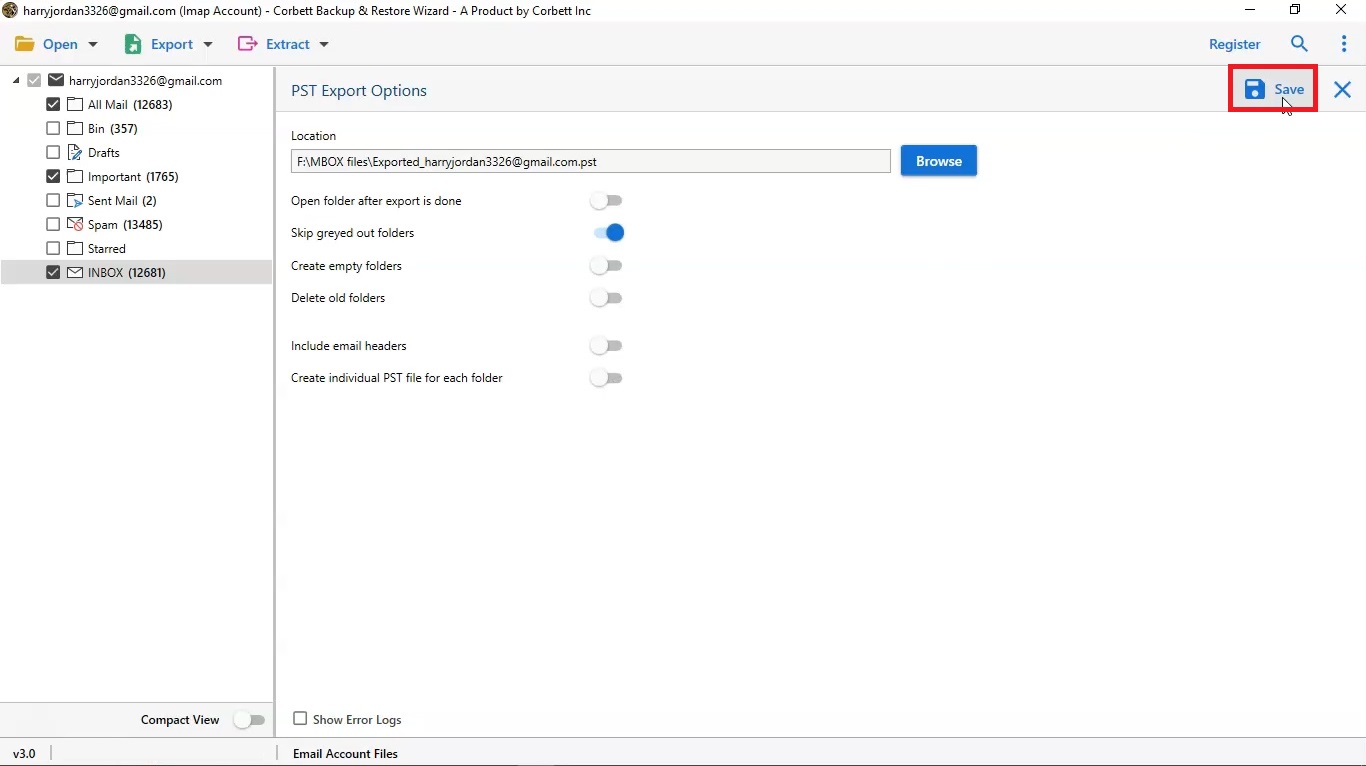
- Tick Yandex folders you want. Leave Spam and Trash unticked so junk stays behind.
- Add date or sender filters if Gmail storage is tight.
- Start migration, then compare Gmail folder counts with your CSV report.
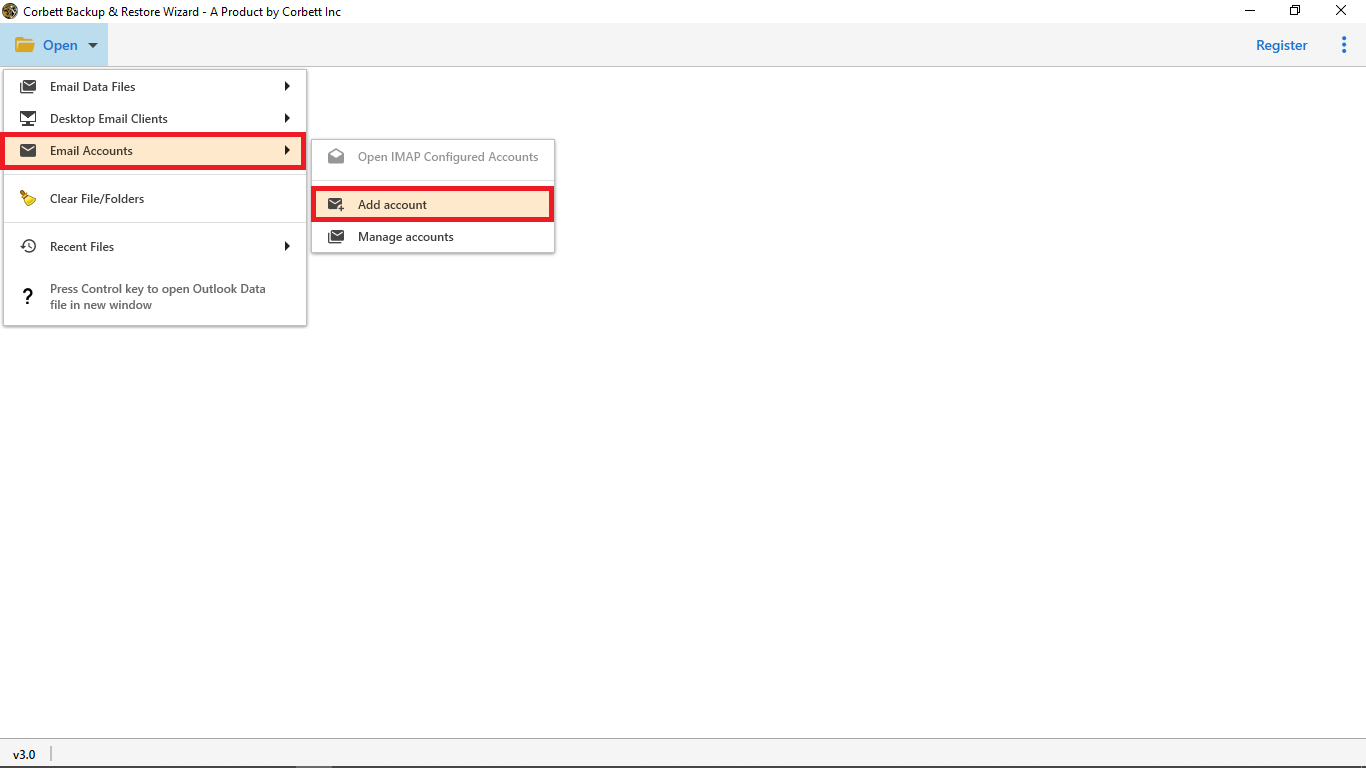
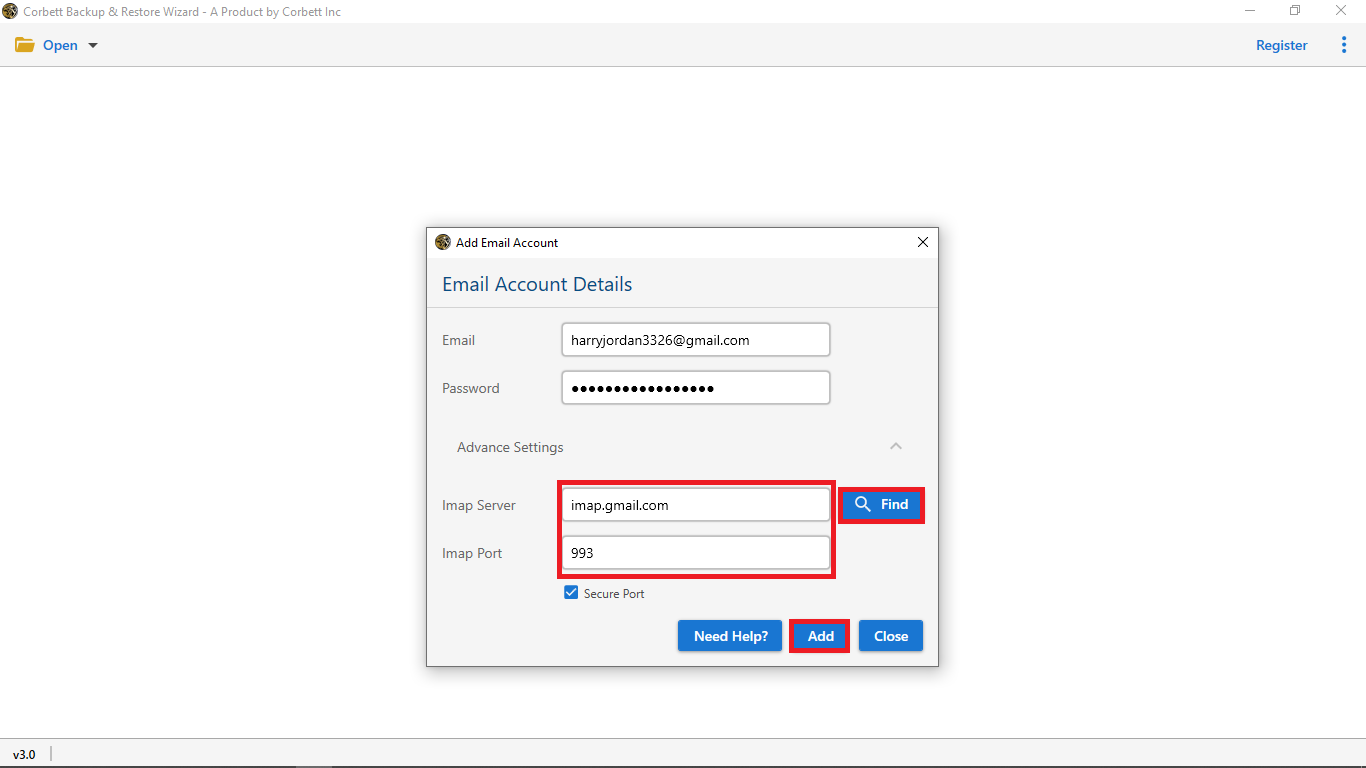
It works as one cutover, because Corbett has no scheduler and no delta mode. A second run scans your full selection again, and duplicate detection skips mail already in Gmail. Its demo moves 10 messages per folder, enough to test Yandex login and Gmail delivery before you buy. Moving to Microsoft 365 instead? See how to migrate Yandex to Office 365.
What happens to Yandex contacts when you move Yandex Mail to Gmail?
Free methods carry mail only. Yandex syncs its address book over CardDAV, per its Thunderbird guide, so contacts need a separate step.
Corbett Email Migration Tool moves contacts, calendars, tasks and notes where a source account holds them. Confirm in a demo run that your Yandex contacts reach Gmail, because Yandex is not named on its product page.
Which way to move Yandex Mail to Gmail is best?
Use an IMAP client for one personal mailbox, Data import for Workspace teams and software for filters, large archives or many mailboxes.
| Way to move Yandex Mail to Gmail | Needs | Filters | Volume | Cost |
|---|---|---|---|---|
| IMAP email client | Thunderbird, both logins | No | Folder by folder | Free |
| Google Workspace Data import | Super admin, Workspace accounts | Date and folder skips | Up to 100 users per import | Included |
| Corbett Email Migration Tool | Windows PC, Yandex app password | Date, sender, subject, attachment | CSV batch for many users | Free demo, then from $99 |
Moving from another provider? See how to export GMX mail to Gmail or migrate IMAP to Gmail.
Why does Yandex Mail to Gmail transfer fail?
Yandex rejects your login when you move Yandex Mail to Gmail
Use an app password, not your login password, and enter only part of your address before @ as username. Check that App passwords and OAuth tokens is on in Yandex settings. If you lose an app password, delete it and create a new one.
Gmail has no option to import mail from Yandex
Google ended POP fetching and Gmailify from January 2026. Old steps that use pop.yandex.com inside Gmail no longer work. Use an IMAP client, Data import or software for old folders.
IMAP stays off in Yandex
Yandex enables IMAP when a mail program first logs in, but switch it on in Email clients settings yourself before you start.
Mail arrives twice in Gmail
Never run two methods on one folder. Software skips duplicates, and a delta import adds only newer mail.
Large Yandex mailbox stops halfway
Move one folder at a time, or run software when your PC is free. Software resumes after a dropped connection, and speed depends on whichever provider throttles harder.
What to do after you move Yandex Mail to Gmail?
Compare folder counts and open mail with attachments. Keep your Yandex account until counts match. Yandex forwarding sends new mail only, so set it up after your move if mail still reaches your old address.
Our view
For one mailbox, an IMAP client costs nothing and works, but plan an evening for it. Create your Yandex app password before anything else, since a rejected login is the top reason attempts fail. Use Data import only if you manage a Workspace domain.
Key takeaways
- Turn on IMAP and create app password in Yandex before you move Yandex Mail to Gmail.
- Gmail stopped POP fetching and Gmailify in January 2026, so old POP steps fail.
- IMAP clients suit one mailbox, and Google Workspace Data import for admins.
- Data import handles up to 100 IMAP users and is for Workspace, not personal Gmail.
- Corbett Email Migration Tool copies mail with folders, dates and read status, and your Yandex mailbox stays intact.
Questions about Yandex Mail to Gmail
How do I move Yandex Mail to Gmail?
Turn on IMAP and create app password in Yandex, then drag folders between accounts in IMAP email clients, run Google Workspace Data import or use migration software.
What are Yandex IMAP settings?
Server is imap.yandex.com on port 993 with SSL. Outgoing is smtp.yandex.com on port 465 with SSL.
Do I need a Yandex app password?
Yes. Yandex asks for app password of type Mail when a client connects over IMAP. Create it in Yandex ID under App passwords.
Can Gmail still import mail from Yandex over POP?
No. Google ended POP fetching from other accounts and Gmailify from January 2026. Yandex also stopped updating POP3 support.
Does forwarding move my old Yandex mail to Gmail?
No. Forwarding sends new mail only. Old mail needs IMAP clients, Data import or software.
Does Google Workspace Data import work for personal Gmail?
Google's IMAP guide covers Workspace accounts and does not say personal Gmail works. It handles up to 100 users per import.
How do I move Yandex contacts to Gmail?
Free mail methods skip contacts. Yandex syncs contacts over CardDAV, and Corbett Email Migration Tool moves contacts where your source account holds them.
Does Corbett Email Migration Tool move Yandex Mail to Gmail?
Yes, over IMAP. It lists Gmail as a destination and any IMAP host as source. Yandex is not named on its page, so test with a free demo.
Will migration delete my Yandex emails?
No. Every method here copies mail. Software reads your Yandex mailbox in read-only mode, so it stays untouched until you close it.
Does Corbett Email Migration Tool work on Mac?
No. It is Windows only and runs on Windows 11, 10, 8 and 7, plus Windows Server 2008 to 2025.
