Changed how emails are managed
The tool has completely changed how I manage my emails. The precise email activity tracking and detailed analytics reports make it a must-have software for email analysis!
Corbett
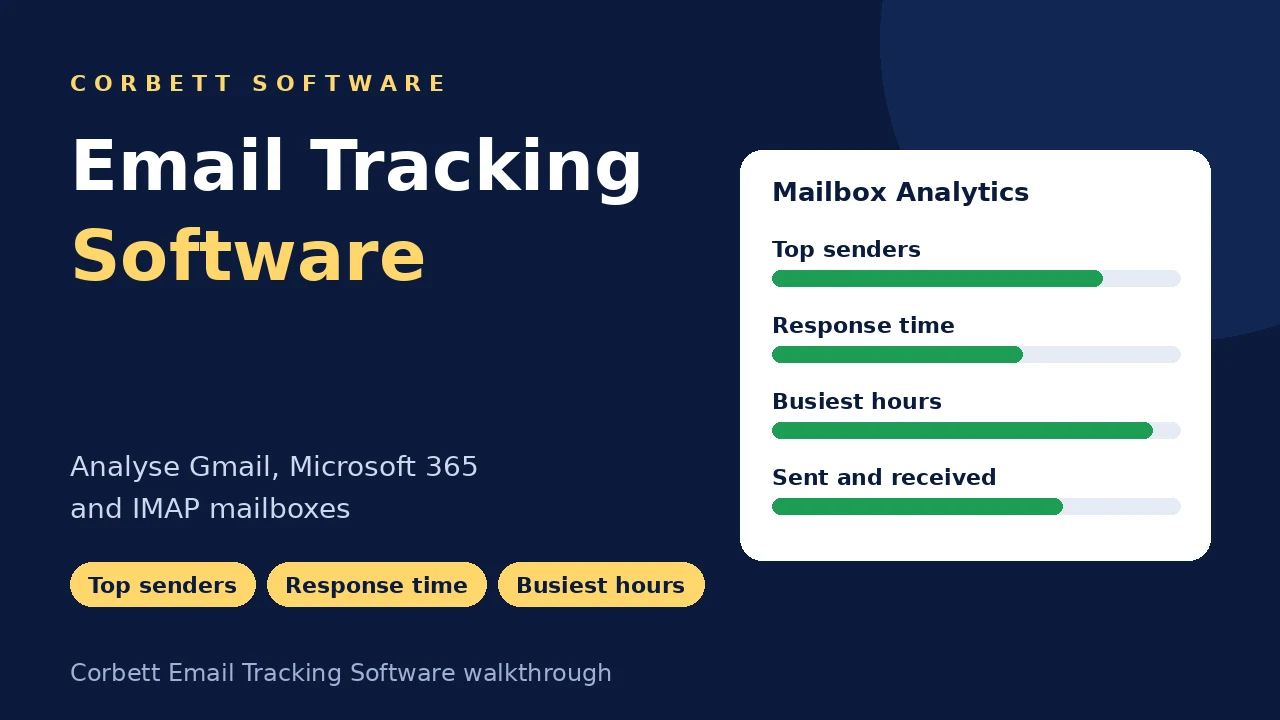
Corbett Email Tracking Software connects to Gmail, Microsoft 365, Outlook.com, Yahoo, Zoho Mail and any IMAP account. Sent and received totals, top senders and recipients, response times and busiest hours appear as charts for any date range. Try free demo first.
Download free demo Purchase now
Reports are built on your PC. Message data is never copied to Corbett.
Free demo, with a 30-day money-back window.
Lifetime licence from $99 Demo covers the last 7 days
Mailbox facts
Who sends the most mail, how fast your team replies and which week buried the inbox have no answer inside Gmail or Outlook. Email Tracking Software connects over IMAP and lays out the numbers in charts within minutes.
Measured
7Mailboxes
7Report views
8Out of scope
4Mailbox Analytics, Not Tracking Pixels
Open tracking tools hide an image in outgoing mail to log opens. Email Tracking Software works the other way round and analyses mail already in your account. Nothing is added to your messages, so recipients see no difference.
Cleaning a contact list you found here? Try Email Address Validator. Mailbox too big to analyse quickly? Start with Email Eraser Tool.
Core features
Five screens of Corbett Email Tracking Software, in working order.

Connect
Click Open, then Add Account or Open IMAP Configured Account. Enter your email address and password, press Add and the first scan begins.
Find under Advance Settings detects the server and port number for you. Gmail, Microsoft 365 and Zoho logins ask for an app password where the provider requires one.

Overview
Analytics chart opens first with totals for sent and received mail, senders and recipients. Click a category to open the matching report.
Total Sent and Received counts mail in both directions, and Emails Category lists the folders where your mail sits.

Contact detail
Top Senders ranks addresses by volume, so you spot the client, vendor or newsletter that floods your inbox.
Columns show Address, Messages, Size and File type, and attachments reveal what that contact sends most.

Date range
Advanced Settings on the Analytics tab take a start and end date. Click Apply Filter to compare this quarter with last or to build a yearly report.
Folder level reports split Inbox from Sent, so you see the activity you care about.

Response insights
Response charts show how fast mail gets answered, and Busiest Time shows which hours bring the heaviest traffic.
Plan support shifts or quiet focus time around the real pattern. The category breakdown groups your mail to make that check easy.
Mail sources
Email Tracking Software connects over IMAP, so one app covers the mail services you use.
Gmail
Use an app password
Microsoft 365
IMAP must be on
Outlook.com
Add with email and password
Yahoo Mail
Add with email and password
Zoho Mail
IMAP must be on
Google Workspace
Business Gmail accounts
Any IMAP account
Server and port found with Find
IMAP Configured Account
Open an account already set up
Working process
Four steps take you from login to charts. Try them on a week of mail in free demo first.
Add the account
Click Open, then Add Account. Enter your email address and password, press Add and wait for the scan.
Open the analytics chart
Check totals for sent and received mail. Click a category to open the matching report.
Check senders and response
Open Top Senders, Response and Busiest Time to see who mails you most and when replies go out.
Set the dates
Open Advanced Settings, enter a start and end date and click Apply Filter.
Free demo covers the last 7 days of mail, enough to judge every chart before you buy.
Working process
Prefer screenshots? Open Email Tracking Software guide to see all chart views.
Advanced options
Small options that give you sharper numbers from every scan.
Server detection
Find button fills server and port
Email Replied
Count replies on your mail
Response time
Average sent, receive and response times
Busiest Time
Hours with the most traffic
Category breakdown
Groups mail by email category
Exported reports
Save your analysis as a report
Unread counts
Opened and unread mail
Attachments
File type and size tracked
Folder categories
Inbox, Sent, Drafts and Outbox
Date filter
Start and end date with Apply Filter
IMAP accounts
Gmail, Microsoft 365, Zoho and more
Saved reports
Export the analysis to your PC
Free demo
Try Email Tracking Software on One Mailbox
Install free demo, add an account and open the analytics chart. Free demo covers the last 7 days of mail, so you judge the charts before buying.
Download free demoTry before you buy
Free demo of Email Tracking Software connects accounts and builds full charts. Only the period of mail is capped.
| Feature | Free demo | Full version |
|---|---|---|
| Add an email account | Yes | Yes |
| Charts and reports | Available | Available |
| Mail period | Last 7 days | Any date range |
| Price | Free | From $99 one time |
Use cases
Anyone who needs numbers from a busy mailbox.
Support leads
Plan shifts around the busiest hours of mail traffic.
Managers
Build a yearly report for a review.
Investigators
Trace who talked to whom and when with top sender and recipient data.
Overloaded inboxes
Find the client, vendor or newsletter that floods your inbox.
Quarter reviewers
Compare this quarter with last for any mailbox.
Multi account owners
Analyse Gmail, Microsoft 365, Yahoo and Zoho mail in one app.
Why Corbett
No subscription
Lifetime licence from $99
Works on your PC
Message data never goes to Corbett
No tracking pixels
Nothing added to your messages
Charts in minutes
First scan builds the analytics chart
Folders counted
Inbox, Sent, Drafts and Outbox
Date range
Start and end date filter
Any IMAP account
Gmail, Microsoft 365, Zoho and more
30-day refund
Money-back window after purchase
Manual or tool
Gmail and Outlook search one sender or one date and show a count. Anything beyond that needs a spreadsheet and an afternoon.
| Job | Mail app search | Email Tracking Software |
|---|---|---|
| Cost | Built into the app | $99 one time |
| One sender count | Search shows it | Shows it too |
| Top senders list | Not available | Ranked report |
| Response time | Work it out by hand | Averages charted |
| Busiest hours | No view | Time chart |
| Several accounts | One app per account | Any IMAP account |
| Date comparison | Repeated searches | Start and end date filter |
| Saved report | Screenshots | Exported to disk |
Mail app search fits one sender. Reports across senders, hours and dates belong to Email Tracking Software.
Global recognition
Users rate Corbett Email Tracking Software 4.7 out of 5 from 760 reviews.
 CNET
CNET Download.io
 UpdateStar
 TopSoftware Advisor
 SaaSHub
 Uptodown


Specifications
Download details
System
Supported editions
Windows 11, 10, 8.1, 8 and 7 in 32-bit or 64-bit, plus Windows Server 2008 to 2019. No macOS or Linux build.
Setup or report questions? Reach the team on the Corbett contact page.
User testimonials
Email Tracking Software earns 760 reviews from buyers.
Collected across 760 reviews left on download sites and through the help desk. Three reviews below are unedited.
The tool has completely changed how I manage my emails. The precise email activity tracking and detailed analytics reports make it a must-have software for email analysis!
Manually analyzing the email messages and data took too much time, but this software made the complete analysis process easier and much more convenient. The tool takes less time and provides detailed insights making our task much smoother.
The time we wasted while analyzing the emails folder by folder, took away many opportunities to be productive with new tasks. But after we used this email analytics software, we are now able to focus on new tasks as the tool analyzes and generates a detailed report including all the folders without missing any data.
Before connecting
Most mail services block plain passwords from desktop apps. Three short checks get you in.
Use an app password for Gmail
Google blocks ordinary passwords for desktop tools. Enable 2-Step Verification, generate a 16 letter app password and paste it into the login box.
Switch on IMAP
Some Microsoft 365 and Zoho admins switch IMAP off for staff accounts. Ask your admin to allow it for the mailbox you analyse.
Start with a short date range
Mailboxes with years of mail take longer to scan. Analyse the last month first, then widen the range once the numbers look right.
Gmail login help sits in How to set up two factor authentication on Gmail and Enable IMAP in Gmail not showing.
Best practice
Four habits keep your numbers trustworthy.
Check one sender first
Count one sender in your mail app search, then compare the number with the Top Senders report.
Folders stay untouched
Email Tracking Software never edits your folders, so analysis leaves your mail as it is.
Save your report
Export the analysis to your PC for later review or sharing.
Clean the contacts
Pass addresses you find through Email Address Validator before a campaign.
Common questions
Accounts, charts, privacy and what free demo covers.
Corbett Email Tracking Software analyses mail already in your account. Email Tracking Software charts sent and received totals, top senders and recipients, response times and busiest hours.
Click Open, then Add Account. Enter your email address and password, press Add and wait for the scan. The analytics chart appears when the scan finishes.
Yes. Gmail, Outlook.com, Yahoo, Zoho Mail, Microsoft 365 and any IMAP account are supported.
No. Email Tracking Software analyses mail already in your account, so nothing is inserted into messages you send.
Yes. Average response, sent and receive times appear in the response charts.
Yes. Set a start and end date under Advanced Settings and click Apply Filter.
Yes. Attachments are tracked along with message size and file type.
Yes. Reports count both opened and unread mail.
All of them, including Inbox, Sent, Drafts and Outbox, or specific folders if you prefer.
Yes. Export the analysis to your computer for later review or sharing.
Yes. Top sender and recipient data helps trace who talked to whom and when.
Google requires an app password for desktop tools. Enable 2-Step Verification and create one. Help sits in How to set up two factor authentication on Gmail.
No. Email Tracking Software builds reports on your PC, and message data is never copied to Corbett. Your login goes only to your mail provider.
No. Email Tracking Software needs Windows 7 to 11 or Windows Server 2008 to 2019. There is no macOS or Linux build.
The lifetime licence starts at $99, and payment is one time.
Free demo builds full charts and reports for the last 7 days of your mailbox.
Click Busiest Time to see which time period has the highest volume of email activity.
Open Top Senders. The report ranks addresses by volume and shows Messages, Size and File type, plus attachments.
No. Click Find under Advance Settings and Email Tracking Software detects the server and port number.
Yes. The Email Replied option shows how many replies your mail received.
The setup file is 4.6 MB. Keep 131.1 MB of free disk space, 2 GB of memory and a Core 2 Duo 2.4 GHz processor, and start the setup with Run as Administrator.
Yes. A refund request made within 30 days of purchase is accepted. See the refund policy for details.
A download link and a licence key arrive by email.
Mailbox guides
Help for the mail jobs around an analysis.
Moving mail between accounts is covered on the Email Migration Tool page, server transfers on the IMAP Migration Tool page. Saved mail formats go to the email converter tool. Corrupted mail data needs email recovery software, and saved mailbox data opens free in email viewer software. More tools sit on Duplicate Cleaner Tool and PST File Analyzer.
Get started
Connect one mailbox in free demo and see a week of charts. Lifetime licence starts at $99 in a single payment, and refunds are open for 30 days.
Download free demo Purchase now
4.6 MB · Windows 11 to 7 and Windows Server 2019 to 2008 · 30 day money back