Thousands gone in seconds
The Corbett Email Eraser Tool helped me delete thousands of my old emails within a second. It is super easy to use and very efficient.
Corbett
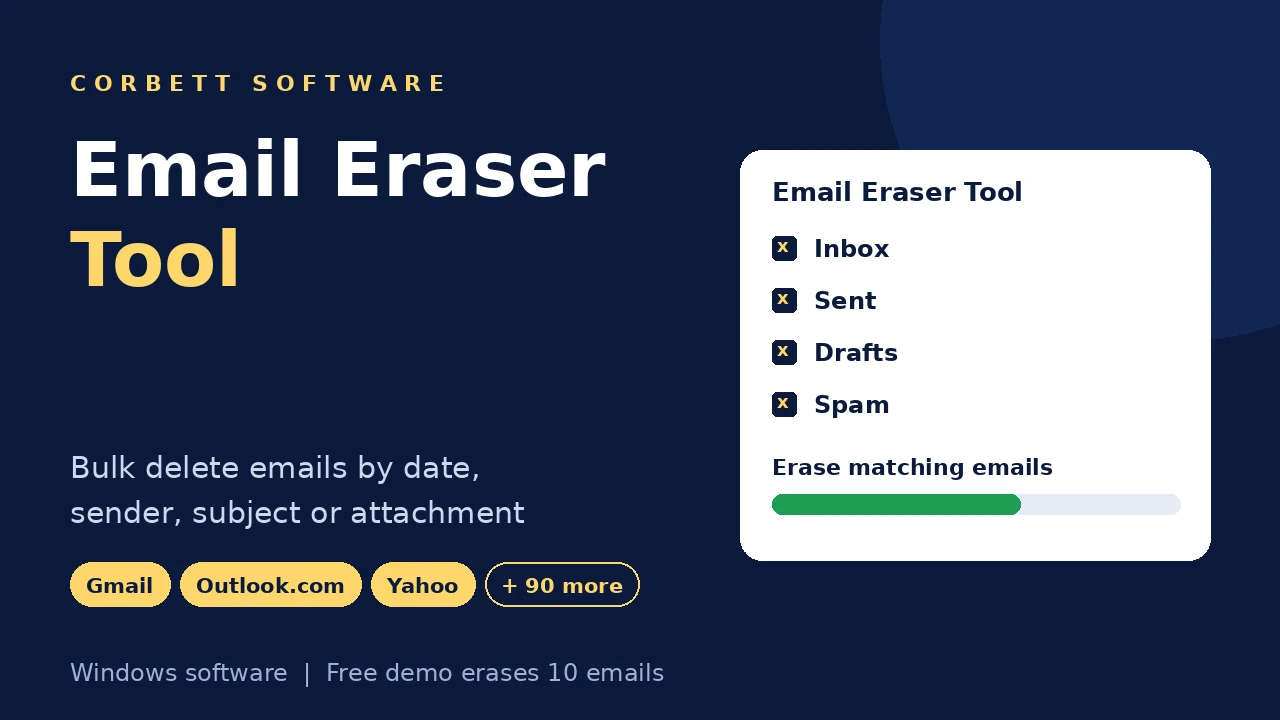
Corbett Email Eraser Tool bulk deletes mail from Gmail, Outlook.com, Yahoo, Microsoft 365 and more than 90 other IMAP services. Filter by date range, sender, recipient, subject text or attachments, preview the matches and erase thousands of messages in one action. Free demo erases 10 emails on Windows.
Download free demo Purchase now
Deletion commands go from your PC straight to your mail server. Corbett never stores your login details.
Free demo and a 30 day money back window.
Lifetime licence from $49 Free trial deletes the first 10 emails
Mailbox cleanup
Years of newsletters, social alerts and order confirmations fill your storage quota before important mail does. Webmail deletes one page at a time, and a full Gmail account stops receiving new messages. Email eraser tool clears the clutter by rule, so a weekend cleanup takes minutes.
What gets erased
7Folders covered
7Delete by
8Kept safe
4Check the Gmail IMAP Delete Setting First
Gmail can archive a message deleted over IMAP instead of removing it. Open Settings, then Forwarding and POP/IMAP, and set the expunge option to move mail to Trash or delete it forever before the cleanup.
Related pages include Email Attachment Extractor, Email Address Validator and Duplicate Cleaner Tool. Saved copies sit on the Gmail Backup Tool page.
Core features
Five screens of Corbett email eraser tool, in the order you meet them.

Sign in
Select Open, then Add Account, and enter your address with its password or app password. Your folder list loads as soon as the login succeeds.
Email eraser tool works with 90+ mail services and keeps your credentials out of storage. Gmail and Yahoo accounts use app passwords.

Loaded mailbox
Email eraser tool lists all folders with their mail, so nothing goes blind. Expand a folder to confirm it holds what your cleanup targets.
Inbox, Sent, Drafts and Spam appear right after login, custom folders included. Select by folder or by message.

Preview
Open any message from your loaded list before it goes. A second look keeps the one contract or receipt you still need away from the junk pile.
Sender shows who wrote, Date places the message inside or outside your range, Subject confirms the topic, and Body and attachments show what you would lose.

Delete rules
Advanced Settings combine rules. Erase all LinkedIn alerts from before 2022, or every message with an attachment from one old project address.
Set a date range, a From or To mail ID, Search in Subject or Search in Body. Add the case sensitive option or limit the job to mail containing attachments.

Erase
Select Actions and choose a delete option. Erase the matches only, the selected messages or the full mailbox, and your server receives the command in one batch.
Need a copy first? Save the account with the Gmail Backup Tool or the Webmail backup tool before you erase.
Working process
Four steps clear a crowded mailbox. Test them on one sender or one month in free demo first.
Sign in to your mailbox
Start email eraser tool, select Open and choose Add Account. Enter your address with its password or app password.
Load and preview mail
Check your folder list and open a few messages to confirm what your cleanup targets.
Set your delete rules
Open Advanced Settings and set a date range, From and To mail IDs, subject or body text and the attachment option.
Erase and check
Select Actions, choose a delete option and look at your mailbox in webmail.
Every delete option has a screenshot in the Email Eraser Tool guide.
Working process
Prefer pictures? The Email Eraser Tool guide shows every delete option.
Advanced options
Small options that save hours on mailboxes with years of mail.
Date range filter
Name the first and last day
From and To mail IDs
Target one address
Search in Subject
Match text in the subject line
Search in Body
Match text inside the message
Case sensitive match
Match exact letter case
Attachment filter
Target mail that carries files
Message preview
Check sender, date, subject and body
Folder tree
Inbox, Sent, Drafts and Spam
Batch delete
One command to your server
Several accounts
Add them in one program
App passwords
Gmail and Yahoo sign in
No stored logins
Corbett keeps no credentials
Supported services
Email eraser tool erases mail from more than 90 services, from webmail to ISP and IMAP mailboxes.
Gmail
Sign in with an app password
Outlook.com
Webmail account
Yahoo
Sign in with an app password
Microsoft 365
Mailbox account
Zoho Mail
Webmail account
ISP mailboxes
Most providers work
IMAP mailboxes
Any IMAP server login
90+ services
Cloud, ISP and IMAP in one list
Free demo
Test Email Eraser Tool on Real Mail
Install free demo, sign in and try every filter on a real mailbox. Free demo erases the first 10 matching emails, so you check the result in seconds.
Download free demoTry before you buy
Free demo shows the full workflow. Only the number of emails erased is capped.
| Feature | Free demo | Full version |
|---|---|---|
| Sign in to mailboxes | Yes | Yes |
| Folder list and message preview | All available | All available |
| Date, sender, subject, body and attachment filters | All available | All available |
| Emails erased | First 10 | No limit |
| Price | Free | From $49 one time |
Use cases
Anyone whose mailbox holds more mail than they will ever open.
Full mailbox owners
Free your quota when new messages stop arriving.
Newsletter collectors
Clear promotions, social alerts and order confirmations in one pass.
IT admins
Clean several mailboxes with the same set of rules.
Project closers
Erase mail from one old project address.
Privacy minded users
Remove old threads you no longer want on a server.
Busy inbox users
Stop deleting one page at a time in webmail.
Why Corbett
No subscription
Lifetime licence from $49
Preview first
Check mail before it goes
Combined rules
Date, sender, text and files
90+ services
Webmail, ISP and IMAP
No stored logins
Corbett keeps no credentials
One batch
Thousands erased in one action
30 day refund
Money back window after purchase
Windows 11 to 7
Server 2008 to 2019 too
Before cleanup
Email eraser tool deletes mail by rule. Here is what that covers and where it stops.
| Capability | Supported | What it means |
|---|---|---|
| Mail folders | Yes | Inbox, Sent, Drafts, Outbox, Spam, Archive and custom folders |
| Date range | Yes | Only mail inside your range is removed |
| Sender and recipient | Yes | Enter a From or To mail ID under Advanced Settings |
| Subject and body text | Yes | Search in Subject and Search in Body, with a case sensitive option |
| Attachments | Yes | Limit the job to mail that contains attachments |
| Unmatched mail | Kept | Messages outside your rules stay in place |
| Account settings, saved passwords and mail rules | Kept | Email eraser tool leaves all three alone |
| Mac and Linux | Not supported | Email eraser tool has no macOS or Linux build |
Webmail or tool
Gmail and Outlook.com select every message that matches a search, which handles one simple rule for free. Combined rules and several accounts are where email eraser tool helps.
| Job | Webmail bulk delete | Email eraser tool |
|---|---|---|
| Cost | Free in the browser | From $49 one time |
| Delete one sender | Search and select all | Handles it too |
| Combined rules | One search at a time | Date, sender, text and attachments |
| Many accounts | Separate sign ins | Add them in one program |
| Preview first | Page by page | Full preview pane |
| Non webmail hosts | Depends on the host | 90+ services |
Webmail search is enough for one sender in one Gmail account. When your quota stays full afterwards, open Gmail storage full after deleting emails.
Specifications
Download details
System
Supported editions
Windows 11, 10, 8 and 7 in 32 bit or 64 bit, plus Windows Server 2008 to 2019.
Email eraser tool has no macOS or Linux build.
Corbett has built Windows email utilities since 2020. Cleanup support tickets go to the team that maintains email eraser tool.
User testimonials
Email eraser tool holds 4.8 out of 5 from 750 reviews of people who cleared crowded mailboxes.
Collected across 750 reviews gathered on software portals and by email. The three quotes appear unchanged.
The Corbett Email Eraser Tool helped me delete thousands of my old emails within a second. It is super easy to use and very efficient.
This tool erased my cluttered inbox which was years old. It is simple to use, reliable and a time-saver tool.
I cleared out junk emails effortlessly with this amazing solution. The batch delete option is fantastic and worth it.
Before cleanup
Deleted mail rarely comes back. Three checks keep your cleanup under control.
Save anything worth keeping
Export tax records, contracts and photos to a PST or PDF copy first. A filter one year too wide takes them along.
Start with a narrow filter
Erase one sender or one month first, check the result in webmail, then widen your rules.
Empty Trash only when sure
Some services hold deleted mail in Trash for a while. Leave it there until your mailbox looks right, then empty it to free quota.
Storage trouble in specific apps is covered in Gmail storage full after deleting emails and Clear up Gmail storage.
Best practice
Cleanup pays off when only the right mail goes. Four habits protect your data.
Preview before you erase
Open a few matches in the preview pane and confirm they belong in the bin.
Check webmail after a test
Compare your mailbox with the rules you set before a large job.
Back up important mail
Save the account with the Gmail Backup Tool before you erase.
Use app passwords
Gmail and Yahoo accounts sign in with app passwords.
Common questions
Accounts, rules, safety and what the free demo erases.
Email eraser tool is Windows software that bulk deletes emails from Gmail, Outlook.com, Yahoo, Microsoft 365 and more than 90 other services. Corbett Email Eraser Tool filters by date, sender, subject or attachments and erases the matches in one action.
Select Open, then Add Account, and sign in. Select the folders, open Actions and choose the option that deletes the full mailbox.
Yes. Enter the address in the From mail ID field under Advanced Settings and email eraser tool erases only those messages.
Yes. Set the date range filter and only mail inside it is removed.
More than 90, including Gmail, Outlook.com, Yahoo, Microsoft 365, Zoho Mail and most ISP and IMAP mailboxes.
Yes. Select the containing attachments option to target those messages and free space fast.
Yes. Filter by sender for sites like LinkedIn, Pinterest, Amazon or Twitter and erase them together.
Mail is removed from your folders. Some services hold it in Trash for a while, so empty Trash when you are sure.
Gmail's IMAP setting controls the outcome. Under Forwarding and POP/IMAP, set expunged mail to go to Trash or be deleted forever.
Yes. Search in Subject and Search in Body find text, with a case sensitive option.
Yes. Open any message from your loaded list to see its sender, date, subject, body and attachments before you erase.
Inbox, Sent, Drafts, Outbox, Spam, Archive and custom folders.
Mail that does not match your rules, account settings, saved passwords and mail rules stay in place.
No. Your credentials serve the session only, and Corbett never stores your login details.
No. Commands go from your PC straight to your mail server.
Yes. Save anything you need to a file before a large cleanup. The Gmail Backup Tool saves a Gmail account first.
Free demo includes every filter and the preview pane. Deletion stops after the first 10 emails.
Licences start at $49 as a one time payment with a lifetime licence. Compare options on the Email Eraser Tool buy page.
Electronically. A download link and key arrive by email.
Windows 11, 10, 8 and 7 in 32 bit or 64 bit, plus Windows Server 2008 to 2019. Start email eraser tool with Run as Administrator.
No. Email eraser tool has no macOS or Linux build.
Yes. Email eraser tool needs internet to reach your mailbox.
Yes. Ask within 30 days of buying and the money comes back. See the refund policy for details.
Cleanup guides
Help for freeing space and keeping what matters.
Delete by service
Mailbox tools next to email eraser tool include Email Tracking Software, Email Address Validator, Email Address Extractor and Duplicate Cleaner Tool. Account moves use the Email Migration Tool and IMAP Migration Tool, exports go to the email converter tool, broken archives belong with email recovery software and email viewer software opens saved mail free. PST File Analyzer and Metadata Cleaner round out the set.
Get started
Test your filters with 10 free deletions, check the mailbox and buy when the result looks right. Refunds on the $49 licence stay open for 30 days.
Download free demo Purchase now
11 MB · Windows 11 to 7 and Windows Server 2019 to 2008 · 30 days money back