How do I validate a list of email addresses?
Click Select File and load your list, or paste addresses into Mail Ids. Open Settings, choose the categories to export, then press Validate and Export.
What is an email address validator?
An email address validator checks which addresses on a list can receive mail. Corbett Email Address Validator does that for bulk lists on Windows and sorts every address into a category.
Will Email Address Validator show which addresses will bounce?
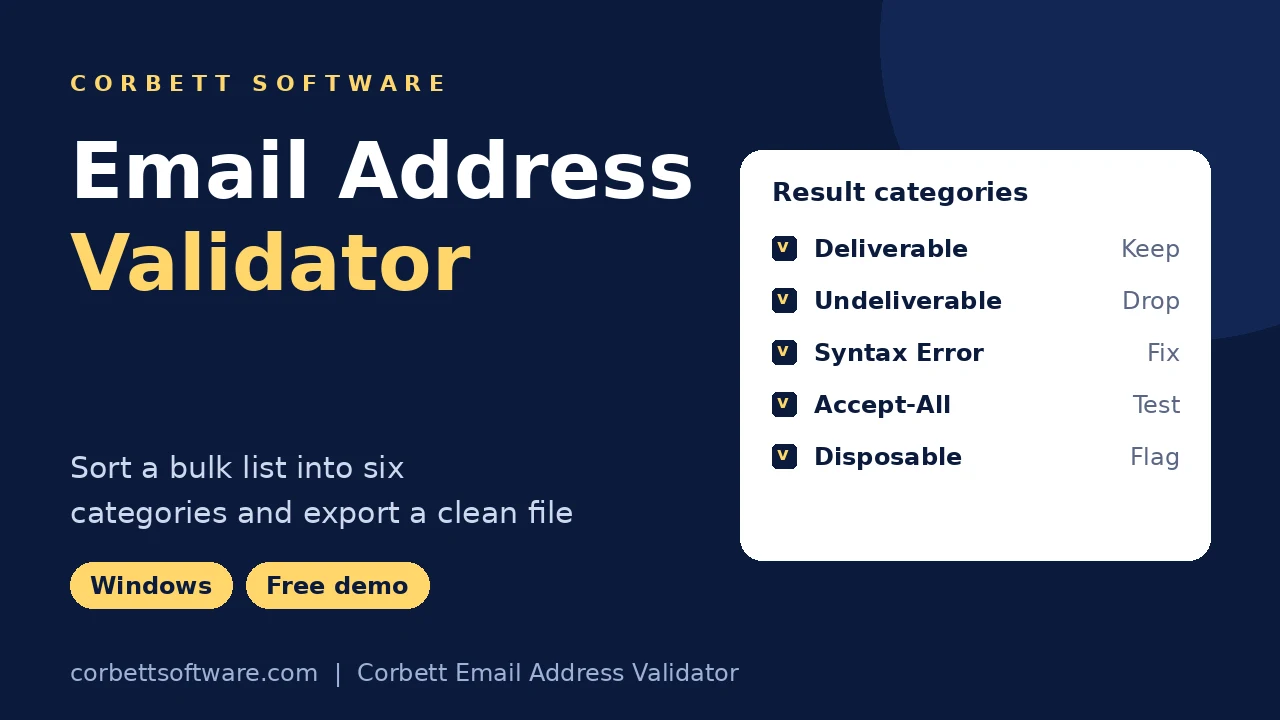
Yes. Addresses that fail the mailbox check land in Undeliverable, the ones most likely to bounce.
What does Accept-All mean?
The domain accepts mail for any address, so one mailbox cannot be confirmed. Treat those results as a test group.
Can I send to Accept-All addresses?
Yes, in a small test batch before a full campaign. No validator can confirm one mailbox behind a catch all server.
What is a disposable address?
A disposable address is a temporary inbox from a throwaway service. Most senders drop these signups.
Can I add my own disposable domains?
Yes. Settings lets you add custom domains to the Disposable Domains list.
What does Syntax Error mean?
Syntax Error lists addresses with a broken format. Extra text in a cell counts as a syntax error too.
What file should my list use?
Email Address Validator needs your addresses in one column. Tick File contains header if row one is a label.
Do I need a file to check a few addresses?
No. Paste one address per line into Mail Ids with a list name and validate without building a file.
Can I check Gmail and Yahoo addresses?
Yes. Email Address Validator gives free mail providers and company domains the same checks.
How many addresses can Email Address Validator check?
Any number once licensed. Free demo of Email Address Validator stops at 100 addresses.
How many checks does free demo include?
Up to 100 addresses with every setting and category unlocked.
Where are the results saved?
In the saving path you set under Settings, split by the categories you chose. Select Open Folder to find the output.
Does a valid result guarantee delivery?
No. Spam trap addresses, full inboxes and future closures stay outside any check, so a valid address can still bounce later.
Do I need an internet connection?
Yes. Domain and mailbox checks talk to mail servers, so your PC needs a working connection during validation.
Does validation send email to my contacts?
No. Email Address Validator sends nothing, so nobody on your list receives a message during the check.
Is my list uploaded to Corbett?
No. Your list stays on your computer, and Email Address Validator never uploads it.
Is a Mac version available?
No. Email Address Validator needs Windows 7 to 11 or Windows Server 2008 to 2019, so install the email validator on a Windows PC.
What are the system requirements?
Email Address Validator needs 131.1 MB of free disk space, 2 GB of RAM and a Core 2 Duo processor at 2.4 GHz. Start the setup with Run as Administrator.
How big is the download?
The setup file is 47.9 MB.
What is the price of the full version?
From $99, with higher tiers for teams. Payment is one time.
Can I get my money back?
Yes. A refund request made within 30 days of purchase is accepted. See the refund policy for details.