Corbett

Metadata Cleaner

Corbett Metadata Cleaner strips hidden metadata from Word, Excel, PowerPoint, PDF, JPG, PNG, TIFF, MP3 and MP4 files in batch. Remove author names, GPS tags and document properties before files leave the office, or clear only the author field. Built for Windows, trial included.

Download free demo Purchase now

4.9 out of 5 from 493 reviews

Files are cleaned on this PC. Nothing is uploaded to Corbett or any web service.

Free demo, scanned clean on VirusTotal and a 30-day money-back window.

Lifetime licence from $39 Free trial cleans one file at a time

Hidden data

Metadata Cleaner for Files, Photos and Media

A contract sent to the other side still names the junior lawyer who drafted it. A phone photo posted on a listing gives away the home address through its GPS tag. Metadata travels with every file and most senders never see it. Metadata Cleaner wipes those hidden fields across a full folder before anything is shared.

Removed

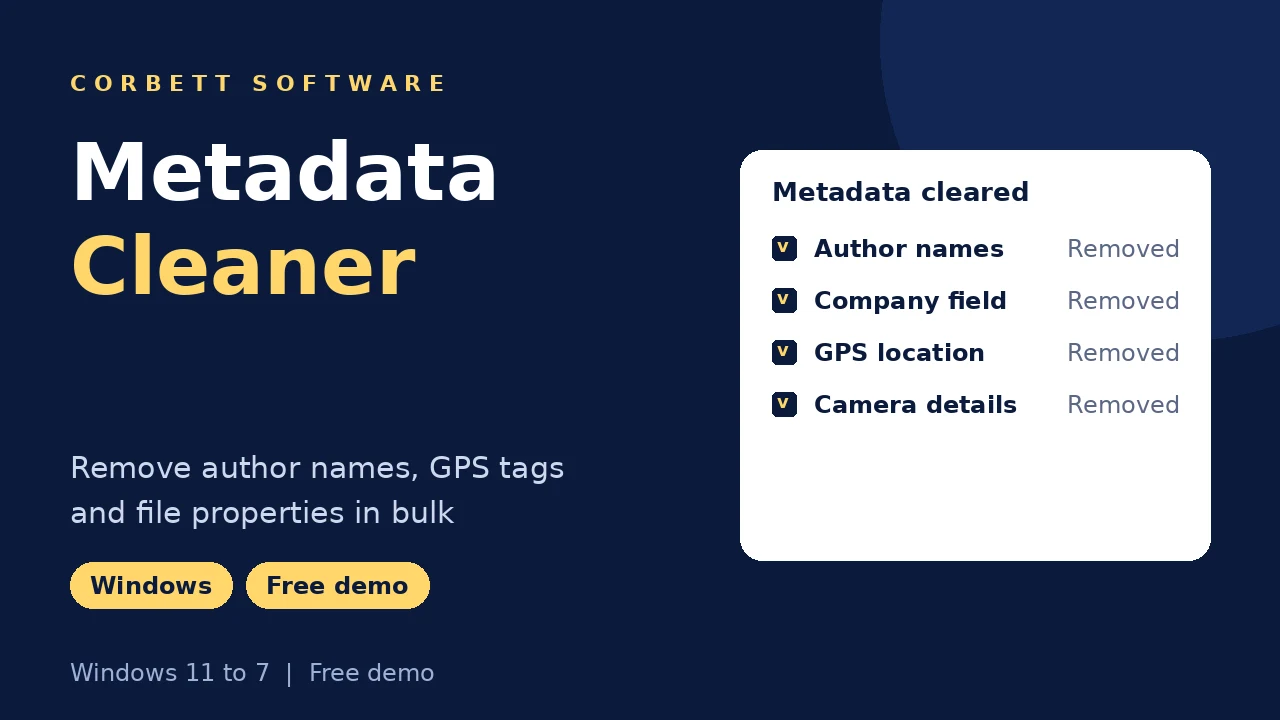
  • Author names
  • Company field
  • GPS location
  • Camera details
  • Created and edited dates
  • Last saved by
  • Media tags

File types

  • Word documents
  • Excel workbooks
  • PowerPoint decks
  • PDF files
  • JPG, PNG and TIFF
  • MP3 audio
  • MP4 video

Settings

  • Clear Metadata
  • Remove author only
  • Override existing files
  • Delete old folders
  • Open folder after export
  • Quick search
  • Error logs
  • Warning logs

Not touched

  • Document text
  • Image pixels
  • Audio and video
  • Spreadsheet data

Where metadata hides in everyday files

Office files store author, company and last saved by. Phone photos carry EXIF data with GPS coordinates and the camera model. MP3 tags name the encoder and owner. Metadata Cleaner clears those fields and leaves the visible content alone.

Core features

Metadata Cleaner in Five Steps

Choose the file type, load, preview, clear and save the cleaned copies.

Open menu with file categories

Open

Choose the File Type to Clean

Click Open and select a category such as Document Files, then the exact format. Add single items or a directory of them.

  • Categories under Open
  • Choose Files or Choose Folders
  • Office, PDF, image and media
  • Oversized files accepted
Document file formats list

Format list

Load Office Files Down to the Exact Format

Document Files splits into DOC, DOCX, DOT, DOCM, DOTX, DOTM, RTF, ODT and OTT, with matching lists for Excel and PowerPoint formats.

  • Word formats from DOC to OTT
  • Excel formats from XLS to XLTM
  • PowerPoint formats from PPT to POTM
  • Mixed folders handled by type
File preview before cleaning

Preview

Preview Files Before Clearing Metadata

Right click any loaded file and Metadata Cleaner opens it first, so the cleanup runs on the right version of the contract or photo set.

  • Right click opens a file for a quick check
  • File list names every loaded item
  • Search narrows the list by keyword
  • Error and warning logs flag hidden or read-only files
Clear Metadata under Actions

Cleanup

Clear Metadata in One Action

Actions, then Clear Metadata wipes the hidden fields from every selected file. Turn on Remove author only when dates and other properties must stay.

  • Clear Metadata under Actions
  • Remove author only option
  • Selected files or the full list
  • Visible content left alone
  • Logs for files that refuse
  • Batch runs for large folders
Destination folder and settings for clean files

Save

Save Clean Copies to a Safe Folder

Browse sets the output folder and Save writes the cleaned files. Override existing files replaces older copies, and the folder can open by itself when done.

Before cleaning

Metadata Cleaner Good Practice

Three habits that keep a Metadata Cleaner run useful and safe.

Originals

Keep an untouched archive

Metadata can matter later in a dispute or audit. Save cleaned copies to a new folder and archive the originals.

Office

Accept tracked changes first

Comments and tracked changes sit in the document body, not the properties. Resolve them in Word before sharing.

Photos

Check GPS before posting

Phones add location to every photo by default. Clean listing photos, school pictures and anything posted publicly.

Related file jobs are covered in Download attachments from Thunderbird and Extract attachments from MBOX files.

Free trial

Clean a Test File With Metadata Cleaner

Install the trial and clear one file at a time with every setting unlocked. Check the properties afterwards before buying.

Download free demo

Before purchase

Windows Remove Properties vs Metadata Cleaner

File Properties in Windows has a Remove Properties and Personal Information link that clears some fields for free. It works on a few file types at a time and misses many, as this table shows.

Job Remove Properties Metadata Cleaner
Cost Built into Windows $39 one time
A few Office files Clears common fields Clears them too
Hundreds of files Selection by hand Full folders in one run
PDF metadata Limited support Cleared
MP3 and MP4 tags Partial Cleared
Author only No option Remove author only
Error report Silent failures Error and warning logs
Keep originals Copy made by hand Clean copies saved apart

Green rows mark where the Windows option is enough.

For two or three Office files, Remove Properties in Windows works. To save photos in another format before sharing, use the Image File Converter .

Specifications

Metadata Cleaner Specs

Download details

Version
1.3
Download size
56.1 MB
Trial limit
One file at a time
Delivery
Download link and key by email
Licence
Lifetime, from $39
Download Now

System

Hard disk
37.4 MB free disk space
RAM
2 GB minimum
Processor
Core 2 Duo, 2.4 GHz
Rights
Run as Administrator
Microsoft Office
Not required

Supported editions

Windows 11, 10, 8.1, 8 and 7 in 32-bit or 64-bit, plus Windows Server 2008 to 2019.

No macOS or Linux build.

Corbett has built Windows email utilities since 2020. Privacy questions reach the team that wrote the cleaner.

Working process

Metadata Removal Video

Rather read? The Metadata Cleaner guide cleans a DOC file screen by screen.

Metadata Cleaner walkthrough

Common questions

Metadata Cleaner FAQs

File types, settings, privacy and what the trial cleans.

How do I remove metadata from a file?

Click Open, choose the file type and add files. Click Actions, then Clear Metadata, browse to an output folder and press Save.

Can it remove GPS data from photos?

Yes. Location and camera data are cleared from JPG, JPEG, TIFF and PNG images.

Which file types are supported?

Word, Excel and PowerPoint formats, PDF, JPG, JPEG, TIFF, PNG, MP3 and MP4.

Does it alter the document text?

No. Only hidden properties are removed. Text, images and layout stay as they were.

Can I remove only the author name?

Yes. Turn on Remove author only and other properties stay in place.

Can I clean a full folder at once?

Yes. Choose Folders loads a directory and the cleanup runs on every file in it.

Are my original files changed?

Clean copies are saved to your chosen folder. Override existing files is optional.

Does it remove comments and tracked changes?

Those sit in the document body. Resolve them in Word first, then clean the properties.

What if a file fails?

Error and warning logs show which files were hidden, read-only or locked.

Can I clean PDF metadata?

Yes. Author, creator and other PDF properties are cleared in batch.

Is it useful for law firms?

Yes. Firms clean author and company fields before documents go to opposing counsel or clients.

Are files uploaded anywhere?

No. Cleaning runs entirely on your computer.

Does a macOS build exist?

No. It runs on Windows 7 to 11 and Windows Server 2008 to 2019.

How much is the licence?

From $39, with business tiers above. Payment is one time.

What does the trial allow?

Every file type and setting, cleaning one file at a time.

Step by step

Privacy and File Guides

Help for preparing files before they are shared.

Moving mail between services sits on the Email Migration Tool page, server moves on the IMAP Migration Tool page. Mail file formats belong to the email converter tool. Broken mail stores belong to the email recovery software. Mail archives open free in the email viewer software. Further tools: PST File Analyzer and Website Downloader. Also see the Sitemap Generator, Email Eraser Tool, XLS to CSV Converter, Email Address Validator and VBA Password Remover.

User testimonials

Metadata Cleaner Reviews

493 ratings from legal, business and home users who cleaned files with Corbett.

4.9 out of 5

Collected across 493 reviews posted on software portals and in support chats. The three quotes are unedited.

Bulk removal for photos and videos

This MetadataRaser is a blessing of data privacy. I have trouble removing hidden metadata from Images and videos. But, with the help of this software, I can erase bulk metadata in just a few minutes. Its bulk-removing feature is a game-changer for me.

Vermin Tenk

Used in a legal firm

Working in a legal firm, we work on confidential files. Working with this software makes my job easier. The amazing thing about this software is that all the files are kept secure and private so there is no issue of losing the files during the process. Highly recommended!

Michael Wazoski

Company files secured

For the past months, our company has been dealing with the problems of securing our sensitive files. Corbett Metadata eraser software helps us to remove metadata. It is fast, secure, and easy to use. That's why I recommend this to my other colleague.

James Charles

Get started

Share Files Without the Hidden Details

Try the cleanup on one file, check its properties and buy when it works. A 30-day refund window covers the $39 licence.

Download free demo Purchase now

56.1 MB · Windows 11 to 7 and Windows Server 2019 to 2008 · 30 day money back