Oversized PST Explained
I used this tool to analyze my oversized PST file and found that the problem is because of the large attachments. It is such a great tool where I can easily create a report and analyze my Outlook file.
Corbett
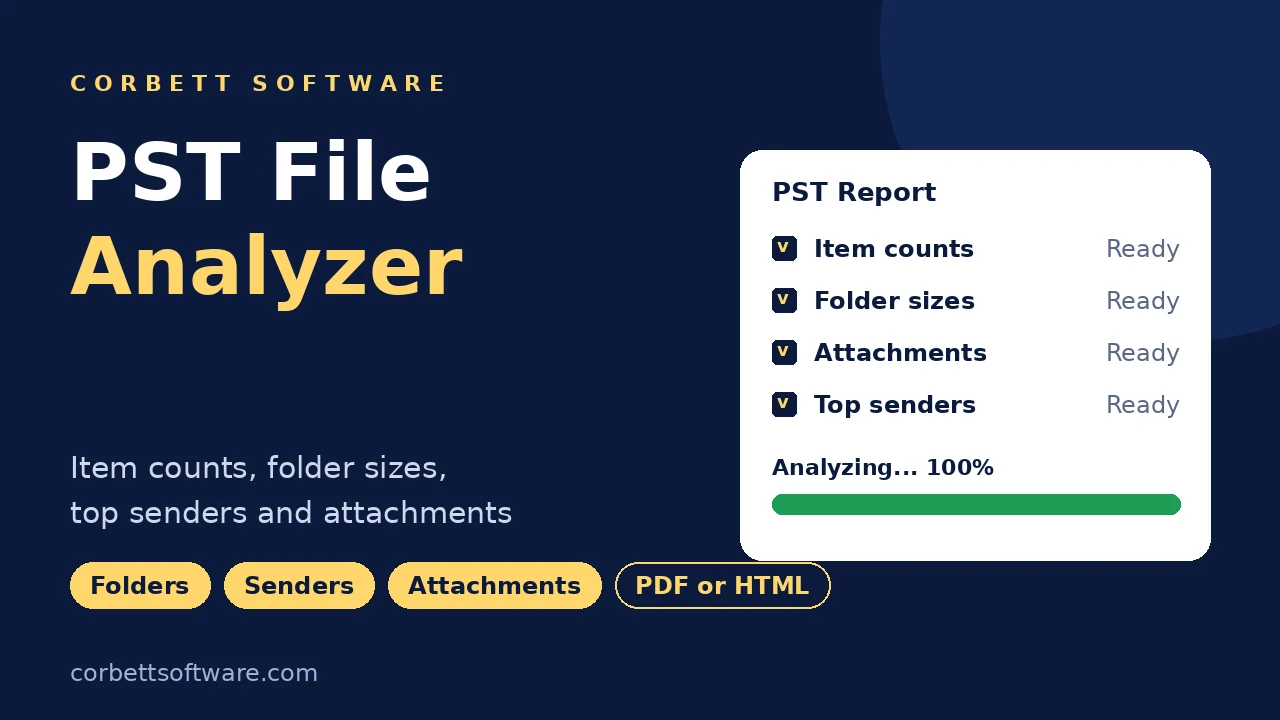
Corbett PST File Analyzer opens Outlook PST files without Outlook and builds a report of item counts, folder sizes, attachments, top senders and recipients. Check Corrupt Files scans for signs of damage, a date range narrows the report and Save As exports PDF or HTML. Try free demo first.
Download free demo Purchase now
PST files stay on your PC. Nothing from the data file reaches Corbett.
Free demo, with a 30-day money-back window.
Lifetime licence from $49 Demo covers the last 7 days
PST file facts
Outlook folder properties answer one question at a time. PST File Analyzer opens the file, counts every item and shows which folders, senders and attachments fill it.
Reported
7Data files
7Report tools
8Not changed
4Reports Only, No PST Repair
PST File Analyzer builds reports and flags signs of damage in a data file. Fixing a damaged PST needs a repair step, which the repair guide covers.
Need contacts out of a PST? Follow Extract contacts from PST file. Mail in other formats goes through the MBOX Converter.
Core features
Five screens of PST File Analyzer, in working order.

Open
Click Open, choose PST File, then Choose Files. Add one data file or several and the scan starts on its own.
Orphan files from old PCs load too, because PST File Analyzer needs no Outlook profile.

Overview
Overview shows item counts and file usage straight after scanning, with folders in original order.
Item types stay separated, so total items and size per folder sit side by side.

Message detail
The Details tab opens any item for a closer look, so investigators see every message beside its numbers.
Content shows the message as Outlook would, Message Header exposes routing and timestamps and Attachments list type, size and sender. Chart view ranks top senders and recipients.

Date filter
A date range limits the report to one period, and the search bar finds messages by keyword. Review one quarter for an audit or one project for a dispute.
Response figures show average sent and receive time, emails replied and totals sent and received.

Report
Save As exports the finished report. PDF suits case files and managers, and HTML opens in any browser.
Found a damaged file in the scan? Follow Repair PST file without ScanPST tool for the next step.
Mail sources
PST File Analyzer opens the Outlook data files below, with or without an Outlook profile.
Unicode PST
Scanned in full
ANSI PST
Older Outlook format
Archive PST
Old mail archives
Orphan PST
No Outlook profile needed
Exported PST
Files saved from Outlook
Backup PST
Copies on disk
Several PSTs
One session
OST file
Close Outlook first
Working process
Four steps take you from data file to finished report. Try them on a week of data in free demo first.
Open the PST file
Click Open, choose PST File and select Choose Files. Add one data file or several.
Check the overview
Check item counts, file usage and folder sizes once the scan ends.
Open details and charts
Use the Details tab for messages and the chart view for top senders and recipients.
Filter and save
Set a date range or keyword, then click Save As to export a PDF or HTML report.
Free demo covers the last 7 days of data, enough to judge every chart before you buy.
Working process
Prefer screenshots? Open the PST File Analyzer guide to see every report screen.
Advanced options
Small options that sharpen the numbers from every PST scan.
Keyword search
Find messages by keyword
Emails replied
Counts of replied mail
Response figures
Average sent and receive time
Sent and received
Totals in both directions
Attachment sizes
File type and size listed
Top senders
Ranked in the chart view
Top recipients
Ranked in the chart view
Message Header
Routing and timestamps
Folder hierarchy
Original order kept
Date range
Start and end date
Check Corrupt Files
Scans for signs of damage
Many PST files
Several data files per session
Free demo
Test PST File Analyzer on a Real PST
Install free demo, point PST File Analyzer at a real PST and study a week of reported data. Buy when the numbers prove useful.
Download free demoTry before you buy
Free demo of PST File Analyzer builds complete reports and charts. Only the period of data is capped.
| Feature | Free demo | Full version |
|---|---|---|
| Open PST files | Yes | Yes |
| Reports and charts | Available | Available |
| Data period | Last 7 days | All data |
| Price | Free | $49 one time |
Use cases
Anyone who needs facts about a PST before acting on it.
Outlook users
Find out why a PST grows toward the 50 GB limit.
Investigators
Profile a mailbox and check messages next to the numbers.
IT admins
Open orphan PST files from old PCs without an Outlook profile.
Auditors
Report on one quarter with a date range.
Storage cleaners
Find the senders and file types behind big attachments.
Managers
Hand over a PDF report instead of screenshots.
Why Corbett
No subscription
Lifetime licence from $49
Works on your PC
PST files stay on your PC
No Outlook needed
Orphan files open too
Many PST files
Several in one session
Charts
Top senders and recipients
PDF and HTML
Reports saved to disk
Original untouched
Messages and folders unchanged
30 day refund
Refund window after purchase
Manual or tool
Outlook lists folder sizes through Data File Properties at no cost. That covers one question, while attachments, senders, corruption and saved reports need more.
| Job | Outlook Folder Size | PST File Analyzer |
|---|---|---|
| Cost | Built into Outlook | $49 one time |
| Size of every folder | Listed in properties | In the overview too |
| Attachment report | Not available | Types, sizes and senders |
| Top senders | No view | Chart view |
| Orphan PST | Needs an Outlook profile | Opens without Outlook |
| Corruption check | Separate ScanPST session | Check Corrupt Files |
| Many PST files | Attach one by one | Several in one session |
| Saved report | Screenshots only | PDF or HTML |
Outlook's Folder Size window fits one question. Reports across senders, attachments and dates belong to PST File Analyzer.
Global recognition
Users rate Corbett PST File Analyzer 4.9 out of 5 from 493 reviews.
 CNET
CNET Download.io
 UpdateStar
 TopSoftware Advisor
 SaaSHub
 Uptodown



Specifications
Download details
System
Supported editions
Windows 11, 10, 8 and 7 in 32-bit or 64-bit, plus Windows Server 2008 to 2019. No macOS or Linux build.
Setup or report questions? Reach the team on the Corbett contact page.
User testimonials
PST File Analyzer earns 493 reviews from buyers.
Collected across 493 reviews left on download sites and through the help desk. Three reviews below are unedited.
I used this tool to analyze my oversized PST file and found that the problem is because of the large attachments. It is such a great tool where I can easily create a report and analyze my Outlook file.
For the past two weeks I was struggling to open my PST files. I found this software while surfing through the internet and checking if my file is corrupt or not. I am very impressed with this tool as it quickly scans and finds the issues in my files.
The simple and intuitive interface of the software allows you to analyze details of your PST file. With the help of this tool I can easily find my corrupted file. So, for a non-technical background this software is very helpful.
Before connecting
Three checks give you a clean scan and a report that stands up later.
Close Outlook first
Outlook locks a PST while Outlook is open. Close Outlook or analyze a copy, so scans reach the full file without errors.
Work on a copy for investigations
Copy the PST and record its hash before scanning. The original stays untouched and the copy can show later that it matches.
Find PST files on your PC
Outlook stores data files under Documents\Outlook Files by default. Older setups keep them in AppData\Local\Microsoft\Outlook.
More Outlook data jobs sit in Restore OST file and Extract contacts from PST file.
Best practice
Four habits keep your report trustworthy.
Original PST stays unchanged
PST File Analyzer opens the file for reporting, so messages and folders stay as they are.
Hash a copy for cases
Record the hash of your copy before scanning, then show later that it matches the original.
Save the report
Export PDF for records or HTML for browser viewing.
Start with one period
Set a date range first, then widen it once the numbers look right.
Common questions
Reports, corruption, Outlook and what free demo shows.
Corbett PST File Analyzer opens Outlook PST files without Outlook and reports item counts, folder sizes, attachments, top senders and recipients. Save the report as PDF or HTML.
Click Open, choose PST File and select Choose Files. The report builds on its own. Use the Details tab to check messages and Save As to export.
No. PST File Analyzer opens PST files directly, including orphan files from another PC.
Yes. Check Corrupt Files scans your data files for signs of damage. Fixing a damaged file needs a repair step, covered in Repair PST file without ScanPST tool.
Item counts, sizes, file usage, attachment details, top senders and recipients, response figures and sent or received totals.
Yes. Save As offers PDF and HTML.
Yes. Choose Files accepts more than one data file per session.
Yes. Investigators use PST File Analyzer to profile mailboxes. Work on a hashed copy so the original stays untouched.
Yes. Set a date range and reports cover that span.
Attachment details show which senders and file types take space.
No. PST File Analyzer opens the file for reporting and leaves messages and folders as they are.
Microsoft sets a 50 GB default limit on Unicode PST files in Outlook 2010 and 2013. Details sit in Microsoft file size limits for PST and OST files.
The Open menu offers PST and OST choices. Close Outlook before loading an OST that belongs to a live profile.
No. PST File Analyzer needs Windows 7 to 11 or Windows Server 2008 to 2019. There is no macOS or Linux build.
The lifetime licence starts at $49 and payment is one time.
Free demo builds complete reports and charts for the last 7 days of data from your PST.
Yes. Search finds messages by keyword.
The Details tab shows Content as Outlook would, Message Header with routing and timestamps and Attachments with type, size and sender.
Yes. The chart view lists top senders and recipients.
Yes. Response figures include average sent and receive time, emails replied and totals sent and received.
The setup file is 42.4 MB. Keep 131.1 MB of free disk space, 2 GB of memory and a Core 2 Duo 2.4 GHz processor, and start the setup with Run as Administrator.
Outlook stores data files under Documents\Outlook Files by default. Older setups keep them in AppData\Local\Microsoft\Outlook.
A download link and a licence key arrive by email.
Yes. A refund request made within 30 days of purchase is accepted. See the refund policy for details.
PST guides
Help for the jobs around a PST report.
Beyond PST
Moving mail between services is on the Email Migration Tool page, server side moves on the IMAP Migration Tool page. Outlook data formats go through the email converter tool, and unreadable mailbox data needs email recovery software. PST files open free in email viewer software. More tools sit on the Email Eraser Tool and Metadata Cleaner pages.
Get started
Load a PST in free demo, study a week of data and buy when the report helps. The $49 licence carries a 30 day refund window.
Download free demo Purchase now
42.4 MB · Windows 11 to 7 and Windows Server 2019 to 2008 · 30 day money back