Corbett

Image File Converter

Corbett Image File Converter converts JPG, PNG, WEBP, HEIC, TIFF, BMP, GIF and PSD images in batch to JPEG, PNG, WEBP, TIFF, BMP, GIF or PDF, with a quality level setting and a single PDF option. Load single photos or full folders and preview them first. Runs on Windows with a trial.

Download free demo Purchase now

4.9 out of 5 from 493 reviews

Photos are converted on this PC. No image is uploaded to a web service.

Free demo, scanned clean on VirusTotal and a 30-day money-back window.

Lifetime licence from $29 Free trial converts 10 images per folder

Photo facts

Image File Converter for Batch Photo Formats

A website wants WEBP, the print shop wants TIFF, a client cannot open the HEIC photos from an iPhone and the form only accepts PDF. Converting one picture at a time in Paint or an upload site wastes an afternoon and sends private photos to strangers. Image File Converter handles the full folder on the PC in one run.

Kept

  • Resolution
  • Colour accuracy
  • Sharpness
  • File names
  • Folder order
  • Mixed formats
  • Large batches

Inputs

  • JPG and JPEG
  • PNG
  • WEBP
  • HEIC
  • TIFF
  • BMP and GIF
  • PSD

Outputs

  • JPEG
  • PNG
  • WEBP
  • TIFF
  • BMP
  • GIF
  • PDF
  • Single PDF

Not possible

  • Restoring lost JPEG detail
  • True vector tracing
  • Removing watermarks
  • Editing pixels

What format conversion cannot fix

Saving a blurry JPG as PNG keeps the blur, and placing a photo inside an SVG or EPS file does not turn it into vector art. The converter keeps the quality the source already has, so start from the best original available.

Core features

Image File Converter in Five Steps

Open the images, check them, narrow the list, set the format and save.

Open button with image source formats

Open

Choose the Image Type and Add Photos

Click Open and select the source format, or a mixed set of types. Add single files or a folder full of pictures.

  • Source format chosen at Open
  • Files or full folders
  • Same or mixed image types
  • HEIC photos from iPhones
Image files loaded for conversion

Image list

Load a Folder of Pictures in One Go

Every image lands in a list with its name, so a shoot of several hundred photos is ready to convert in seconds.

  • Hundreds of images per run
  • Folder loads in one click
  • File names visible in the list
  • Unwanted shots left unticked
Image preview before conversion

Preview

Preview Images Before Conversion

Click any file and the preview panel shows it, so the wrong logo version or a blank scan never reaches the output folder.

  • Preview panel shows the picture full size
  • File list names every loaded image
  • Format tells mixed sources apart
  • Search bar and checkboxes narrow the set before export
Export menu with output formats

Search

Convert Only the Images That Matter

A keyword box sits over the picture list. Convert only the shots named product, or one date in a camera's file names.

  • Keyword search across names
  • Tick or untick single images
  • Mixed formats in one list
  • Full folder when nothing is set
  • Originals never touched
  • Results saved to a new folder
Destination and advanced settings for converted images

Export

Select the Output Format and Quality

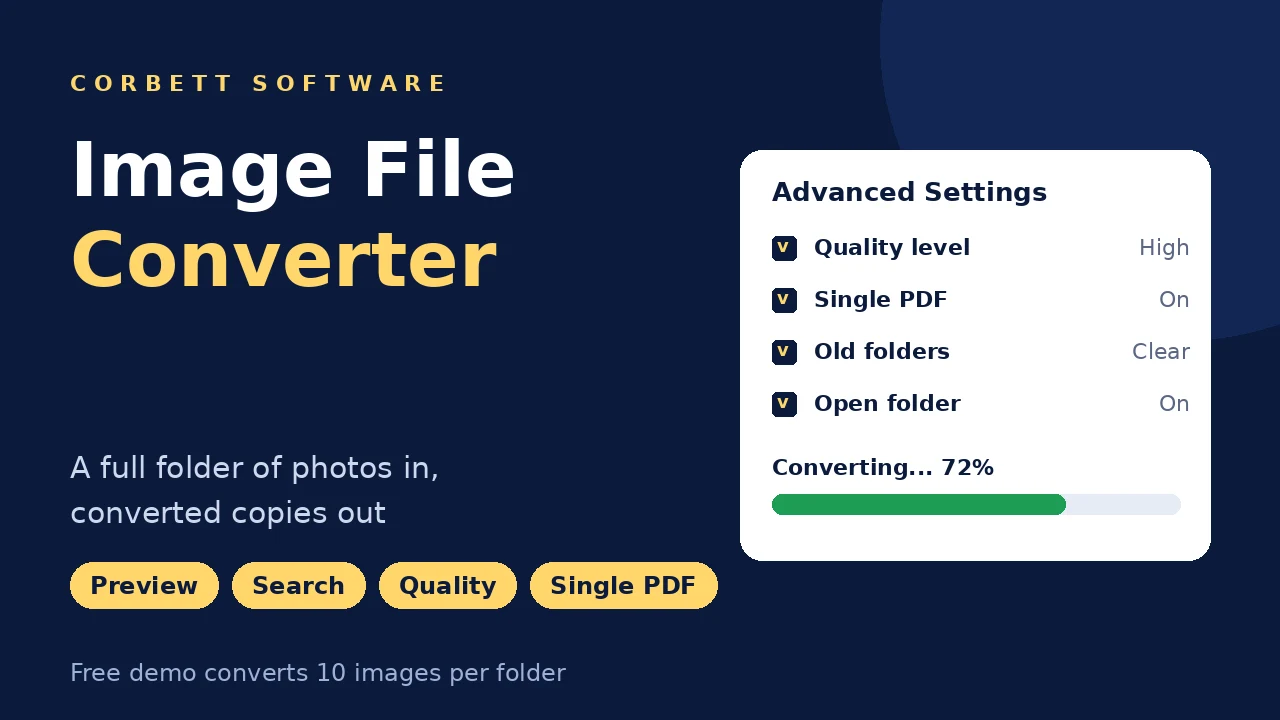
Export lists every target format. Advanced Settings add a quality level, a single PDF that combines all images, a cleanup of old output folders and opening the folder once done.

Before converting

Image File Converter Tips

Three habits for sharper results and fewer reruns.

Quality

Keep the quality level high for print

Lower quality makes smaller JPEG and WEBP files for the web. For print or archives, keep it high or use PNG or TIFF.

HEIC

Convert iPhone photos to JPG

Windows Photos often asks for an extra codec before it opens HEIC files. HEIC support in the latest update lets the converter save JPG copies that open on any device.

PDF

One PDF or one per image

Use the single PDF option for scanned pages that belong together, like a contract or a receipt bundle. Leave it off when every image needs its own file.

Mail related image jobs are covered in Download attachments from Thunderbird and Extract attachments from MBOX files.

Free trial

Convert 10 Images Free Per Folder

Get the trial, add a real photo folder and convert 10 images from it. Compare the output with the originals before buying.

Download free demo

Before purchase

Upload Sites vs Image File Converter

Free conversion websites handle a single JPG to PNG in seconds. Folders of private photos, HEIC files and batch PDFs are where a desktop tool pays off.

Job Upload sites Image File Converter
Cost Free with limits $29 one time
One quick conversion Done in seconds Just as quick
Hundreds of photos Daily caps or queues Full folders at once
Privacy Files uploaded Stays on this PC
Quality control Often fixed Quality level setting
Many images to one PDF Varies by site Single PDF option
Mixed source formats One type per upload Mixed in one batch
Search in the list Not available Keyword search bar

Green rows mark where an upload site is enough.

For one non-private image, a conversion website does the job. To clear location data from photos before sharing, use the Metadata Cleaner .

Specifications

Image File Converter Specs

Download details

Version
1.3
Download size
12.3 MB
Trial limit
10 images per folder
Delivery
Download link and key by email
Licence
Lifetime, from $29
Download Now

System

Hard disk
125.6 MB free disk space
RAM
2 GB minimum
Processor
Core 2 Duo, 2.4 GHz
Rights
Run as Administrator
Photo editor
Not required

Supported editions

Windows 11, 10, 8 and 7 in 32-bit or 64-bit, plus Windows Server 2008 to 2019.

No macOS or Linux build.

Corbett has built Windows email utilities since 2020. Image conversion questions reach the developers directly.

Working process

Image Format Video

Prefer a written walkthrough? The Image File Converter guide converts BMP files step by step.

Image File Converter walkthrough

Common questions

Image File Converter FAQs

Formats, quality, HEIC and what the trial converts.

How do I convert JPG to PNG?

Click Open, choose JPG and add your files. Preview them, click Export, select PNG, set the output location with Browse and click Save.

Will conversion reduce image quality?

Not on lossless targets like PNG and TIFF. For JPEG and WEBP, the quality level setting decides the balance between size and detail.

Can it convert HEIC photos?

Yes. HEIC files from iPhones convert to JPG, PNG and the other formats.

Can I convert many images at once?

Yes. Load a folder and the converter processes every picture inside together.

Can I combine images into one PDF?

Yes. Turn on the single PDF option and all selected images go into one document.

Which formats can it open?

BMP, GIF, JPEG, JPG, PNG, PSD, TIFF, WEBP and HEIC.

Which formats can it save?

JPEG, JPG, PNG, GIF, WEBP, TIFF, BMP and PDF, plus SVG, EPS, AI and PSD.

Can I mix formats in one run?

Yes. Load JPG, PNG and TIFF together and convert them to one output format.

Are my original photos left as they were?

Yes. New copies are written to the output location and originals stay untouched.

Can I find specific images in a big folder?

Yes. Type a keyword into the box over the picture list.

Does SVG output make my photo a vector?

No. The picture is placed inside the SVG file. True vector tracing needs a design program.

Are my photos uploaded anywhere?

No. Conversion happens on your computer only.

Is there a version for Mac?

No. It runs on Windows 7 to 11 and Windows Server 2008 to 2019.

How much does it cost?

From $29, with business tiers above that. You pay once.

What can the free trial do with images?

Every format and setting, with 10 images converted from every folder.

Step by step

Photo and File Guides

Help for the jobs around image files.

Mailbox moves are covered on the Email Migration Tool page, server-based moves on the IMAP Migration Tool page. Mail formats are handled by the email converter tool. Damaged mail stores need the email recovery software. Mail data opens without charge in the email viewer software. More utilities: Disk Space Usage Analyzer and Website Downloader. Also see the Sitemap Generator, PST File Analyzer, Email Eraser Tool, BKF File Recovery and VBA Password Remover.

User testimonials

Image File Converter Reviews

493 ratings from designers and office users who converted photos with Corbett.

4.9 out of 5

Collected across 493 reviews submitted on download portals and by email. The three below are reproduced as sent.

Best of many converters

As a graphic designer, I have used many image converters from different developers. But this software is the best one. Because of the easy conversion of bulk images. Also, it maintain the quality of your pictures which is cherry on top.

Thanos Miller

Original quality kept

In my work, I often need to convert my images. Using this tool makes my work easier as it exports the pictures while preserving the original quality. With this, my work improved significantly.

Mathew

Easy for beginners

I don't know much about the technology, but this image file converter is easy to use. The software quickly converts my images without any issues. Because of its simple and clean interface, working with them become easier.

Linda Kelly

Get started

Convert a Folder of Photos Today

Run the trial on a real folder, compare the output and buy when it fits. Refunds on the $29 licence stay open for 30 days.

Download free demo Purchase now

12.3 MB · Windows 11 to 7 and Windows Server 2019 to 2008 · 30 day money back