Corbett

USB History Viewer

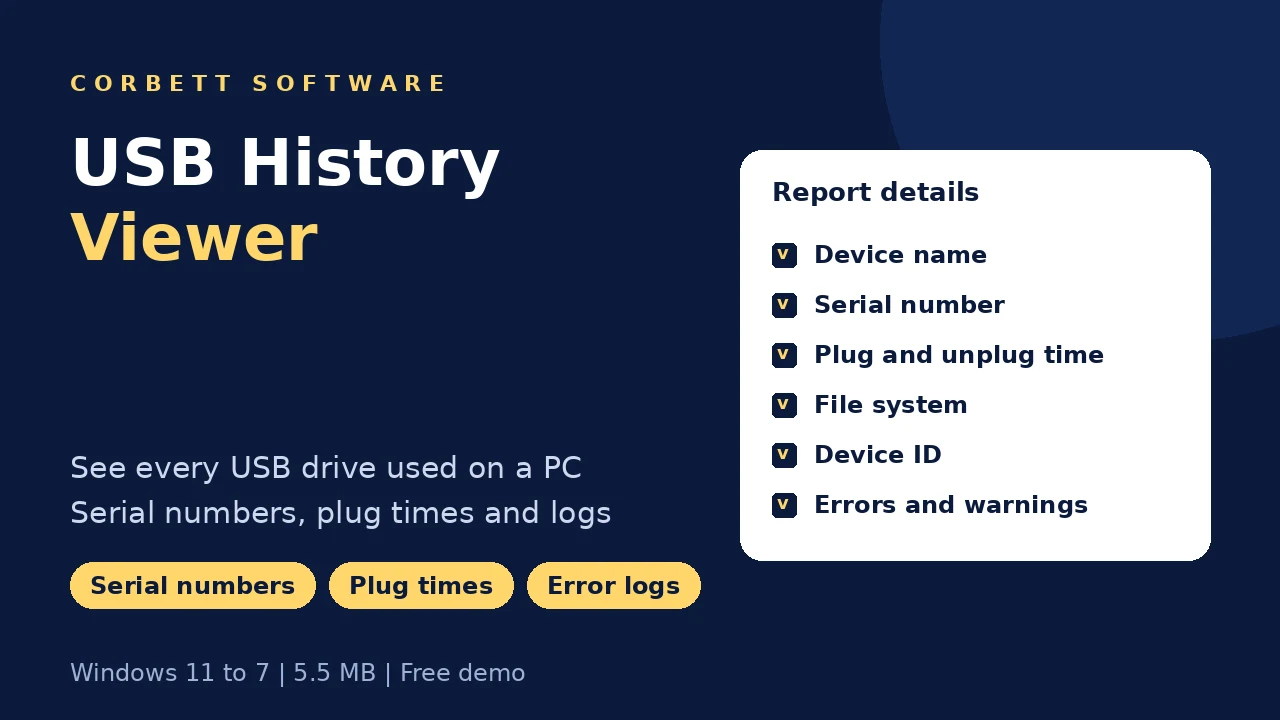
Corbett USB History Viewer lists every USB drive ever connected to a Windows PC, with device name, type, size, serial number, plug and unplug times, file system and device ID. Errors and warnings show at the bottom, and the full report exports in one click. Built for Windows, trial included.

Download free demo Purchase now

4.9 out of 5 from 493 reviews

The report is built from this PC's own records. Nothing is sent to Corbett.

Free demo, scanned clean on VirusTotal and a 30-day money-back window.

Lifetime licence from $49 Free trial shows 10 USB entries

Device facts

USB History Viewer for Audits and Forensics

A staff member leaves and files go missing. Was a pen drive involved, and when? Windows keeps traces of every USB device it has met, but they sit scattered across the registry and system logs. USB History Viewer gathers them into one readable report in under a minute.

Recorded

  • Device name
  • Serial number
  • Plug time
  • Unplug time
  • Capacity
  • File system
  • Device ID

Device types

  • Pen drives
  • External hard drives
  • SSD enclosures
  • Card readers
  • Phones in storage mode
  • USB keys
  • Unknown devices

Report parts

  • Device list
  • Connection count
  • USB type
  • Revision
  • Size
  • Errors
  • Warnings
  • Export

Not shown

  • Files on the drive
  • Copied file names
  • Network shares
  • Cloud uploads

Where Windows keeps USB traces

Windows records attached storage in the USBSTOR registry key, in setupapi.dev.log and in its event logs. Reading them by hand takes hours and some entries are easy to misread. USB History Viewer combines those traces into one list.

Core features

How USB History Viewer Works

Launch, press Proceed, read the report and check the logs.

USB History Viewer start screen with Proceed

Start

Press Proceed to Build the Report

Launch the tool and click Proceed. The history report builds from the PC's records without any setup or extra software.

  • One button to start
  • No agent or service installed
  • Works on the PC being checked
  • Report ready within minutes
List of all USB devices connected to the PC

Device list

See Every USB Drive Ever Connected

New and previously connected devices appear together with a total count, so the scale of USB use on the PC is clear at once.

  • Recent and past devices together
  • Total count shown
  • Device type for every entry
  • Select one device for detail
USB device detail with serial number and times

Device detail

Check the Details of a Single USB Drive

Choose a device from the list to see its full record, useful when one serial number matters more than the rest.

  • Serial number ties the entry to a physical drive
  • Plug and unplug times frame when it was in use
  • Revision and size describe the hardware
  • File system and device ID complete the record
USB error and warning logs

Logs

Review USB Errors and Warnings

Errors and warnings appear at the bottom of the window. Failed recognition and repeated disconnects point to faulty ports, cables or drives.

  • Error log panel
  • Warning entries
  • Failed recognition events
  • Frequent disconnects
  • Driver conflicts noted
  • Kept apart from the device list
USB history report ready for export

Export

Export the USB History Report

Save the full report to a secure folder for an audit file or case record. The licensed edition unlocks export.

  • Report saved to any folder
  • Audit and case ready
  • Investigating mail as well? Profile Outlook data with the PST File Analyzer
  • Need to clean document metadata before sharing findings? Use the Metadata Cleaner afterwards

Before reporting

USB History Viewer Case Notes

Three habits that keep a USB report defensible.

Time zone

Record the PC's time zone

Plug and unplug times depend on the system clock. Note the time zone and any clock drift in the case file.

Live system

Avoid plugging in new devices

Every new drive adds entries. Run the tool from the PC itself and keep other USB devices out until the report is saved.

Evidence

Save and hash the report

Export the report straight away, store a copy with the case and record a hash so it can be shown unchanged later.

Related forensic tools are the PST File Analyzer and Metadata Cleaner.

Free trial

View 10 USB Entries Free

Install the trial on the PC to check and see the first 10 device entries with full detail. Buy to see the rest and export.

Download free demo

Before purchase

Registry Editor vs USB History Viewer

The USBSTOR key in Registry Editor lists past storage devices at no cost. Making sense of it takes skill and time, and a slip can damage the system. The rows below compare both.

Job Registry Editor USB History Viewer
Cost Built into Windows $49 one time
List past drives Under USBSTOR Listed plainly
Plug and unplug times Spread across logs In one table
Serial numbers Inside key names Own column
Errors and warnings Event Viewer needed Shown in the tool
Risk of damage Edits can break Windows Read only
Report export Manual notes One click
Skill needed Registry knowledge None

Green rows mark where Registry Editor is enough.

An experienced admin can read USBSTOR for a quick answer. Mailbox evidence on the same PC is profiled with the PST File Analyzer .

Specifications

USB History Viewer Specs

Download details

Version
1.2
Download size
5.5 MB
Trial limit
10 USB entries
Delivery
Download link and key by email
Licence
Lifetime, from $49
Download Now

System

Hard disk
131.1 MB free disk space
RAM
2 GB minimum
Processor
Core 2 Duo, 2.4 GHz
Rights
Run as Administrator
Extra software
Not required

Supported editions

Windows 11, 10, 8 and 7 in 32-bit or 64-bit, plus Windows Server 2008 to 2019.

No macOS or Linux build.

Corbett has built Windows email utilities since 2020. Device history questions go straight to the developers.

Common questions

USB History Viewer FAQs

Devices, logs, forensics and what the trial shows.

How do I check USB history on Windows?

Launch the tool and click Proceed. The report of past USB devices appears with all details.

Does it show files copied to the USB?

No. It reports the device and its connection history, not the files it holds.

Does it list devices connected long ago?

Yes. New and previously connected drives both appear, as far back as Windows kept records.

Can it find unauthorized USB use?

Yes. Unknown serial numbers and odd plug times stand out in the report.

Which details are shown?

Count, USB type, size, plug and unplug time, serial number, revision, file system and device ID.

Is report export included?

Yes, in the licensed edition. Save it to any folder for audits or cases.

Does it help with faulty USB drives?

Yes. Error and warning logs show failed recognition and repeated disconnects.

Is it used in forensics?

Yes. Investigators use it to trace data theft and document device use.

Can I check one device only?

Yes. Choose it from the list to see its full record.

Does it alter anything on my PC?

No. It only reads existing records.

Why are some entries missing?

Windows may clear older records after updates or cleanups. The tool shows what the system still holds.

Is any data uploaded?

No. The report stays on your computer.

Does a Mac edition exist?

No. It needs Windows 7 to 11 or Windows Server 2008 to 2019.

Which licence price applies?

Prices start at $49 and team editions cost more. You pay once.

What does the USB History Viewer trial show?

The first 10 USB entries with full detail. Export needs a licence.

Step by step

Forensic and IT Tools

Utilities that pair with a USB audit.

Mailbox moves between services are on the Email Migration Tool page, server moves on the IMAP Migration Tool page. Saved mailbox formats are handled by the email converter tool. Corrupt mail stores go to the email recovery software. Mail evidence opens free in the email viewer software. More utilities: Sitemap Generator and Website Downloader. Also see the Email Eraser Tool, Image File Converter, XLS to CSV Converter, Email Address Validator and VBA Password Remover.

User testimonials

USB History Viewer Reviews

493 ratings from IT admins and investigators who audited USB use with Corbett.

4.9 out of 5

Collected across 493 reviews sent through software portals and support email. The three below are unaltered.

Unauthorized use found

To find a reliable way to track USB activity on my company device, I use this software. It is such a great program for generating the report as it gives you detailed logs and other important data which helped me in finding the unauthorized USB usage.

John

Useful in forensics

This fantastic tool helps me in my digital forensic investigation. It helped me get useful information regarding the USB connection history. This tool is great for forensic investigation.

Sarah

Office PCs monitored

I download this tool to monitor USB access on my office computers. It is an incredible software where I can easily use and export my reports without needing any help. I highly recommend this tool to anyone, who has trouble checking their USB event.

Carlos

Get started

Audit USB Use on Any PC

See 10 entries free, check the detail and buy when the report fits the case. Refund requests on the $49 licence are accepted for 30 days.

Download free demo Purchase now

5.5 MB · Windows 11 to 7 and Windows Server 2019 to 2008 · 30 day money back